
Iannnis - Minecraft Skins & Skin History
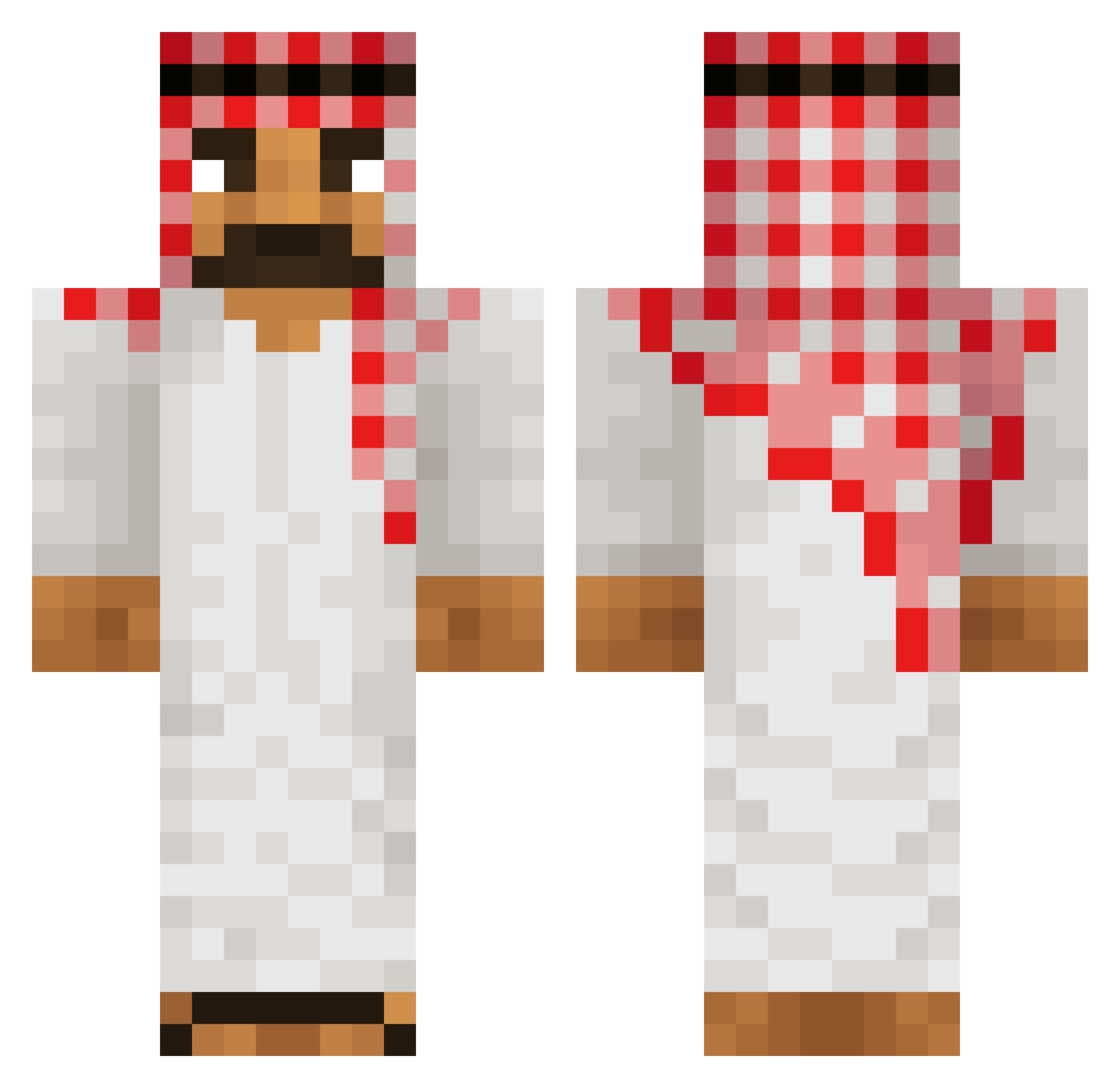
Current Minecraft skin of the player Iannnis, loaded from the official Mojang API. Rotate the 3D model with your mouse or finger, then download the skin as a PNG file and use it in Minecraft: Bedrock Edition or Java Edition for free. When Iannnis changes their skin, this page updates automatically and the old skin stays in the history below.
Other players with this skin (514)
Iannnis was the 105th player we have seen with this skin, first spotted on 16.08.2026. The same skin was seen on these players. Open a nickname to see their current skin and skin history.
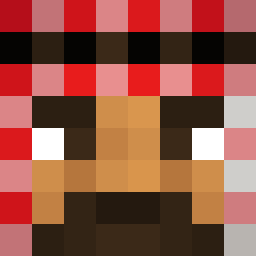 bobtheturkey7 WaitedLukas CreatorIsHigh AutoVI Chaostheory12 tspeed007 XD_Agent mxvetle Hebi3 Taze522 BorderControlled firatsechs5 Wightprince Brownboy9 Amitamit77 Poohzaza FeelsDankMan1 Spectrazzz cryjal ArabGamer03 DIETCOKE183 mdRetro PedroXCB spiritblue09
 R4di4light Sayar22 KAJZERSON AgouadoudouDembe Hooman2009 BH3NCHOD daddyloccs The_Volcom Heezten Burjak Barwagg Morlok56 KingYabil Mikejava2 craftking1010 AntoineG99 davidnor561 TzM23 Nuko1204 A1_Landscaping King_Of_Tokyo _ZEELOO_ PINCITADEDEPILAR Manu_76yyyy WavesMC lemonlime345678 Caralio KiXs95 ypgamer3874 DrAjgor hellmker rickyyy777 Malouan Denis_Rama cimba132 Coyote024
More Sheikh Minecraft skins
How to install the Iannnis skin
- Press the Download button above to save the skin as a PNG file.
- Minecraft: Bedrock Edition (PE): open the Dressing Room from the main menu (or tap your character → Edit Character), go to Classic Skins → Owned, press the + (new skin) button, choose the downloaded PNG and pick the Classic (Steve) model. Works on PC and mobile; consoles cannot import custom skins.
- Minecraft: Java Edition: open the Minecraft Launcher, go to the Skins tab, click New Skin, load the PNG, pick the Classic (Steve) model and press Save & Use. You can also upload it at minecraft.net → Profile → Change Skin.
The skin does not show up after import - what should I do?
Restart Minecraft and open the Dressing Room again - imported skins sometimes appear only after a restart. Also make sure you selected the imported skin and picked the Classic (Steve) model.
Which model should I choose, Classic or Slim?
This skin is designed for the Classic (Steve) model. If you pick the wrong model, the arms of the skin will look stretched or squeezed.
Is the skin of Iannnis free to download?
Yes. Press Download, save the PNG file and use it in Minecraft: Bedrock Edition or Java Edition - no payment or registration needed. The skin also works on multiplayer servers and Realms.
More skins
Looking for more? Go back to all Minecraft skins and check the top skins of the week, month and all time, or find any player's skin by nickname.