
IIGarryII - Minecraft Skins & Skin History
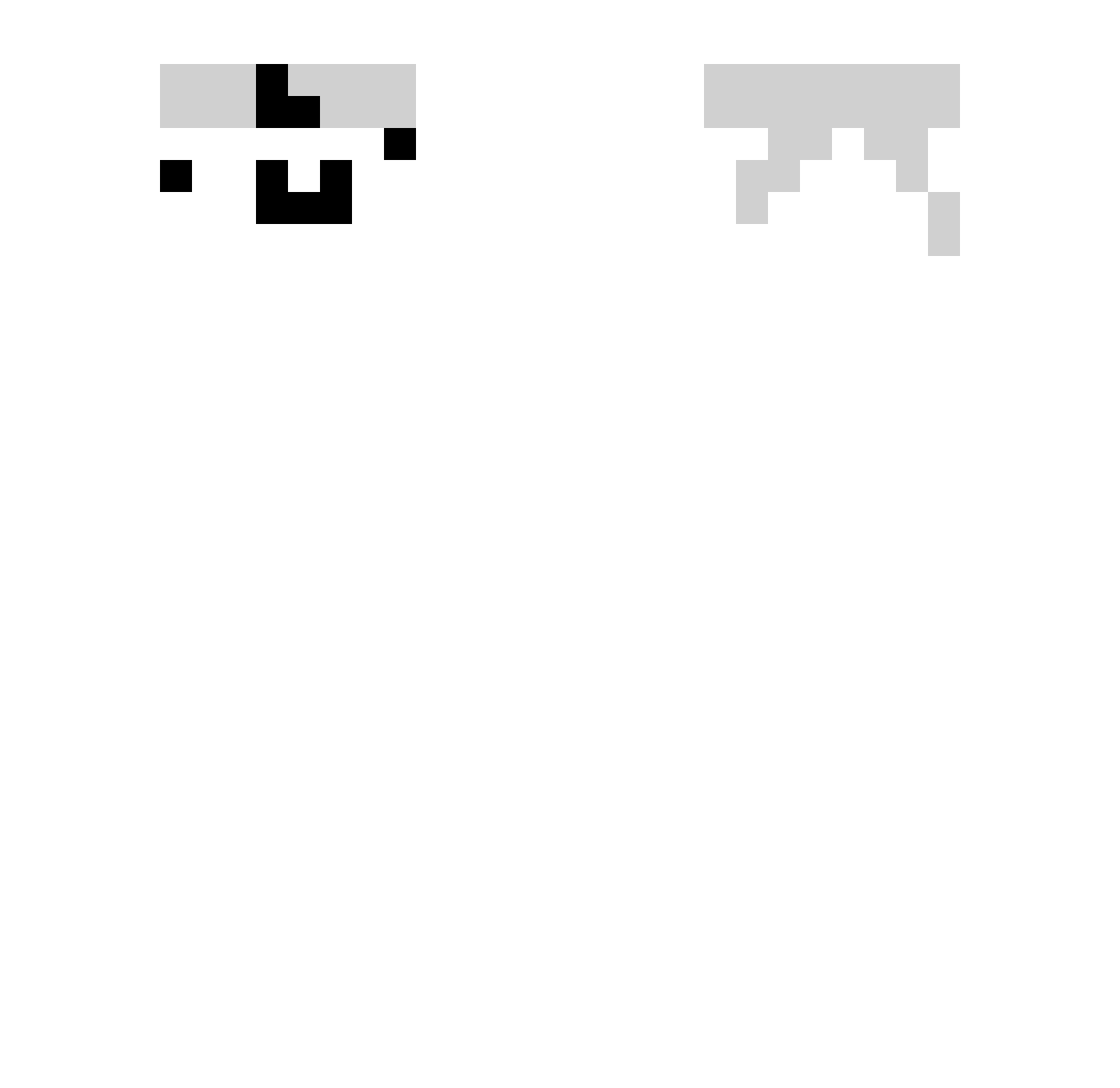
Current Minecraft skin of the player IIGarryII, loaded from the official Mojang API. Rotate the 3D model with your mouse or finger, then download the skin as a PNG file and use it in Minecraft: Bedrock Edition or Java Edition for free. When IIGarryII changes their skin, this page updates automatically and the old skin stays in the history below.
Other players with this skin (405)
IIGarryII was the 369th player we have seen with this skin, first spotted on 10.11.2026. The same skin was seen on these players. Open a nickname to see their current skin and skin history.
 BerryFishy5935 TheAkashi Dngl5 Melon_Winni mosax TheXecade Ronpu_ baihez LZY778 BigGayMimi xiaojieyuyu GGDADAINININ Kill_game k45l Hermit_Noah KKZ6666 ljx1314520 Snake_131425 SyKoz2023 adm69z YXWIND inforno7 eunseo11 jwjw486 GREEGreegree8 plan0497 ZZkamisama yRocks Kubaq12 Pliiiiii luyuzez HalvardNic mjt666 p1g30nL AsleepSpider923 NezikSOn baihe7 BlessedBato Xue_Luv Filip205 GUNick31 DenizTe2025 Eymen12 BiueSprite Nem11q Bignu_ osidayi KIWI_ON_PC Mizuki121 BaianoDavizzinYT Part1ZaN9 lara2019 maplkom Jmsudd XxShulkerxX 0voll Riplale Chrlsss Andy_CN TonyMontanaFlow
How to install the IIGarryII skin
- Press the Download button above to save the skin as a PNG file.
- Minecraft: Bedrock Edition (PE): open the Dressing Room from the main menu (or tap your character → Edit Character), go to Classic Skins → Owned, press the + (new skin) button, choose the downloaded PNG and pick the Slim (Alex) model. Works on PC and mobile; consoles cannot import custom skins.
- Minecraft: Java Edition: open the Minecraft Launcher, go to the Skins tab, click New Skin, load the PNG, pick the Slim (Alex) model and press Save & Use. You can also upload it at minecraft.net → Profile → Change Skin.
The skin does not show up after import - what should I do?
Restart Minecraft and open the Dressing Room again - imported skins sometimes appear only after a restart. Also make sure you selected the imported skin and picked the Slim (Alex) model.
Which model should I choose, Classic or Slim?
This skin is designed for the Slim (Alex) model. If you pick the wrong model, the arms of the skin will look stretched or squeezed.
Is the skin of IIGarryII free to download?
Yes. Press Download, save the PNG file and use it in Minecraft: Bedrock Edition or Java Edition - no payment or registration needed. The skin also works on multiplayer servers and Realms.
More skins
Looking for more? Go back to all Minecraft skins and check the top skins of the week, month and all time, or find any player's skin by nickname.