
ICannotRead - Minecraft Skins & Skin History
Current Minecraft skin of the player ICannotRead, loaded from the official Mojang API. Rotate the 3D model with your mouse or finger, then download the skin as a PNG file and use it in Minecraft: Bedrock Edition or Java Edition for free. When ICannotRead changes their skin, this page updates automatically and the old skin stays in the history below.
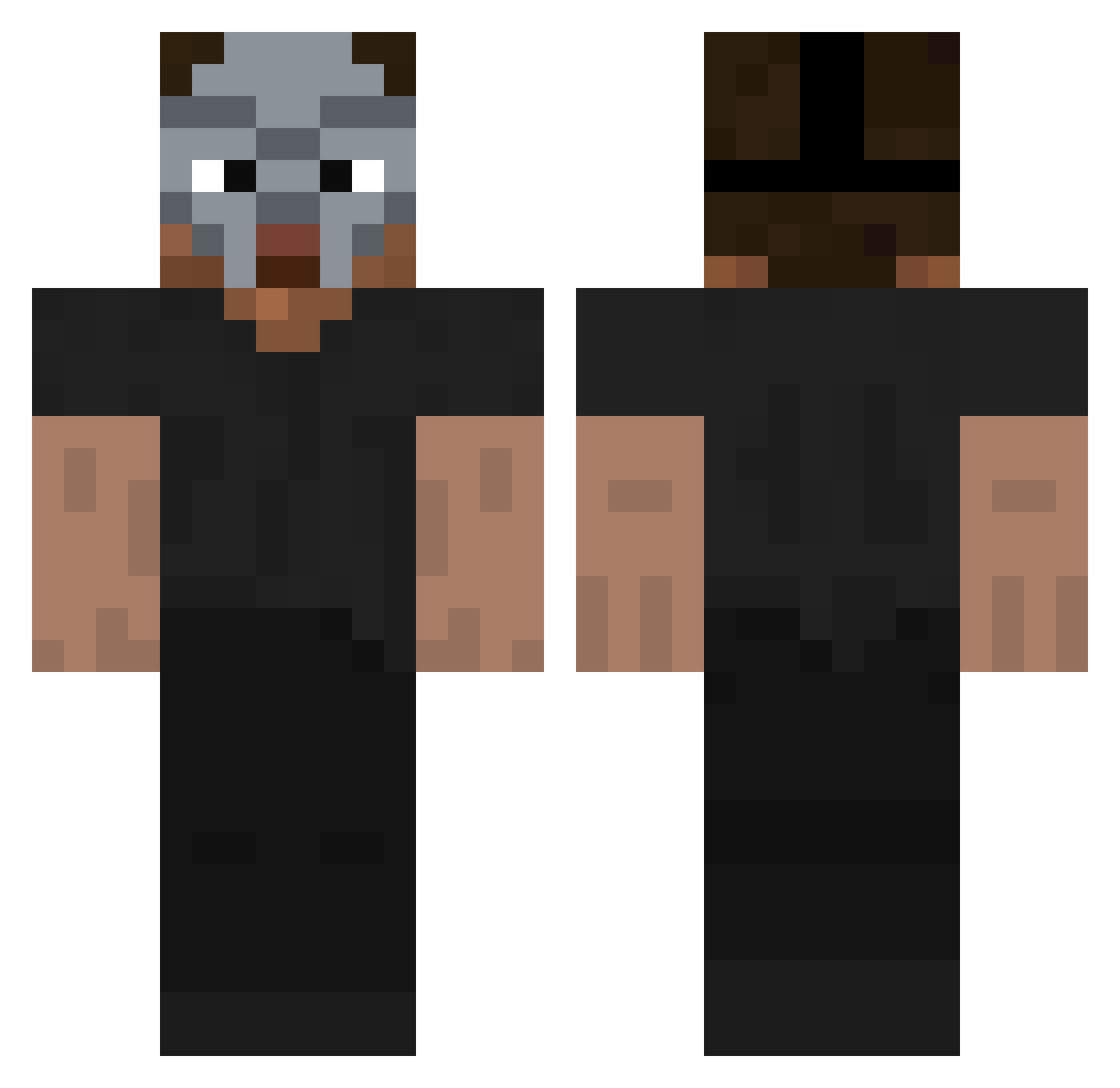
Other players with this skin (120)
ICannotRead was the 76th player we have seen with this skin, first spotted on 24.09.2026. The same skin was seen on these players. Open a nickname to see their current skin and skin history.
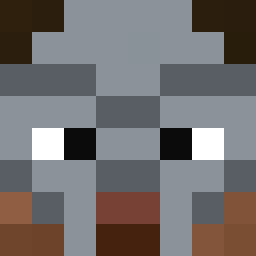 TheRealCequu LilMop svehlicek123 mnzo7 evohhhhh martimpro0 QUWARRS NotAtMuch MasterRabbin James3317 Dumbrio 2Ryze Booba73 nahtzumoto nunnybum dzo_dzo123 Leo568 gxvnz LilFrapz HashBrownxs M_u_f_t_i kaled089 Scofield fldfii235 GilbertTheMighty RedLion07 lorenz_136 qrtzzzz suboraze Leviachi PinkKing420 Thecat1023y cursed187 Mersnn Lxmbard Castianer mark_ctraa 0nafets alidarwiche Sonoosh TheBigWang1 Stoqnow pitufossj duskarii WhitenessX GumbyEBG nativekiller DivineProbably ajyf xavzz_ Tornscales 12CENT22 heatzzz rzukgnojasz komo369 Antagn1st st_ew demonlordao Snug_01 ElBaeroo
More Hip Hop Minecraft skins
How to install the ICannotRead skin
- Press the Download button above to save the skin as a PNG file.
- Minecraft: Bedrock Edition (PE): open the Dressing Room from the main menu (or tap your character → Edit Character), go to Classic Skins → Owned, press the + (new skin) button, choose the downloaded PNG and pick the Classic (Steve) model. Works on PC and mobile; consoles cannot import custom skins.
- Minecraft: Java Edition: open the Minecraft Launcher, go to the Skins tab, click New Skin, load the PNG, pick the Classic (Steve) model and press Save & Use. You can also upload it at minecraft.net → Profile → Change Skin.
The skin does not show up after import - what should I do?
Restart Minecraft and open the Dressing Room again - imported skins sometimes appear only after a restart. Also make sure you selected the imported skin and picked the Classic (Steve) model.
Which model should I choose, Classic or Slim?
This skin is designed for the Classic (Steve) model. If you pick the wrong model, the arms of the skin will look stretched or squeezed.
Is the skin of ICannotRead free to download?
Yes. Press Download, save the PNG file and use it in Minecraft: Bedrock Edition or Java Edition - no payment or registration needed. The skin also works on multiplayer servers and Realms.
More skins
Looking for more? Go back to all Minecraft skins and check the top skins of the week, month and all time, or find any player's skin by nickname.