
Hymaa - Minecraft Skins & Skin History
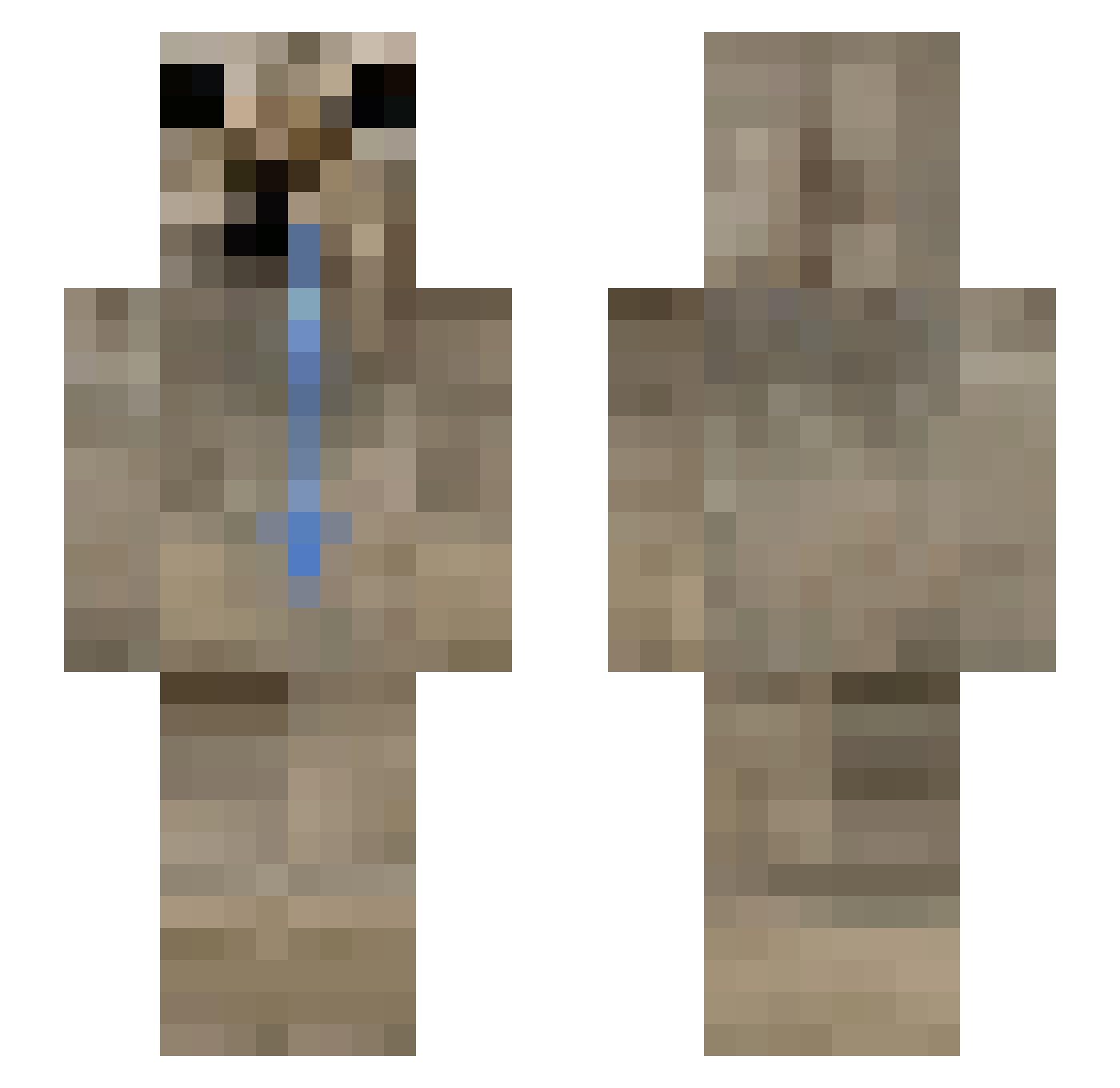
Current Minecraft skin of the player Hymaa, loaded from the official Mojang API. Rotate the 3D model with your mouse or finger, then download the skin as a PNG file and use it in Minecraft: Bedrock Edition or Java Edition for free. When Hymaa changes their skin, this page updates automatically and the old skin stays in the history below.
Other players with this skin (217)
Hymaa was the 180th player we have seen with this skin, first spotted on 29.10.2026. The same skin was seen on these players. Open a nickname to see their current skin and skin history.
 crweepers sackzrina Yuhzinha mxe050401 SPIZZY___ CH1TUZ BeSirup Vetchling osdkj DanTG07 caetxno Joltywolty Henriqueleal rag21n ThatGoldRock ImSyntheticallyy SisKaMs Skies1408 Relement cheetokid yilihua s1lentLy WojownikYoutuba ongblud super_hyper_boy _J_A_M_A_ Emc2Emc2 Zeesgo Luether Wazowski_Stach orizzonteciolone Yessirski12 Kuronkuu Tokatsuma bitter28 Awras _Quni AmineWallah MXG8 iLikeFishies201 Z_ygote alduuku trussikorchid BLAKESTAZ guganarjun_12 TUTUAM18 paologod WjbuOwO _ZiQu_ Fr0styy__ alanzzz123 Dorcopsis BrokenBoy_ retawax Boy_little TimiTermit1337 9010 DiabolicoMuajaj Jung2CW santi_111xdee
More Appa Minecraft skins
How to install the Hymaa skin
- Press the Download button above to save the skin as a PNG file.
- Minecraft: Bedrock Edition (PE): open the Dressing Room from the main menu (or tap your character → Edit Character), go to Classic Skins → Owned, press the + (new skin) button, choose the downloaded PNG and pick the Slim (Alex) model. Works on PC and mobile; consoles cannot import custom skins.
- Minecraft: Java Edition: open the Minecraft Launcher, go to the Skins tab, click New Skin, load the PNG, pick the Slim (Alex) model and press Save & Use. You can also upload it at minecraft.net → Profile → Change Skin.
The skin does not show up after import - what should I do?
Restart Minecraft and open the Dressing Room again - imported skins sometimes appear only after a restart. Also make sure you selected the imported skin and picked the Slim (Alex) model.
Which model should I choose, Classic or Slim?
This skin is designed for the Slim (Alex) model. If you pick the wrong model, the arms of the skin will look stretched or squeezed.
Is the skin of Hymaa free to download?
Yes. Press Download, save the PNG file and use it in Minecraft: Bedrock Edition or Java Edition - no payment or registration needed. The skin also works on multiplayer servers and Realms.
More skins
Looking for more? Go back to all Minecraft skins and check the top skins of the week, month and all time, or find any player's skin by nickname.