
Hoppery - Minecraft Skins & Skin History
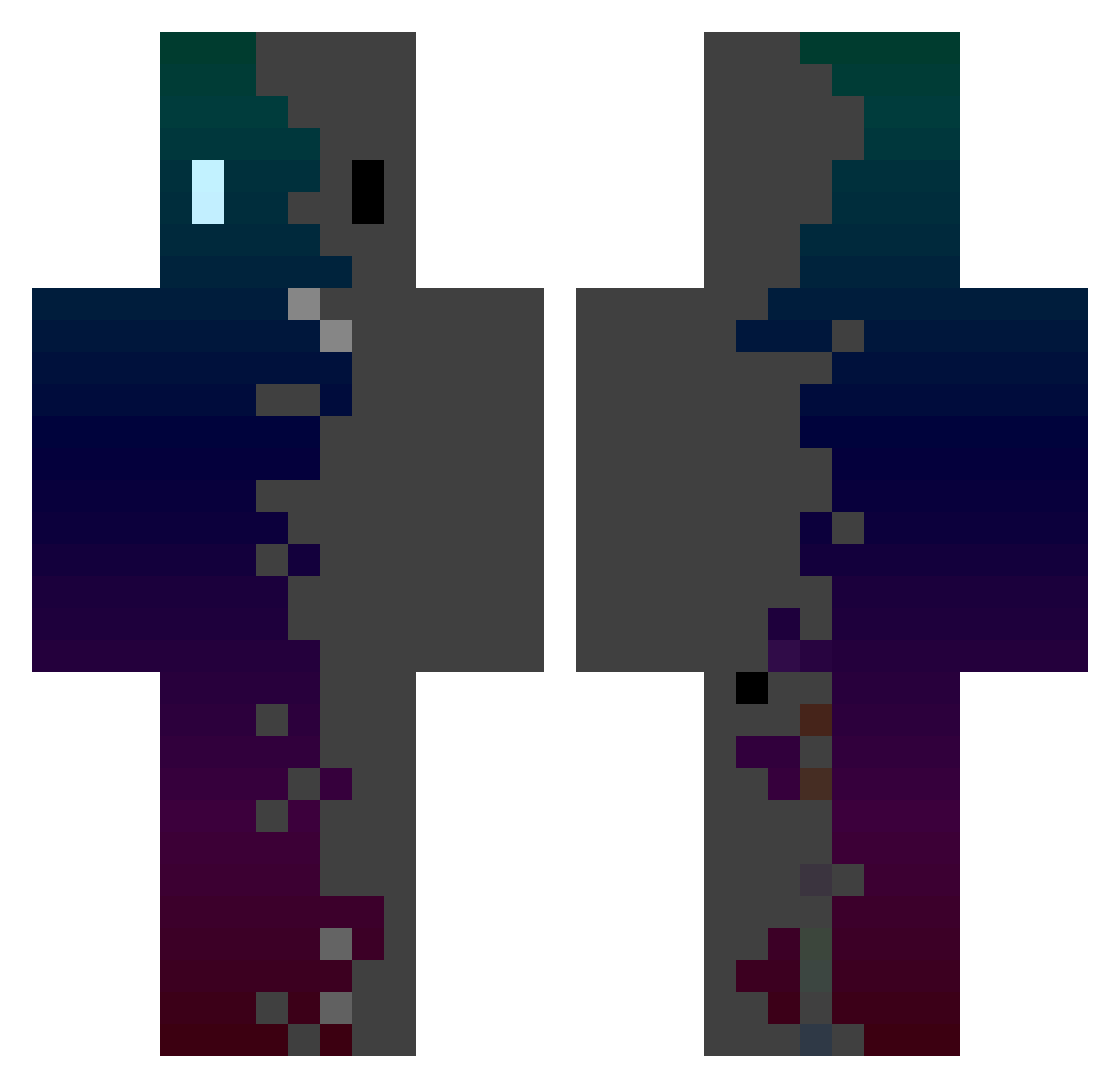
Current Minecraft skin of the player Hoppery, loaded from the official Mojang API. Rotate the 3D model with your mouse or finger, then download the skin as a PNG file and use it in Minecraft: Bedrock Edition or Java Edition for free. When Hoppery changes their skin, this page updates automatically and the old skin stays in the history below.
Other players with this skin (433)
Hoppery was the 410th player we have seen with this skin, first spotted on 03.11.2026. The same skin was seen on these players. Open a nickname to see their current skin and skin history.
 weiran2 Keysb ilovelinesno Hakkaman2 Nabeel71 SkyWalkerGkz Shadow_240 konalsch56 Lufonix_09 flankerzone mariomario lasan6 Dar00_14 zqji ParalyzedSquid RLSH15 RAREANDREW1800 ITSREALME20 JIM___6 tecmanen Cuervi4 iClove PPPace1 Ashley41 DivineStatus licht2169 FFFFARIS AndaaSeat GROPAF1 ebliswu lastsleepe m8nw4lk3r Autisim Lloydlive xglitchx Sebci000 bald_Time micerayake Sprani_Bergi FiNCHiiiBOi DaKrys1 sgrblx TezcatlipocaRT PotassiumLith vov2010 LuGe_Jin Adh0k minatos111 yilun0320 Bando_11 Crystalysed DuranDuk FormulaPiano253 Pink_drees DLUMP keeen08 selips hehe_14 neillegend_ deadman107
How to install the Hoppery skin
- Press the Download button above to save the skin as a PNG file.
- Minecraft: Bedrock Edition (PE): open the Dressing Room from the main menu (or tap your character → Edit Character), go to Classic Skins → Owned, press the + (new skin) button, choose the downloaded PNG and pick the Classic (Steve) model. Works on PC and mobile; consoles cannot import custom skins.
- Minecraft: Java Edition: open the Minecraft Launcher, go to the Skins tab, click New Skin, load the PNG, pick the Classic (Steve) model and press Save & Use. You can also upload it at minecraft.net → Profile → Change Skin.
The skin does not show up after import - what should I do?
Restart Minecraft and open the Dressing Room again - imported skins sometimes appear only after a restart. Also make sure you selected the imported skin and picked the Classic (Steve) model.
Which model should I choose, Classic or Slim?
This skin is designed for the Classic (Steve) model. If you pick the wrong model, the arms of the skin will look stretched or squeezed.
Is the skin of Hoppery free to download?
Yes. Press Download, save the PNG file and use it in Minecraft: Bedrock Edition or Java Edition - no payment or registration needed. The skin also works on multiplayer servers and Realms.
More skins
Looking for more? Go back to all Minecraft skins and check the top skins of the week, month and all time, or find any player's skin by nickname.