
Hookkani - Minecraft Skins & Skin History
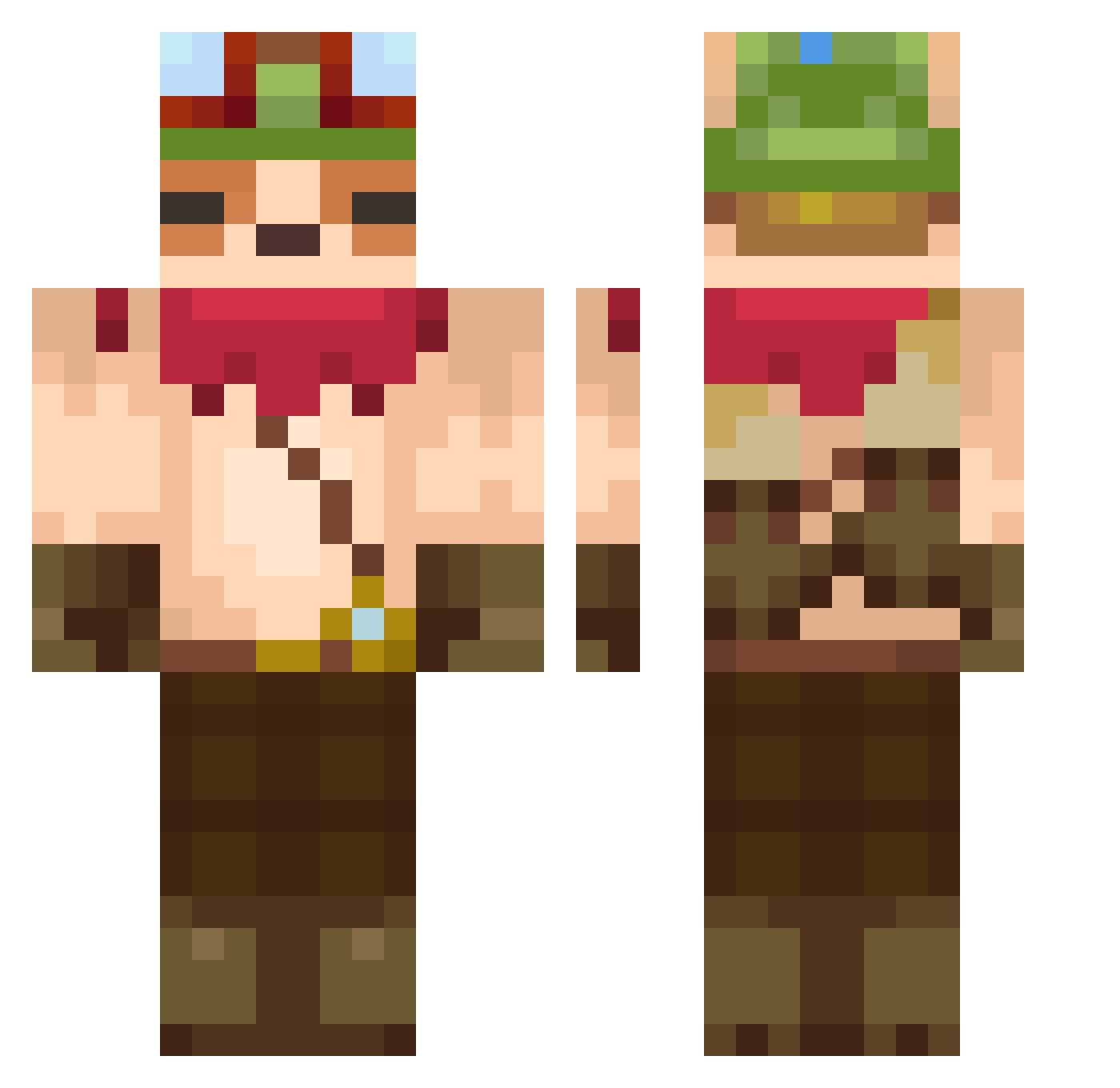
Current Minecraft skin of the player Hookkani, loaded from the official Mojang API. Rotate the 3D model with your mouse or finger, then download the skin as a PNG file and use it in Minecraft: Bedrock Edition or Java Edition for free. When Hookkani changes their skin, this page updates automatically and the old skin stays in the history below.
Other players with this skin (607)
Hookkani was the 428th player we have seen with this skin, first spotted on 06.10.2026. The same skin was seen on these players. Open a nickname to see their current skin and skin history.
 MaxxHidding QUIJOTESLA jhs0829 Matcha_Story 0OMG0 baelvxn AdilhanEmin aple0102 Kaoticardo KCSouli pig64ryder ComplicatedBread proswiftie darnouu_ Elvo7 notzvch neighburs hawahawai KPXI FRENCHPITLOBBY Bouncyknight10 Yonuki Bazhyl mato_z_kose hnyeoie DMDOKUROS Low_is elrond44 greenteafree 2goyangC chordash2 BBgirls Nok2158 Marciparci Wolowizardo Marin_T SyncoJam Anghonic K4IB4 Sillycoopa TyrantRex7u7 121laudarg JUICE_JUICE Rettah toadlover600 theevilminer nobinobio Javarwarwa237 ShamanBr96 Donyaka25 EmreTokel rururu0000 pochiiita sosiji660 RamyAura iErikku SheHatesIR dbdosk marsutroviolle romancanayee
More Bandana Minecraft skins
How to install the Hookkani skin
- Press the Download button above to save the skin as a PNG file.
- Minecraft: Bedrock Edition (PE): open the Dressing Room from the main menu (or tap your character → Edit Character), go to Classic Skins → Owned, press the + (new skin) button, choose the downloaded PNG and pick the Classic (Steve) model. Works on PC and mobile; consoles cannot import custom skins.
- Minecraft: Java Edition: open the Minecraft Launcher, go to the Skins tab, click New Skin, load the PNG, pick the Classic (Steve) model and press Save & Use. You can also upload it at minecraft.net → Profile → Change Skin.
The skin does not show up after import - what should I do?
Restart Minecraft and open the Dressing Room again - imported skins sometimes appear only after a restart. Also make sure you selected the imported skin and picked the Classic (Steve) model.
Which model should I choose, Classic or Slim?
This skin is designed for the Classic (Steve) model. If you pick the wrong model, the arms of the skin will look stretched or squeezed.
Is the skin of Hookkani free to download?
Yes. Press Download, save the PNG file and use it in Minecraft: Bedrock Edition or Java Edition - no payment or registration needed. The skin also works on multiplayer servers and Realms.
More skins
Looking for more? Go back to all Minecraft skins and check the top skins of the week, month and all time, or find any player's skin by nickname.