
Holy_Ship - Minecraft Skins & Skin History
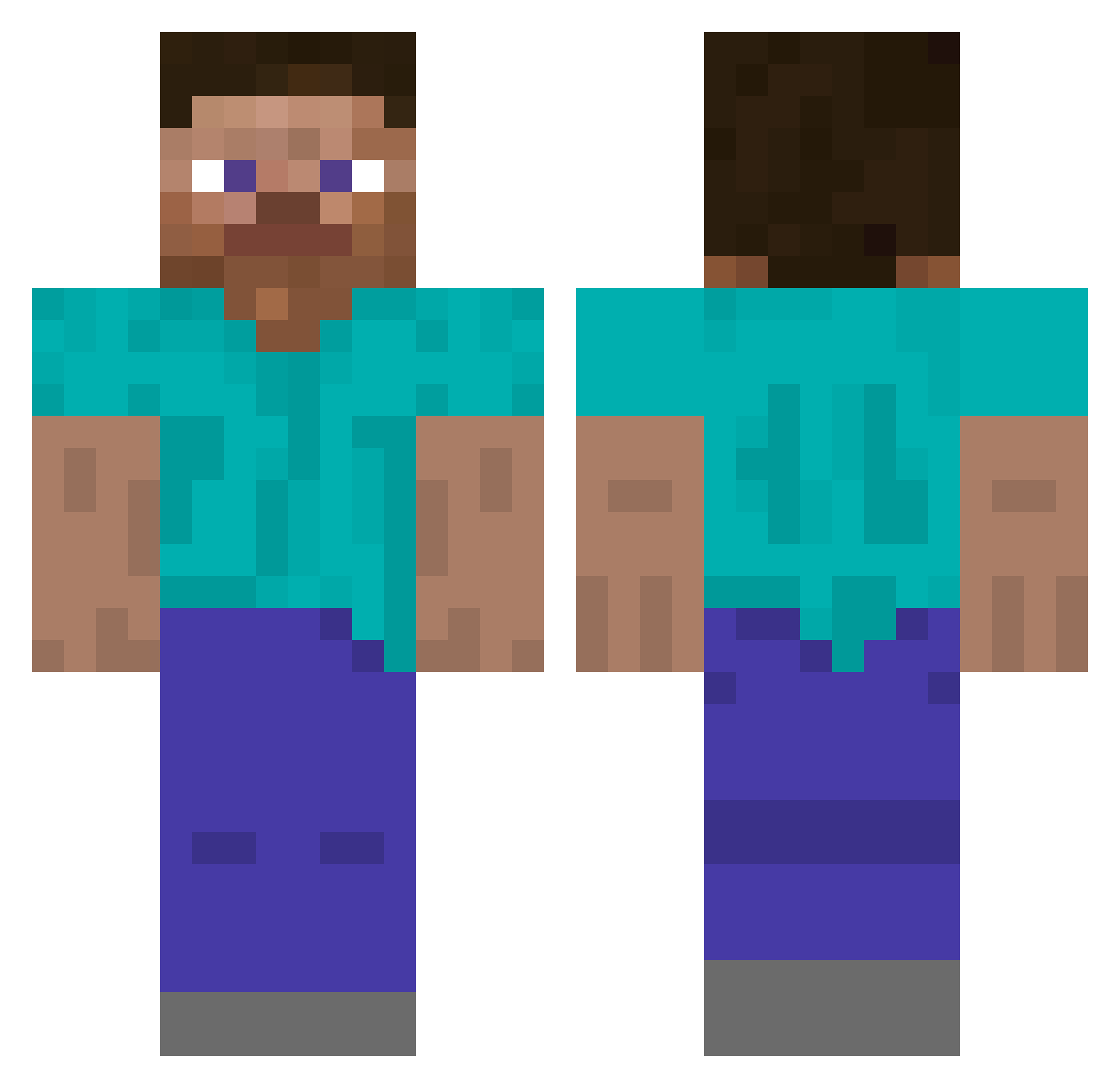
Current Minecraft skin of the player Holy_Ship, loaded from the official Mojang API. Rotate the 3D model with your mouse or finger, then download the skin as a PNG file and use it in Minecraft: Bedrock Edition or Java Edition for free. When Holy_Ship changes their skin, this page updates automatically and the old skin stays in the history below.
Other players with this skin (5793)
Holy_Ship was the 5665th player we have seen with this skin, first spotted on 17.11.2026. The same skin was seen on these players. Open a nickname to see their current skin and skin history.
 The_Famed_Witch maikltb 190V irrotational Boyem0824 Farmer_410 C6Z Zamczor Benjamin_Lirio OCONI07 FunnyMen ELLERYLOCKE Warbles iGFX plasmasoulballs WeebLykMoi Wenzer MaximasPrime8 TheJazzCat Vudul CarrotteRapai thamer123 YoungKezor rapallo __Artur__ Soggy33 patrykreshi Connexive AleetzaG glGh ETJN FelixMortane Krowala Slapshot Revenorffz Wojtias Leonard040512 Chii_Chii HujBro m1kik HamMice Jaxonor SilverGaming770 ilililiillililil justjdog117 Noyous Sounds_Hype CintexCravit upstay Barabra Random0727 Gmcx 00P3 True Ayes BaronM2 Shafting NaYs Lyhrox Walloon
How to install the Holy_Ship skin
- Press the Download button above to save the skin as a PNG file.
- Minecraft: Bedrock Edition (PE): open the Dressing Room from the main menu (or tap your character → Edit Character), go to Classic Skins → Owned, press the + (new skin) button, choose the downloaded PNG and pick the Classic (Steve) model. Works on PC and mobile; consoles cannot import custom skins.
- Minecraft: Java Edition: open the Minecraft Launcher, go to the Skins tab, click New Skin, load the PNG, pick the Classic (Steve) model and press Save & Use. You can also upload it at minecraft.net → Profile → Change Skin.
The skin does not show up after import - what should I do?
Restart Minecraft and open the Dressing Room again - imported skins sometimes appear only after a restart. Also make sure you selected the imported skin and picked the Classic (Steve) model.
Which model should I choose, Classic or Slim?
This skin is designed for the Classic (Steve) model. If you pick the wrong model, the arms of the skin will look stretched or squeezed.
Is the skin of Holy_Ship free to download?
Yes. Press Download, save the PNG file and use it in Minecraft: Bedrock Edition or Java Edition - no payment or registration needed. The skin also works on multiplayer servers and Realms.
More skins
Looking for more? Go back to all Minecraft skins and check the top skins of the week, month and all time, or find any player's skin by nickname.