
Hoevdingen - Minecraft Skins & Skin History
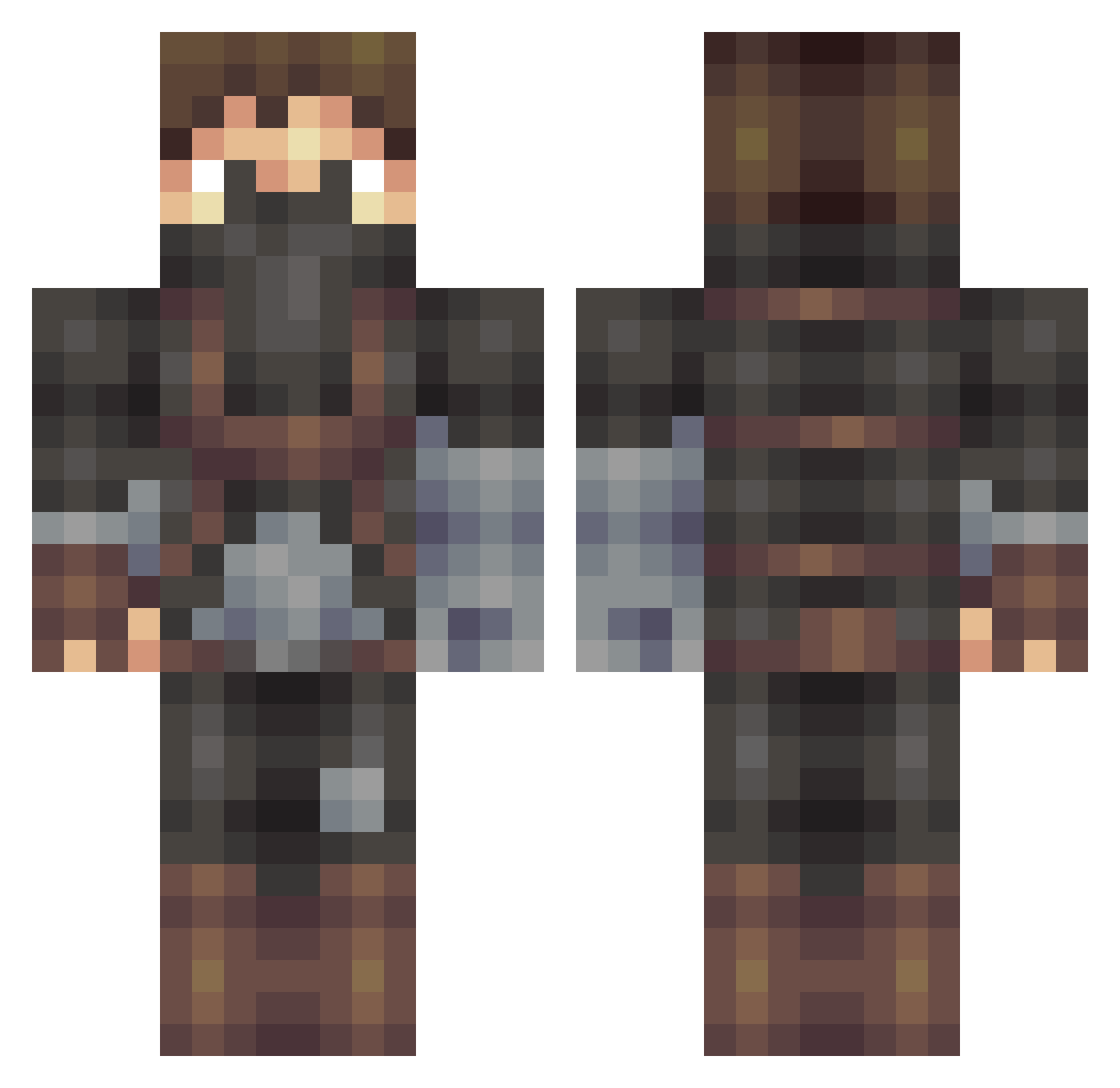
Current Minecraft skin of the player Hoevdingen, loaded from the official Mojang API. Rotate the 3D model with your mouse or finger, then download the skin as a PNG file and use it in Minecraft: Bedrock Edition or Java Edition for free. When Hoevdingen changes their skin, this page updates automatically and the old skin stays in the history below.
Other players with this skin (405)
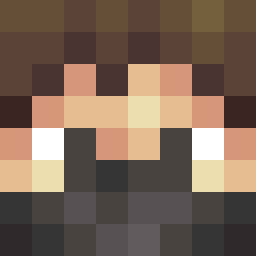
Hoevdingen was the 326th player we have seen with this skin, first spotted on 14.10.2026. The same skin was seen on these players. Open a nickname to see their current skin and skin history.
 martasek261 mrRobsen117 CommanderJack911 Terrahelldiver Petku Birbest69 ReakerVi xehakr TigerSharkDude wiseman1205 ic21kay Konan7872 Dulek_007 DewastatorPL munted_mango01 Ritzy_Rex bayerti Corescan620 Koty97 rrhudson12 BritiisH WittyMango Merqii M3ZA JRDNVS DoubleYeung aikanaroares Archer_V3 Shaikkann kanalovesjeny MATHRAIDER Ryze123456 lostspecies Dreki_Vog KahnYardak Kass2y5 vinizada01 Schland_00112 Splaex Wevel467 Valiant0 Tegelaner Hupsoneix fearandl0athing Behnkk ArticWall Rubberwood ArcanLz Naloko Reafles Trickshotmaster PIERREALEXANDR echoghan Zeppelin0077 Caetera asapCon randorder GentlemanXY Omargtha aGangOfWizards
More Rogue Minecraft skins
How to install the Hoevdingen skin
- Press the Download button above to save the skin as a PNG file.
- Minecraft: Bedrock Edition (PE): open the Dressing Room from the main menu (or tap your character → Edit Character), go to Classic Skins → Owned, press the + (new skin) button, choose the downloaded PNG and pick the Classic (Steve) model. Works on PC and mobile; consoles cannot import custom skins.
- Minecraft: Java Edition: open the Minecraft Launcher, go to the Skins tab, click New Skin, load the PNG, pick the Classic (Steve) model and press Save & Use. You can also upload it at minecraft.net → Profile → Change Skin.
The skin does not show up after import - what should I do?
Restart Minecraft and open the Dressing Room again - imported skins sometimes appear only after a restart. Also make sure you selected the imported skin and picked the Classic (Steve) model.
Which model should I choose, Classic or Slim?
This skin is designed for the Classic (Steve) model. If you pick the wrong model, the arms of the skin will look stretched or squeezed.
Is the skin of Hoevdingen free to download?
Yes. Press Download, save the PNG file and use it in Minecraft: Bedrock Edition or Java Edition - no payment or registration needed. The skin also works on multiplayer servers and Realms.
More skins
Looking for more? Go back to all Minecraft skins and check the top skins of the week, month and all time, or find any player's skin by nickname.