
HidaTheDino - Minecraft Skins & Skin History
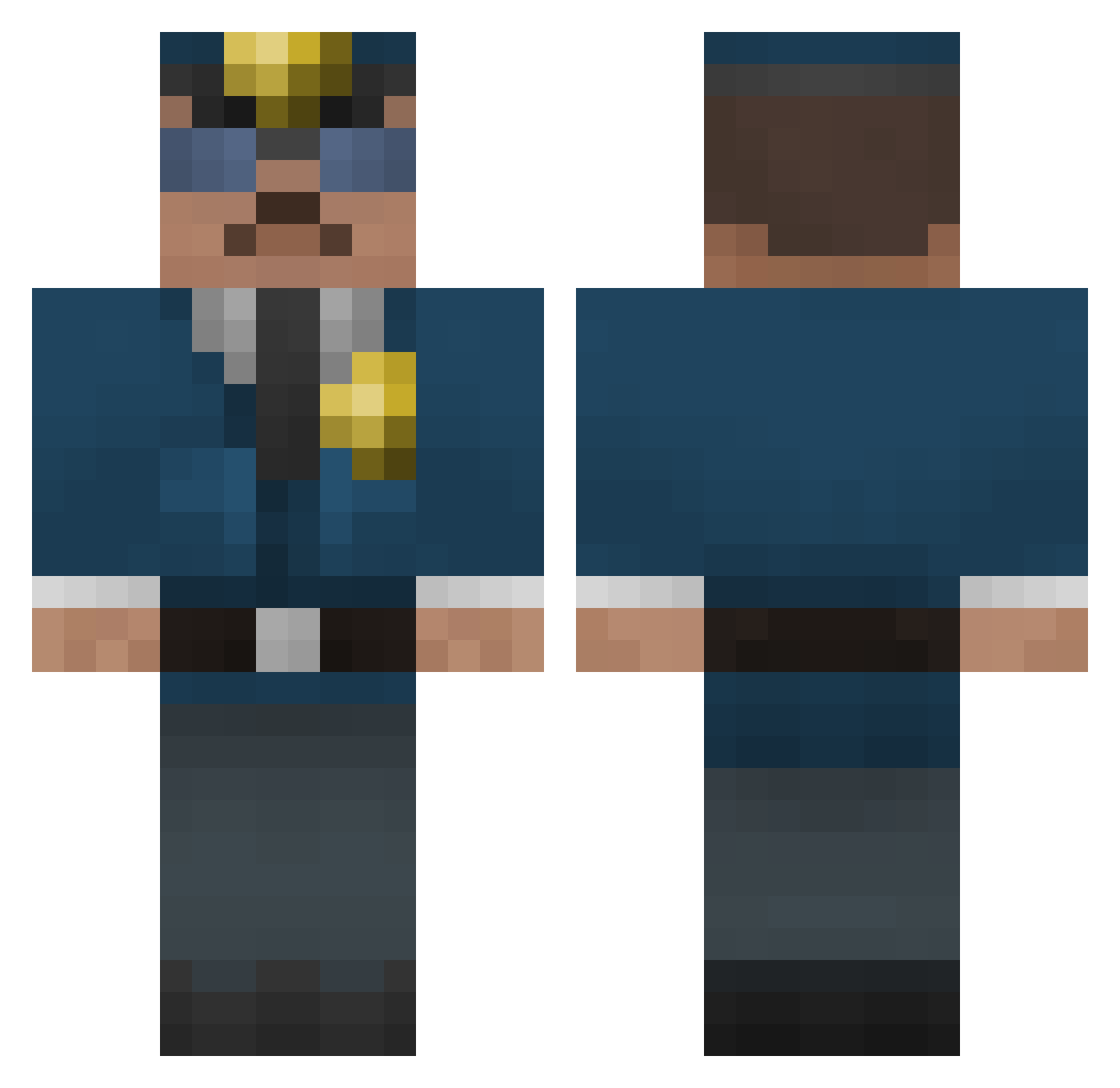
Current Minecraft skin of the player HidaTheDino, loaded from the official Mojang API. Rotate the 3D model with your mouse or finger, then download the skin as a PNG file and use it in Minecraft: Bedrock Edition or Java Edition for free. When HidaTheDino changes their skin, this page updates automatically and the old skin stays in the history below.
Other players with this skin (287)
HidaTheDino was the 164th player we have seen with this skin, first spotted on 17.09.2026. The same skin was seen on these players. Open a nickname to see their current skin and skin history.
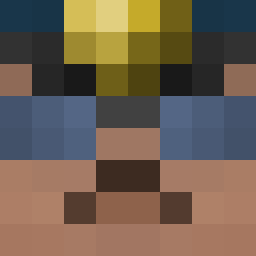 TruckOttr Eughhh MichiHoster Studozer jackgedge NverEnf Michaelwolf199 luisplaysCOD 6Jack Roomy_Joker Mo_Mo_Hansen_BNC LordFarquad77 Lill_Dranne nathanpell GuldGrevare CeRaave Peppesper h_a_y_d_e_n11 LAXmaster07 JackMerc dtv004 KarambaMine BigBootyJackson Geoman1983 Policjant microninja Ziggarotti _Falchion_ Nivagio moustique92 BaRiMo mathiasecko generalblumpkin Girugawow ChironGeorge alxegod mathcraft8 BrendanJames38 sheriffbob DiamondKyle83 Serg_277 atterodominatus fuzzfactor fbiguy209 carlosromero81 da_other_guy freddyhansen Lleidr dpguerra8282 Jackgolf10 miners148 Bishohki 2004timg Black1ce117 Bananabond16 GTRZero Micheal00111 frogmen Edelthorn Antia1
More Cop Minecraft skins
How to install the HidaTheDino skin
- Press the Download button above to save the skin as a PNG file.
- Minecraft: Bedrock Edition (PE): open the Dressing Room from the main menu (or tap your character → Edit Character), go to Classic Skins → Owned, press the + (new skin) button, choose the downloaded PNG and pick the Classic (Steve) model. Works on PC and mobile; consoles cannot import custom skins.
- Minecraft: Java Edition: open the Minecraft Launcher, go to the Skins tab, click New Skin, load the PNG, pick the Classic (Steve) model and press Save & Use. You can also upload it at minecraft.net → Profile → Change Skin.
The skin does not show up after import - what should I do?
Restart Minecraft and open the Dressing Room again - imported skins sometimes appear only after a restart. Also make sure you selected the imported skin and picked the Classic (Steve) model.
Which model should I choose, Classic or Slim?
This skin is designed for the Classic (Steve) model. If you pick the wrong model, the arms of the skin will look stretched or squeezed.
Is the skin of HidaTheDino free to download?
Yes. Press Download, save the PNG file and use it in Minecraft: Bedrock Edition or Java Edition - no payment or registration needed. The skin also works on multiplayer servers and Realms.
More skins
Looking for more? Go back to all Minecraft skins and check the top skins of the week, month and all time, or find any player's skin by nickname.