
Hiasei - Minecraft Skins & Skin History
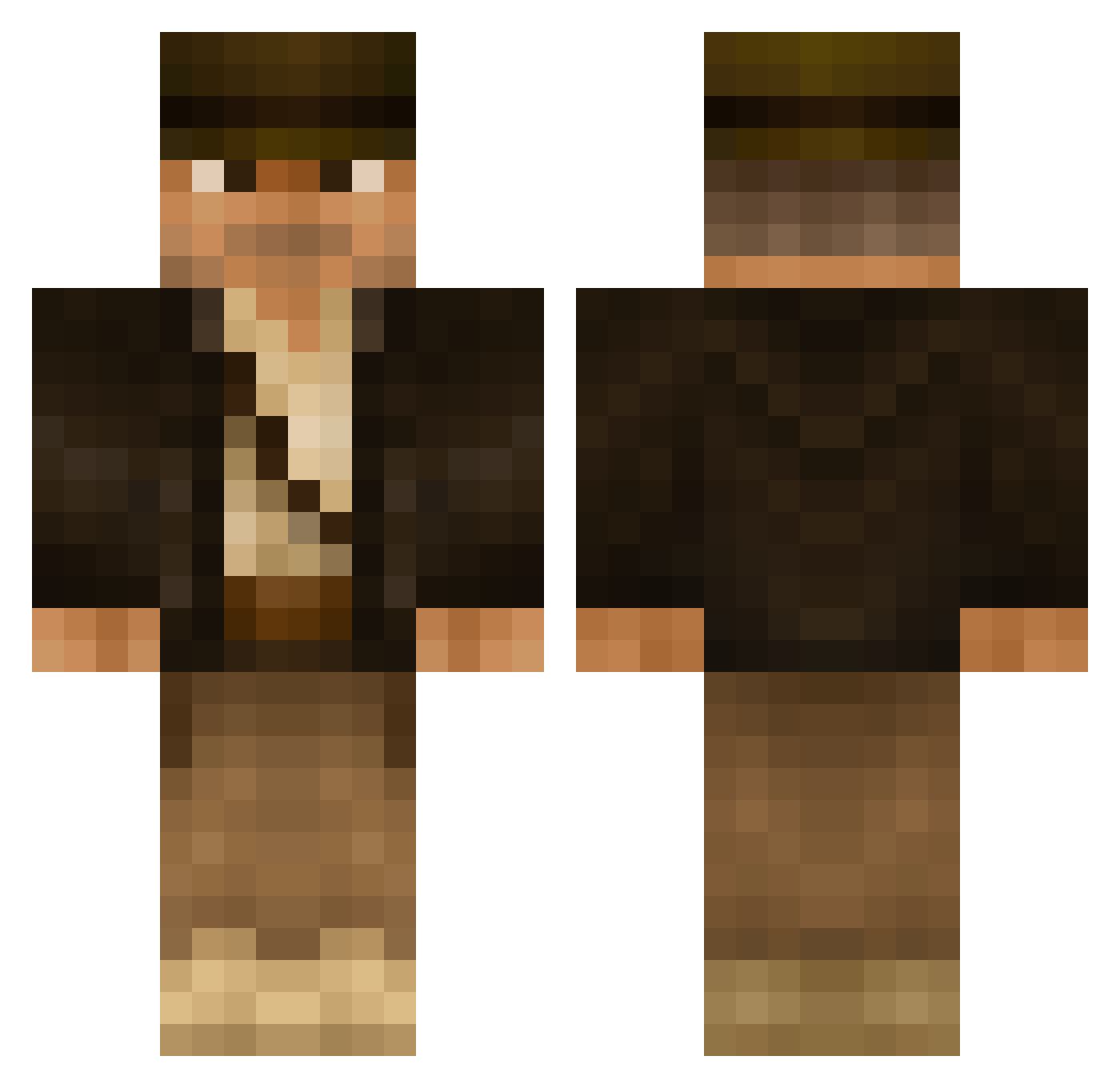
Current Minecraft skin of the player Hiasei, loaded from the official Mojang API. Rotate the 3D model with your mouse or finger, then download the skin as a PNG file and use it in Minecraft: Bedrock Edition or Java Edition for free. When Hiasei changes their skin, this page updates automatically and the old skin stays in the history below.
Other players with this skin (502)
Hiasei was the 472nd player we have seen with this skin, first spotted on 28.10.2026. The same skin was seen on these players. Open a nickname to see their current skin and skin history.
 Torien7 bungernut Grimalduss Sushinator RiplyHK Pipeskip EZAF99 deiol indiejones7 Reo_LDN Cr33p3rWarrior solus667 MrRazorBlade12 BradyPlayz aScout94 dani_mller monsieurbarnes SakZaa robinml2 Aries1979 AVanVlack pktss Boonfox sethman400 Clearriker nicklonium UberCookieAlpha King_Aluf Labben123 danXcore grimjimbo Choobinski NinjaAMJ95 geom3trik nitram1572 Prutpot JesterActual boribori98 lordmensa Xpertized fredddieromero willg1999 Aeon_Patriarch Iditarod87 Cereseris Gavinismad awdball furiousrain ziegelwieser SweatyBandit MacBau Gunner_sgt THE_WOOLYMAN SnapperDesade Michals86 mastercheif469 MulderWu Akutan SnorlaxMeal Brexiteer
More Indiana Jones Minecraft skins
See all 80 Indiana Jones skins
How to install the Hiasei skin
- Press the Download button above to save the skin as a PNG file.
- Minecraft: Bedrock Edition (PE): open the Dressing Room from the main menu (or tap your character → Edit Character), go to Classic Skins → Owned, press the + (new skin) button, choose the downloaded PNG and pick the Classic (Steve) model. Works on PC and mobile; consoles cannot import custom skins.
- Minecraft: Java Edition: open the Minecraft Launcher, go to the Skins tab, click New Skin, load the PNG, pick the Classic (Steve) model and press Save & Use. You can also upload it at minecraft.net → Profile → Change Skin.
The skin does not show up after import - what should I do?
Restart Minecraft and open the Dressing Room again - imported skins sometimes appear only after a restart. Also make sure you selected the imported skin and picked the Classic (Steve) model.
Which model should I choose, Classic or Slim?
This skin is designed for the Classic (Steve) model. If you pick the wrong model, the arms of the skin will look stretched or squeezed.
Is the skin of Hiasei free to download?
Yes. Press Download, save the PNG file and use it in Minecraft: Bedrock Edition or Java Edition - no payment or registration needed. The skin also works on multiplayer servers and Realms.
More skins
Looking for more? Go back to all Minecraft skins and check the top skins of the week, month and all time, or find any player's skin by nickname.