
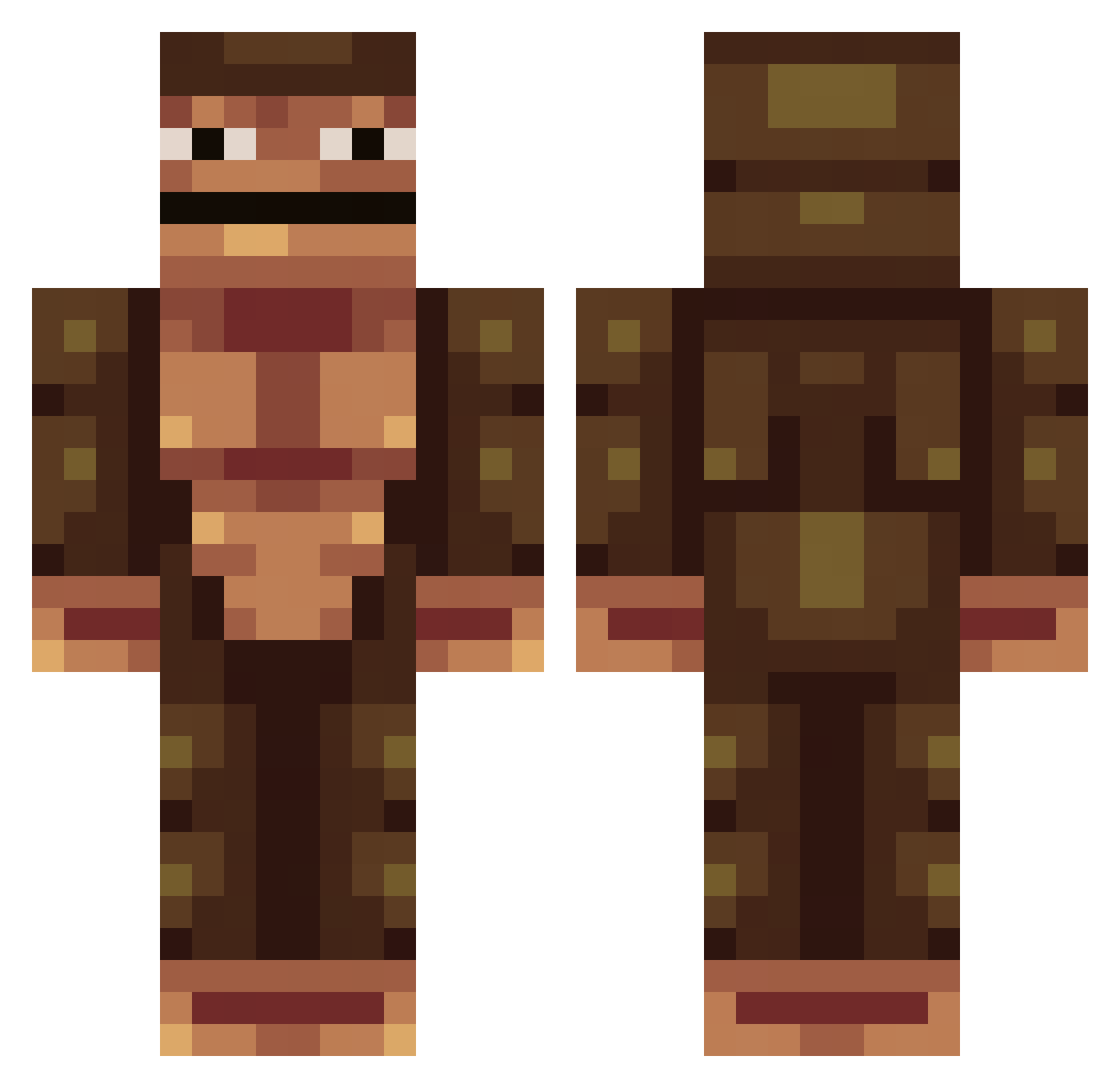
Current Minecraft skin of the player Hetmol, loaded from the official Mojang API. Rotate the 3D model with your mouse or finger, then download the skin as a PNG file and use it in Minecraft: Bedrock Edition or Java Edition for free. When Hetmol changes their skin, this page updates automatically and the old skin stays in the history below.
Other players with this skin (125)
Hetmol was the 32nd player we have seen with this skin, first spotted on 08.08.2026. The same skin was seen on these players. Open a nickname to see their current skin and skin history.
 ClashayID Skull2479 GonzoGuerilla zachdawg0530 Amber1g bofabraeden fuqct mamasboy123 Muss13 mjaynie Otto761 Large_Cwasint toppoopydoopy ElioAzul Jimmothy_Lupus BabyEscobar
 Fizbe zod1ac Vouna2003 TheGoldenMoose42 ChunkyM0nke Markchanskiy patco pcelosers ttwinpeaks switchcodeur quandalebingelto __Lightskin__ FriTz67 Curz3 BritishSoldier_ TTK_SUPREME Adasus_asus chrzZzZz Oceans_Blaze922 M0rdec MetalTau GarryTheGorilla2 Crueze Thurczy Caponss SwivLnSage ThatTryhard TREE_F1DDY SwiftyJSON456 royal_audiences Pogo_v1 Ithor77 leluidio
 strange6345 _XPs_ TuckerNelson AlphaLazy TeenyTommy SunnyCoClothing YRNBigMeech TSM_Jacob_Ditzel liltorc MonkeLikeBanana s_b69
How to install the Hetmol skin
- Press the Download button above to save the skin as a PNG file.
- Minecraft: Bedrock Edition (PE): open the Dressing Room from the main menu (or tap your character → Edit Character), go to Classic Skins → Owned, press the + (new skin) button, choose the downloaded PNG and pick the Classic (Steve) model. Works on PC and mobile; consoles cannot import custom skins.
- Minecraft: Java Edition: open the Minecraft Launcher, go to the Skins tab, click New Skin, load the PNG, pick the Classic (Steve) model and press Save & Use. You can also upload it at minecraft.net → Profile → Change Skin.
The skin does not show up after import - what should I do?
Restart Minecraft and open the Dressing Room again - imported skins sometimes appear only after a restart. Also make sure you selected the imported skin and picked the Classic (Steve) model.
Which model should I choose, Classic or Slim?
This skin is designed for the Classic (Steve) model. If you pick the wrong model, the arms of the skin will look stretched or squeezed.
Is the skin of Hetmol free to download?
Yes. Press Download, save the PNG file and use it in Minecraft: Bedrock Edition or Java Edition - no payment or registration needed. The skin also works on multiplayer servers and Realms.
More skins
Looking for more? Go back to all Minecraft skins and check the top skins of the week, month and all time, or find any player's skin by nickname.