
HelooIsCool - Minecraft Skins & Skin History
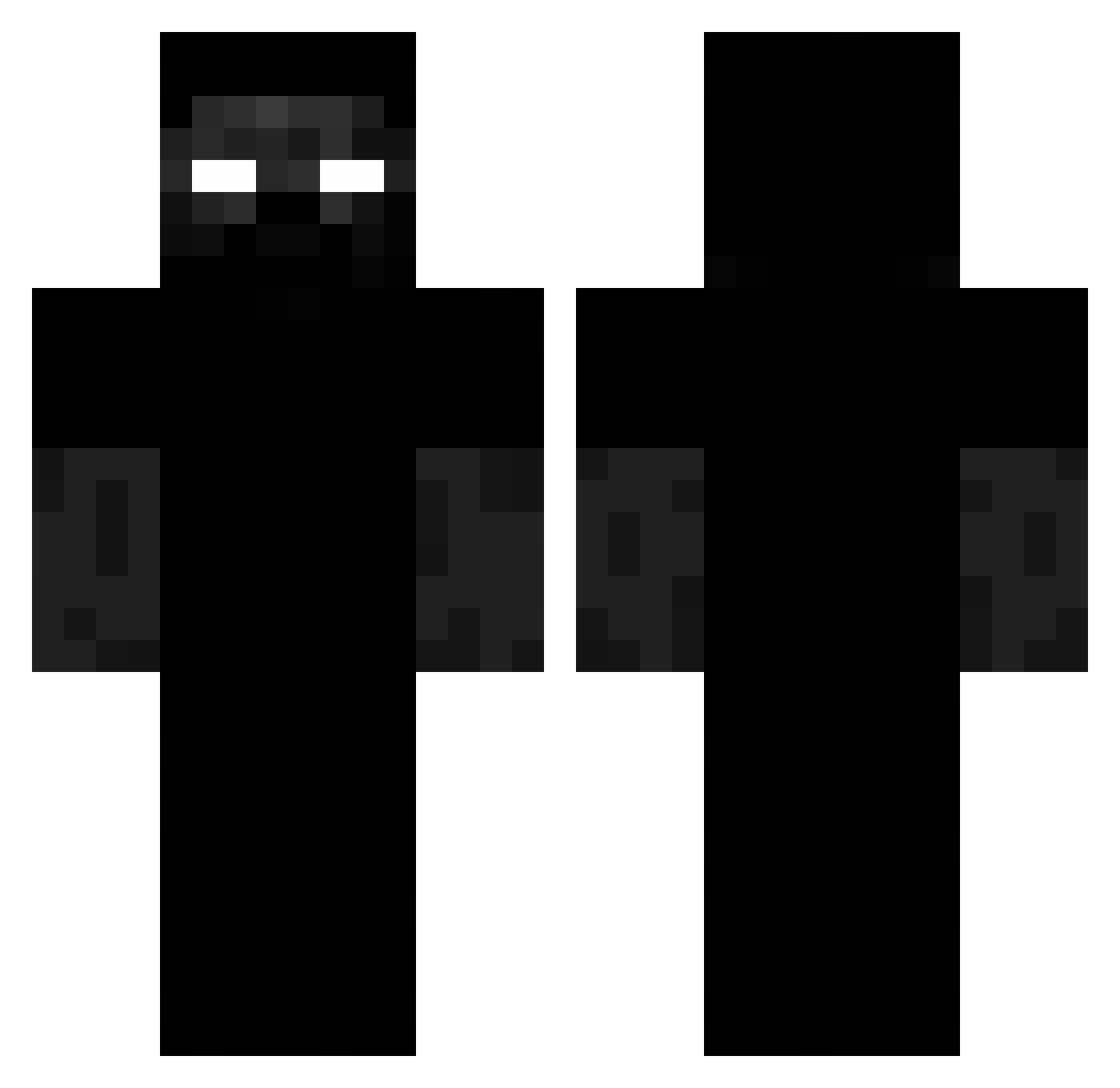
Current Minecraft skin of the player HelooIsCool, loaded from the official Mojang API. Rotate the 3D model with your mouse or finger, then download the skin as a PNG file and use it in Minecraft: Bedrock Edition or Java Edition for free. When HelooIsCool changes their skin, this page updates automatically and the old skin stays in the history below.
Other players with this skin (244)
HelooIsCool was the 217th player we have seen with this skin, first spotted on 30.10.2026. The same skin was seen on these players. Open a nickname to see their current skin and skin history.
 Titi_2024 Berosberat alert213123 hera7708 GODFATHER_15 LeadingHard switek007 Kizama Adridy_01 TeoPro13 Rockstar2137 Philipyoda miyaswl peterpannn20 hossn14 kikoy06 tepuh Wlader24 Sec09 raiczu LechVelki 03maze04 krychaann MariuszSardynka 10BudOnTick LineOfCode TonyMontana43234 P4TOX Erza72 HSJ_1_1 Ateeezy7 R_Y_U_7 TKFryda Bougnateur Dewtyy_ xyz6767 RespawnFaster Nanotek1 SOFLYT matizcrek NexoX456 camerpn rem360 uptens HonesHook Grew juancarlos1435 KGH01 yhhhhll Troller1234xd Jandrozzdp_10 Elixu crazy_e15 Rossig123 smoz000 Nordsjon D4rkRyan chilzxz rodriaum _Beranco_
More Creepy Minecraft skins
How to install the HelooIsCool skin
- Press the Download button above to save the skin as a PNG file.
- Minecraft: Bedrock Edition (PE): open the Dressing Room from the main menu (or tap your character → Edit Character), go to Classic Skins → Owned, press the + (new skin) button, choose the downloaded PNG and pick the Classic (Steve) model. Works on PC and mobile; consoles cannot import custom skins.
- Minecraft: Java Edition: open the Minecraft Launcher, go to the Skins tab, click New Skin, load the PNG, pick the Classic (Steve) model and press Save & Use. You can also upload it at minecraft.net → Profile → Change Skin.
The skin does not show up after import - what should I do?
Restart Minecraft and open the Dressing Room again - imported skins sometimes appear only after a restart. Also make sure you selected the imported skin and picked the Classic (Steve) model.
Which model should I choose, Classic or Slim?
This skin is designed for the Classic (Steve) model. If you pick the wrong model, the arms of the skin will look stretched or squeezed.
Is the skin of HelooIsCool free to download?
Yes. Press Download, save the PNG file and use it in Minecraft: Bedrock Edition or Java Edition - no payment or registration needed. The skin also works on multiplayer servers and Realms.
More skins
Looking for more? Go back to all Minecraft skins and check the top skins of the week, month and all time, or find any player's skin by nickname.