
HeddaTheKiller - Minecraft Skins & Skin History
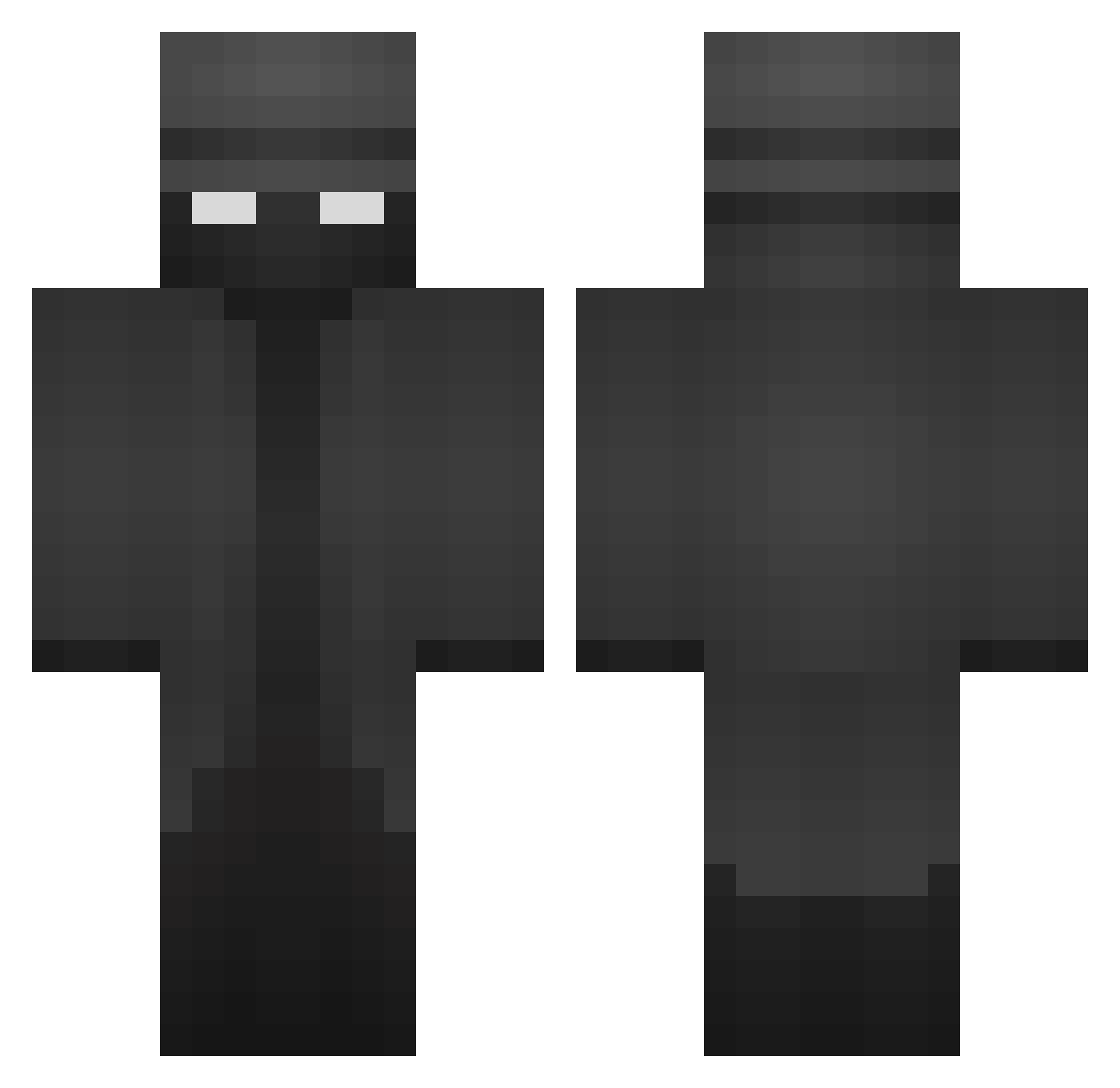
Current Minecraft skin of the player HeddaTheKiller, loaded from the official Mojang API. Rotate the 3D model with your mouse or finger, then download the skin as a PNG file and use it in Minecraft: Bedrock Edition or Java Edition for free. When HeddaTheKiller changes their skin, this page updates automatically and the old skin stays in the history below.
Other players with this skin (371)
HeddaTheKiller was the 201st player we have seen with this skin, first spotted on 15.09.2026. The same skin was seen on these players. Open a nickname to see their current skin and skin history.
 PhantamSus Predator10178 albino089 ALE_2029 MakuBj SilverYT2688 Sphynx7168 Tsyosaghi ymirvi jmazr Hooligan3786 V0RTeXx0z Mattickool Ignoosi SMURPHYY__ spadesover ERROR3534 illej TimothyNienaber Hearsay_Topaz greenninja649 Martitoplayer Psych0317 Brokk__ Tomq303 DannyMacho22 TheNaKoYT foorh _Weeple_ udzione _Infar JondaCivic KeremS23 Vikinsen clockypoo S_Mogyi A_fly361922 imjacob06 spicytoast6 potat666 CorruptEuropean GKlaert OlBuurger gruppae Herge01 cheekytricks dcio robotfly101 R0wz Brotbutter Milern RGFD TCPKOFF Shou_akuma Jaiminik SiddhantDK BeautjeBruijns VITO42 BloodyLeach BenjDoggy
More Detective Minecraft skins
How to install the HeddaTheKiller skin
- Press the Download button above to save the skin as a PNG file.
- Minecraft: Bedrock Edition (PE): open the Dressing Room from the main menu (or tap your character → Edit Character), go to Classic Skins → Owned, press the + (new skin) button, choose the downloaded PNG and pick the Classic (Steve) model. Works on PC and mobile; consoles cannot import custom skins.
- Minecraft: Java Edition: open the Minecraft Launcher, go to the Skins tab, click New Skin, load the PNG, pick the Classic (Steve) model and press Save & Use. You can also upload it at minecraft.net → Profile → Change Skin.
The skin does not show up after import - what should I do?
Restart Minecraft and open the Dressing Room again - imported skins sometimes appear only after a restart. Also make sure you selected the imported skin and picked the Classic (Steve) model.
Which model should I choose, Classic or Slim?
This skin is designed for the Classic (Steve) model. If you pick the wrong model, the arms of the skin will look stretched or squeezed.
Is the skin of HeddaTheKiller free to download?
Yes. Press Download, save the PNG file and use it in Minecraft: Bedrock Edition or Java Edition - no payment or registration needed. The skin also works on multiplayer servers and Realms.
More skins
Looking for more? Go back to all Minecraft skins and check the top skins of the week, month and all time, or find any player's skin by nickname.