
Hawkstrider - Minecraft Skins & Skin History
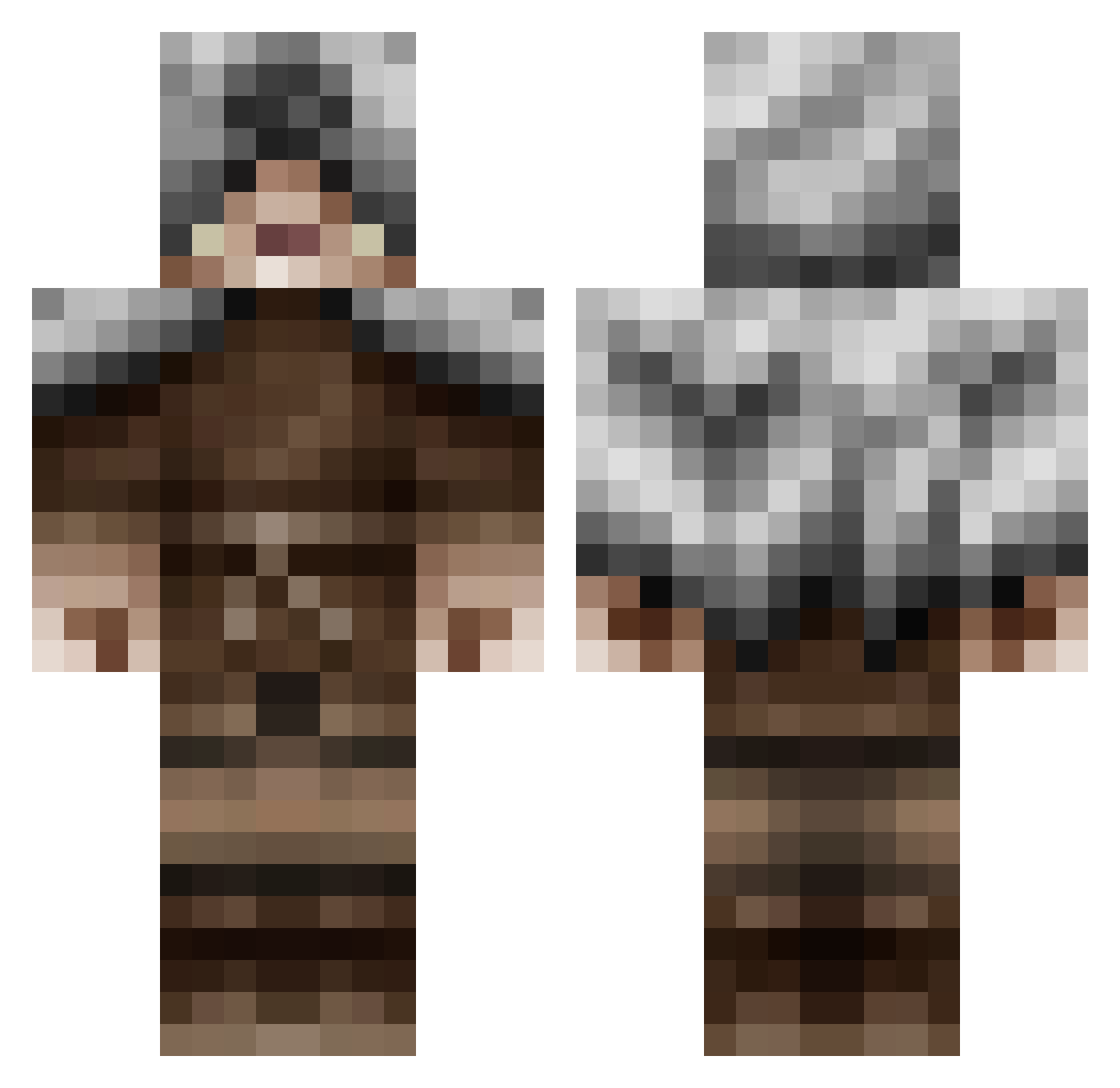
Current Minecraft skin of the player Hawkstrider, loaded from the official Mojang API. Rotate the 3D model with your mouse or finger, then download the skin as a PNG file and use it in Minecraft: Bedrock Edition or Java Edition for free. When Hawkstrider changes their skin, this page updates automatically and the old skin stays in the history below.
Other players with this skin (479)
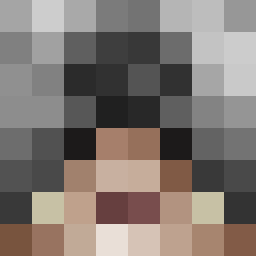
Hawkstrider was the 355th player we have seen with this skin, first spotted on 08.10.2026. The same skin was seen on these players. Open a nickname to see their current skin and skin history.
 Munchbunch17 wolffolk Deadlifted Lexio427 rem009 dizzyfingerz Yhun_96 NoNamerx3 fishyphantom Mbhn williamp8 mmckenna Remnant_XIII Iziok TeeIeEmX FullMetalID Achamodie eliott4ever Haukcat Atak9 kmcjacobs12 juliangermano magvei andwa101 Thejoebro99 poppycatt TeamElf frostviper101 Claw_34 moltak82 Mioppo fabien400 COOLKID23LORD demskill CFA_1979 CPCFox LakeLord84 TitanJack Rontax GuillaumeDe_Lief gulahuset Seokas dinokill camersamer665 Johnlupus Brassimo Dingdongmonk rinoish CollinsWood Rumpeskum Jacob395 bsmith0809 Vikenen Davoody Bosefus1 OfficiallyRandom Wilbobaggins123 Amdalgorn PtitPie Deaven245
More Rogue Minecraft skins
How to install the Hawkstrider skin
- Press the Download button above to save the skin as a PNG file.
- Minecraft: Bedrock Edition (PE): open the Dressing Room from the main menu (or tap your character → Edit Character), go to Classic Skins → Owned, press the + (new skin) button, choose the downloaded PNG and pick the Classic (Steve) model. Works on PC and mobile; consoles cannot import custom skins.
- Minecraft: Java Edition: open the Minecraft Launcher, go to the Skins tab, click New Skin, load the PNG, pick the Classic (Steve) model and press Save & Use. You can also upload it at minecraft.net → Profile → Change Skin.
The skin does not show up after import - what should I do?
Restart Minecraft and open the Dressing Room again - imported skins sometimes appear only after a restart. Also make sure you selected the imported skin and picked the Classic (Steve) model.
Which model should I choose, Classic or Slim?
This skin is designed for the Classic (Steve) model. If you pick the wrong model, the arms of the skin will look stretched or squeezed.
Is the skin of Hawkstrider free to download?
Yes. Press Download, save the PNG file and use it in Minecraft: Bedrock Edition or Java Edition - no payment or registration needed. The skin also works on multiplayer servers and Realms.
More skins
Looking for more? Go back to all Minecraft skins and check the top skins of the week, month and all time, or find any player's skin by nickname.