
HarunBabaPro - Minecraft Skins & Skin History
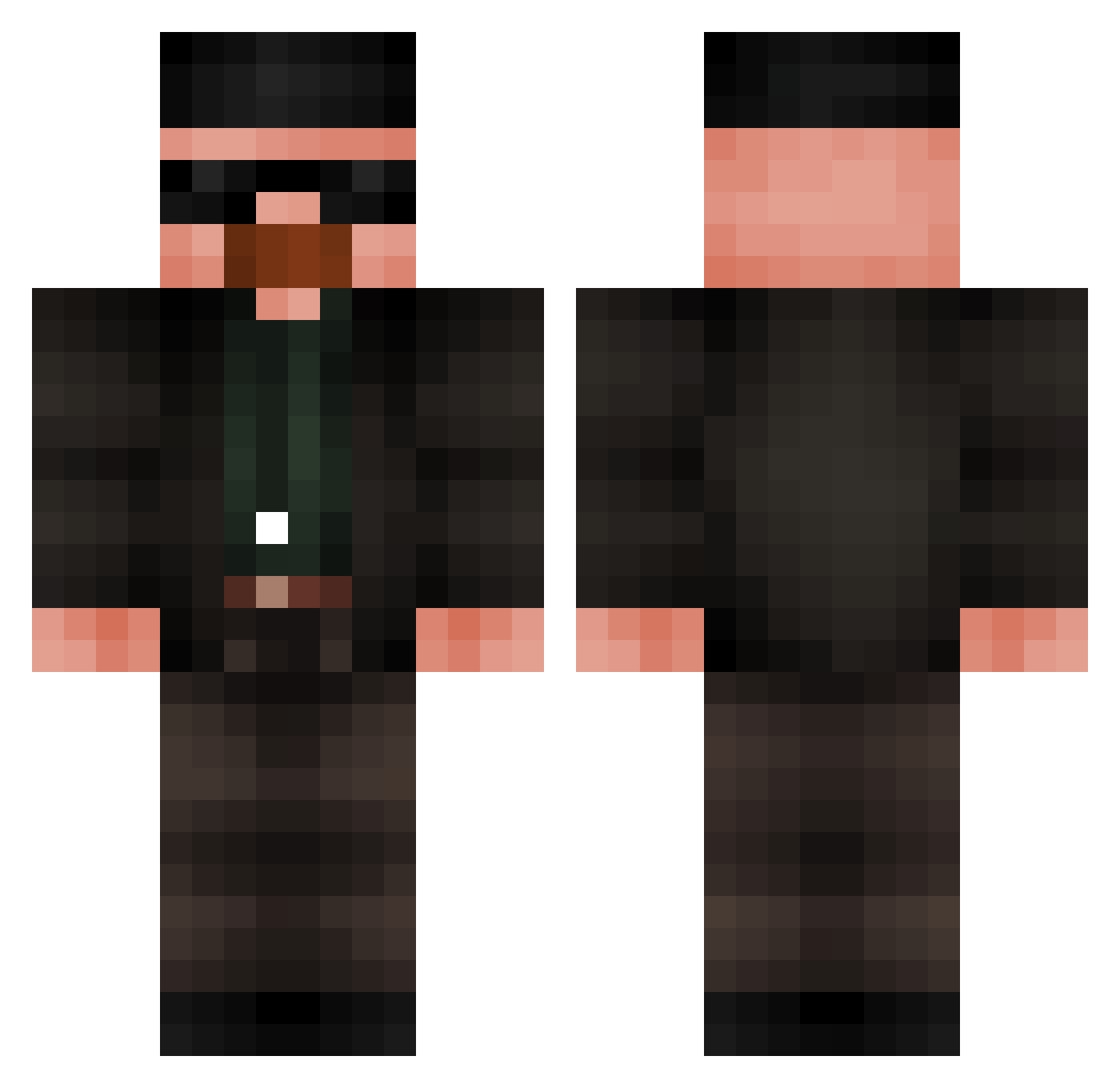
Current Minecraft skin of the player HarunBabaPro, loaded from the official Mojang API. Rotate the 3D model with your mouse or finger, then download the skin as a PNG file and use it in Minecraft: Bedrock Edition or Java Edition for free. When HarunBabaPro changes their skin, this page updates automatically and the old skin stays in the history below.
Other players with this skin (683)
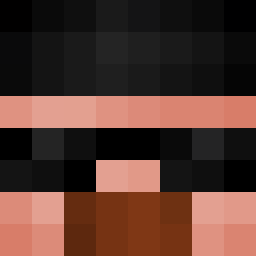
HarunBabaPro was the 46th player we have seen with this skin, first spotted on 31.07.2026. The same skin was seen on these players. Open a nickname to see their current skin and skin history.
 WalterBlanco_ Ka1s0 Ozkancetn96 AdrianRx223 hatsukai jaicho pomaks12345 DimiMtdew28 yetim_dovdum SavageDownUnder EdwigeDeLaStreet Walter_White6999 modestovictor Felixvagyok1 Oanispage3 Doffy101 FumingDust4 Dr_Mugg Qeod Amitt1444 Barbooossa tatycomendo12 Winiandohr SovietMuffin14 Szczurasso xKrzysieQx Golsmall Cyber_Krab ViejardoEnMainca unistin dvrkcvlt Adam1x___ Formulaplane45 Simxn22 JosephBaz Difonse supervaco danidop JeSuisRomeo Rein_Trein AsylumStormy SeitenbacherMhhh RealGicca SimplyDMB KsioNLINE WaxyStarling392 JarrelDack69 foursci Novas_29 Bgck_ Malarka Jackerless HardRodney69 Teatr Saturno_a Fat_Flash__ Maximusprime93 foleoxp slapmybass25 Plagss
More Heisenberg Minecraft skins
How to install the HarunBabaPro skin
- Press the Download button above to save the skin as a PNG file.
- Minecraft: Bedrock Edition (PE): open the Dressing Room from the main menu (or tap your character → Edit Character), go to Classic Skins → Owned, press the + (new skin) button, choose the downloaded PNG and pick the Classic (Steve) model. Works on PC and mobile; consoles cannot import custom skins.
- Minecraft: Java Edition: open the Minecraft Launcher, go to the Skins tab, click New Skin, load the PNG, pick the Classic (Steve) model and press Save & Use. You can also upload it at minecraft.net → Profile → Change Skin.
The skin does not show up after import - what should I do?
Restart Minecraft and open the Dressing Room again - imported skins sometimes appear only after a restart. Also make sure you selected the imported skin and picked the Classic (Steve) model.
Which model should I choose, Classic or Slim?
This skin is designed for the Classic (Steve) model. If you pick the wrong model, the arms of the skin will look stretched or squeezed.
Is the skin of HarunBabaPro free to download?
Yes. Press Download, save the PNG file and use it in Minecraft: Bedrock Edition or Java Edition - no payment or registration needed. The skin also works on multiplayer servers and Realms.
More skins
Looking for more? Go back to all Minecraft skins and check the top skins of the week, month and all time, or find any player's skin by nickname.