
HaYunChar - Minecraft Skins & Skin History
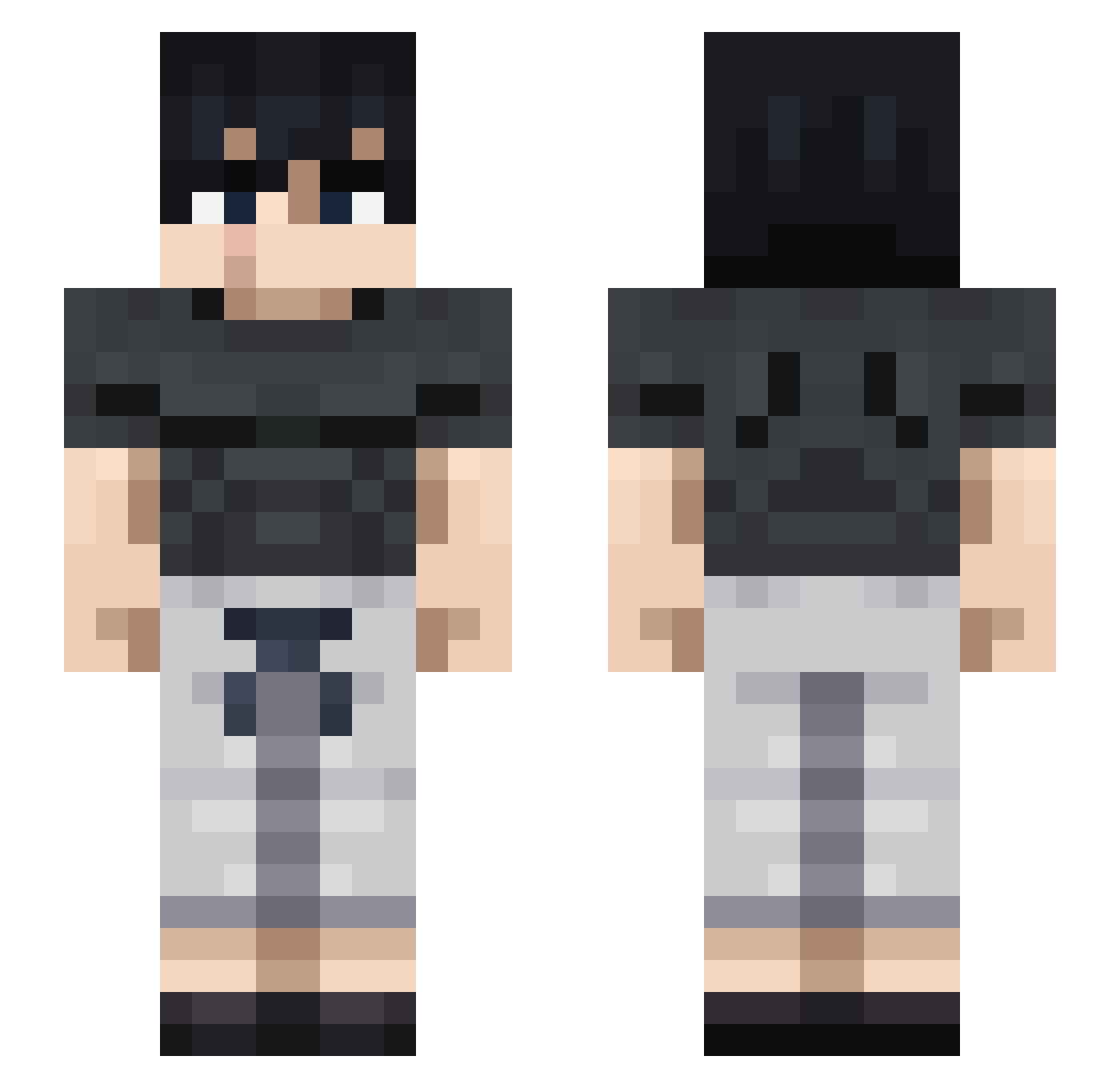
Current Minecraft skin of the player HaYunChar, loaded from the official Mojang API. Rotate the 3D model with your mouse or finger, then download the skin as a PNG file and use it in Minecraft: Bedrock Edition or Java Edition for free. When HaYunChar changes their skin, this page updates automatically and the old skin stays in the history below.
Other players with this skin (712)
HaYunChar was the 170th player we have seen with this skin, first spotted on 14.08.2026. The same skin was seen on these players. Open a nickname to see their current skin and skin history.
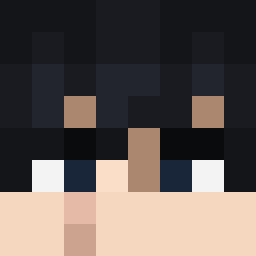 lavamult ItsNinja6R FortuneBe17 Carlos_Geovanny SmoothCamo3 Pikhell vod7 sadpamda creepercopoter Tua321 SanoBGD jayduune Pedriux18
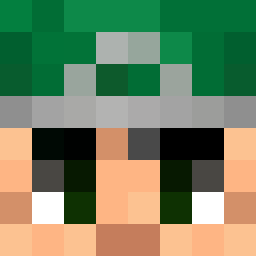 Yuvoi Wjpol kevinhobjj dladino Slayer_ESP ladidadida21 TorTah_
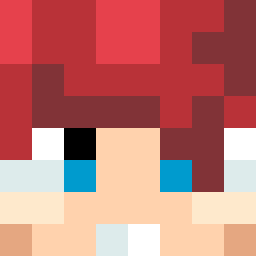 brxly777
 JcksonMC kaleleaf78 mkfriddles JEWEETZ11 DKerber17 work4end _Wyvernnn AsakazeSan MichaelLXB Bulisan JxmmxZz DarrienOli SillyGatto danny120302 age_of_phoenix Harlonious MonarchThe21st Zay2Fly sahi27 Panilas Thedxni furiasebas Twizou ValenSlayer Azn_Bro ItsAsherrr DYLANEVANS08 yungforti Sh4dowku Rogynhoe Dash2767 carlitosjunior ALUWRATH DeafeningSilence LilSharinGanG AGAMES77 Cxlly_ TarteAuThon JJROCKS3000
More Casual Minecraft skins
How to install the HaYunChar skin
- Press the Download button above to save the skin as a PNG file.
- Minecraft: Bedrock Edition (PE): open the Dressing Room from the main menu (or tap your character → Edit Character), go to Classic Skins → Owned, press the + (new skin) button, choose the downloaded PNG and pick the Slim (Alex) model. Works on PC and mobile; consoles cannot import custom skins.
- Minecraft: Java Edition: open the Minecraft Launcher, go to the Skins tab, click New Skin, load the PNG, pick the Slim (Alex) model and press Save & Use. You can also upload it at minecraft.net → Profile → Change Skin.
The skin does not show up after import - what should I do?
Restart Minecraft and open the Dressing Room again - imported skins sometimes appear only after a restart. Also make sure you selected the imported skin and picked the Slim (Alex) model.
Which model should I choose, Classic or Slim?
This skin is designed for the Slim (Alex) model. If you pick the wrong model, the arms of the skin will look stretched or squeezed.
Is the skin of HaYunChar free to download?
Yes. Press Download, save the PNG file and use it in Minecraft: Bedrock Edition or Java Edition - no payment or registration needed. The skin also works on multiplayer servers and Realms.
More skins
Looking for more? Go back to all Minecraft skins and check the top skins of the week, month and all time, or find any player's skin by nickname.