
HPchaos - Minecraft Skins & Skin History
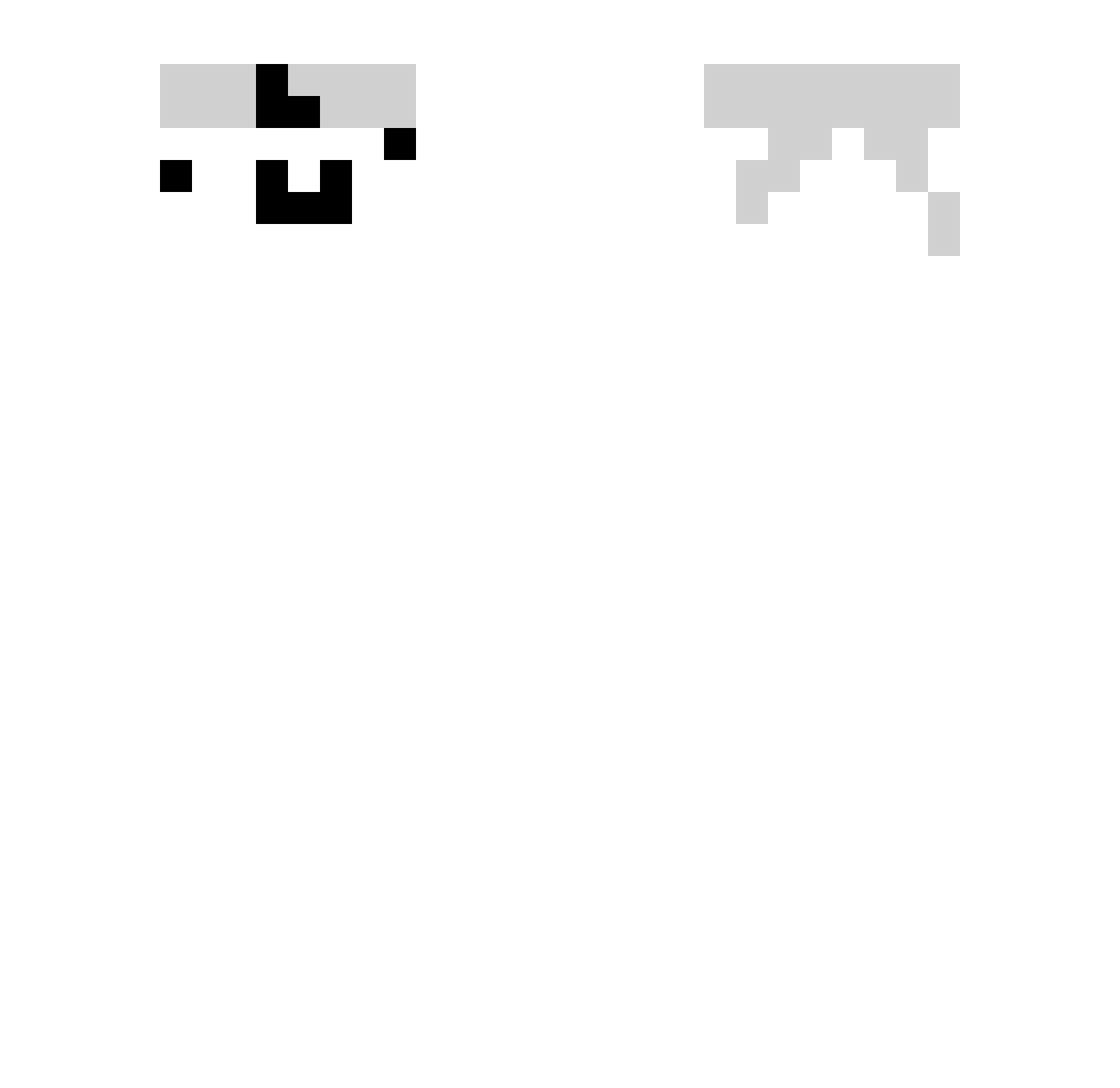
Current Minecraft skin of the player HPchaos, loaded from the official Mojang API. Rotate the 3D model with your mouse or finger, then download the skin as a PNG file and use it in Minecraft: Bedrock Edition or Java Edition for free. When HPchaos changes their skin, this page updates automatically and the old skin stays in the history below.
Other players with this skin (332)
HPchaos was the 87th player we have seen with this skin, first spotted on 18.08.2026. The same skin was seen on these players. Open a nickname to see their current skin and skin history.
 Onulim yesunx Lxmparas LumiSNK Rafiinn FabbyBubble yuna70140303 furry324 kyh001 alekso_123 FARESH3 TNT_Macius pewuh Flay672 Danotelu NexenN ItsPligzie Sherrafun_0326 SuppDoog May_16th koliniging RuoFeiM kingviktus solandme Hansjolorw Gaovem0 REDOMAGE TP_Reaper3454 Henry_35 endidb xCurrtain RazNexx imtheREASON fly6n E2_E2 juanmcalu kalofe_ prexai xoyi SER1410 SashaAndreev Asaba_0929 ty0musukeeeeeee Fizzlit DimonMan2004 ssunnnnn Storange4Mike Gemt_ blockbuster2432 Lois_420 Braisone luferci adine33 Balint123456789 BeamBlox Bingolinha4 Civan21 letianya TheLittleSix Valen20099
How to install the HPchaos skin
- Press the Download button above to save the skin as a PNG file.
- Minecraft: Bedrock Edition (PE): open the Dressing Room from the main menu (or tap your character → Edit Character), go to Classic Skins → Owned, press the + (new skin) button, choose the downloaded PNG and pick the Slim (Alex) model. Works on PC and mobile; consoles cannot import custom skins.
- Minecraft: Java Edition: open the Minecraft Launcher, go to the Skins tab, click New Skin, load the PNG, pick the Slim (Alex) model and press Save & Use. You can also upload it at minecraft.net → Profile → Change Skin.
The skin does not show up after import - what should I do?
Restart Minecraft and open the Dressing Room again - imported skins sometimes appear only after a restart. Also make sure you selected the imported skin and picked the Slim (Alex) model.
Which model should I choose, Classic or Slim?
This skin is designed for the Slim (Alex) model. If you pick the wrong model, the arms of the skin will look stretched or squeezed.
Is the skin of HPchaos free to download?
Yes. Press Download, save the PNG file and use it in Minecraft: Bedrock Edition or Java Edition - no payment or registration needed. The skin also works on multiplayer servers and Realms.
More skins
Looking for more? Go back to all Minecraft skins and check the top skins of the week, month and all time, or find any player's skin by nickname.