
HOYVUX1 - Minecraft Skins & Skin History
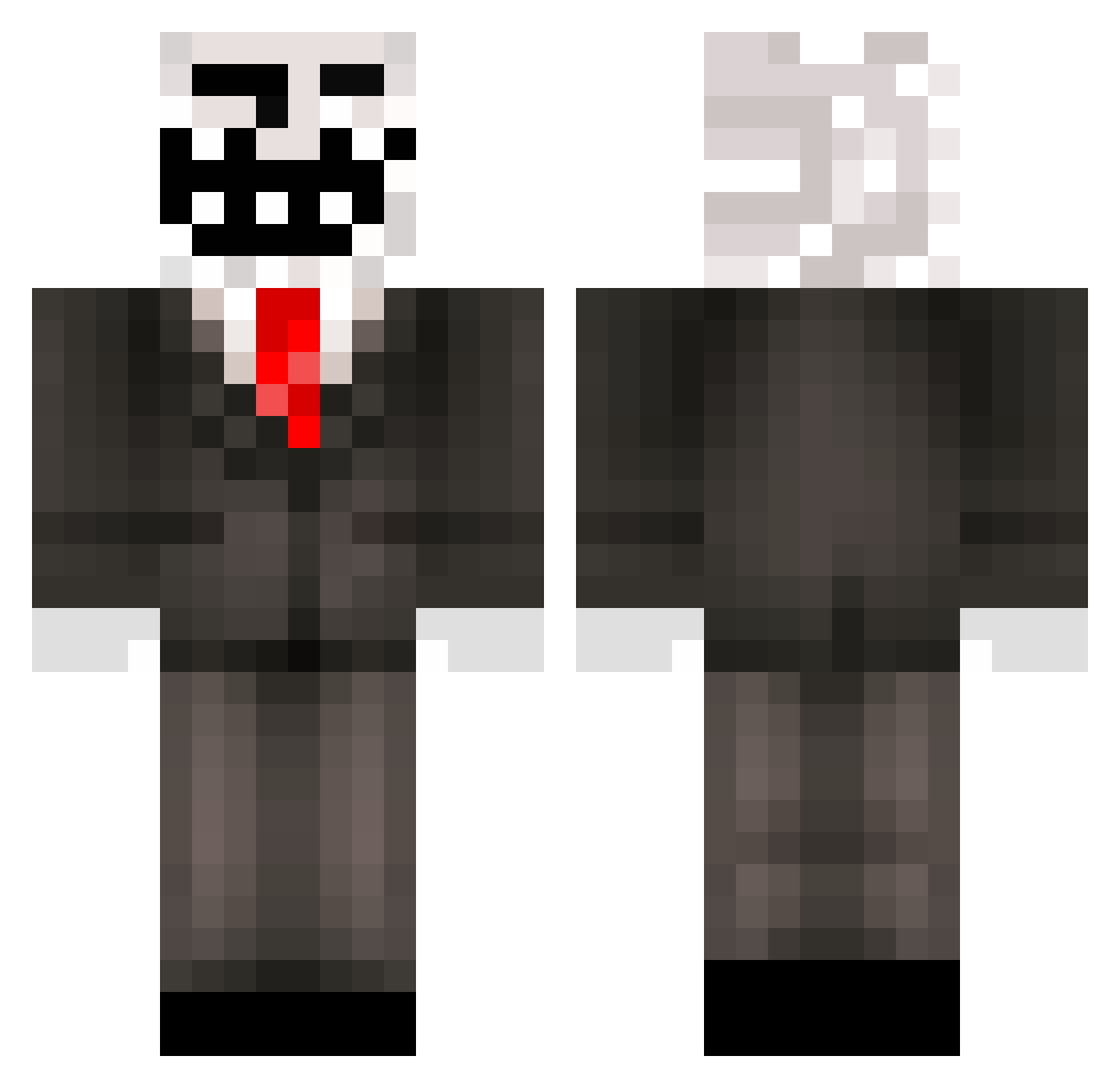
Current Minecraft skin of the player HOYVUX1, loaded from the official Mojang API. Rotate the 3D model with your mouse or finger, then download the skin as a PNG file and use it in Minecraft: Bedrock Edition or Java Edition for free. When HOYVUX1 changes their skin, this page updates automatically and the old skin stays in the history below.
Other players with this skin (216)
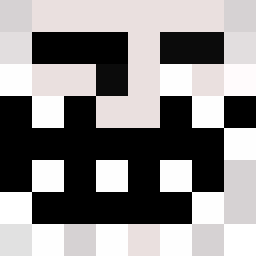
HOYVUX1 was the 181st player we have seen with this skin, first spotted on 10.10.2026. The same skin was seen on these players. Open a nickname to see their current skin and skin history.
 Stahlhelm_44 miner420420 R4P1DF1R3D RakRecordz06 mejiaa CEOofDowcipyXXL Diosua NightlyJosh Kusumoto_ c128799 beezdawg Heino2005 undec1llion El_Macho_Nacho GamerBlock27 j0hnny_s1nsdic Warnix06 MASTERSLOTH25 MitchellBnnuy Naza0211 ImHenHen Meg4man_Zero Rodriguez2137M Grammie29 mellamogus123 Exurilm reDbaby67 smacc123 CHUPAPIMUNYAY70 kjw666 Nephtyis Cheerio_Crumpet minecraft5187591 HomeGoods1337 vyolatar Alejo_2093 bootsencatsen YLCX EmadIsStanky tr3vmc 712_4 jordemoderen cooldude56108 the3thangamer ____J____ ba0p capivarias6573 thx_for_elo Diamantin114 Abby_Lee_Miller DDoSDisabler Lix99cze voyu1337 Ozfest0909 stuffedIdealist audrizzle8 Teh_Buuy miloszekjol edition0827 johnbmo
More Trollface Minecraft skins
How to install the HOYVUX1 skin
- Press the Download button above to save the skin as a PNG file.
- Minecraft: Bedrock Edition (PE): open the Dressing Room from the main menu (or tap your character → Edit Character), go to Classic Skins → Owned, press the + (new skin) button, choose the downloaded PNG and pick the Classic (Steve) model. Works on PC and mobile; consoles cannot import custom skins.
- Minecraft: Java Edition: open the Minecraft Launcher, go to the Skins tab, click New Skin, load the PNG, pick the Classic (Steve) model and press Save & Use. You can also upload it at minecraft.net → Profile → Change Skin.
The skin does not show up after import - what should I do?
Restart Minecraft and open the Dressing Room again - imported skins sometimes appear only after a restart. Also make sure you selected the imported skin and picked the Classic (Steve) model.
Which model should I choose, Classic or Slim?
This skin is designed for the Classic (Steve) model. If you pick the wrong model, the arms of the skin will look stretched or squeezed.
Is the skin of HOYVUX1 free to download?
Yes. Press Download, save the PNG file and use it in Minecraft: Bedrock Edition or Java Edition - no payment or registration needed. The skin also works on multiplayer servers and Realms.
More skins
Looking for more? Go back to all Minecraft skins and check the top skins of the week, month and all time, or find any player's skin by nickname.