
HARTCORR - Minecraft Skins & Skin History
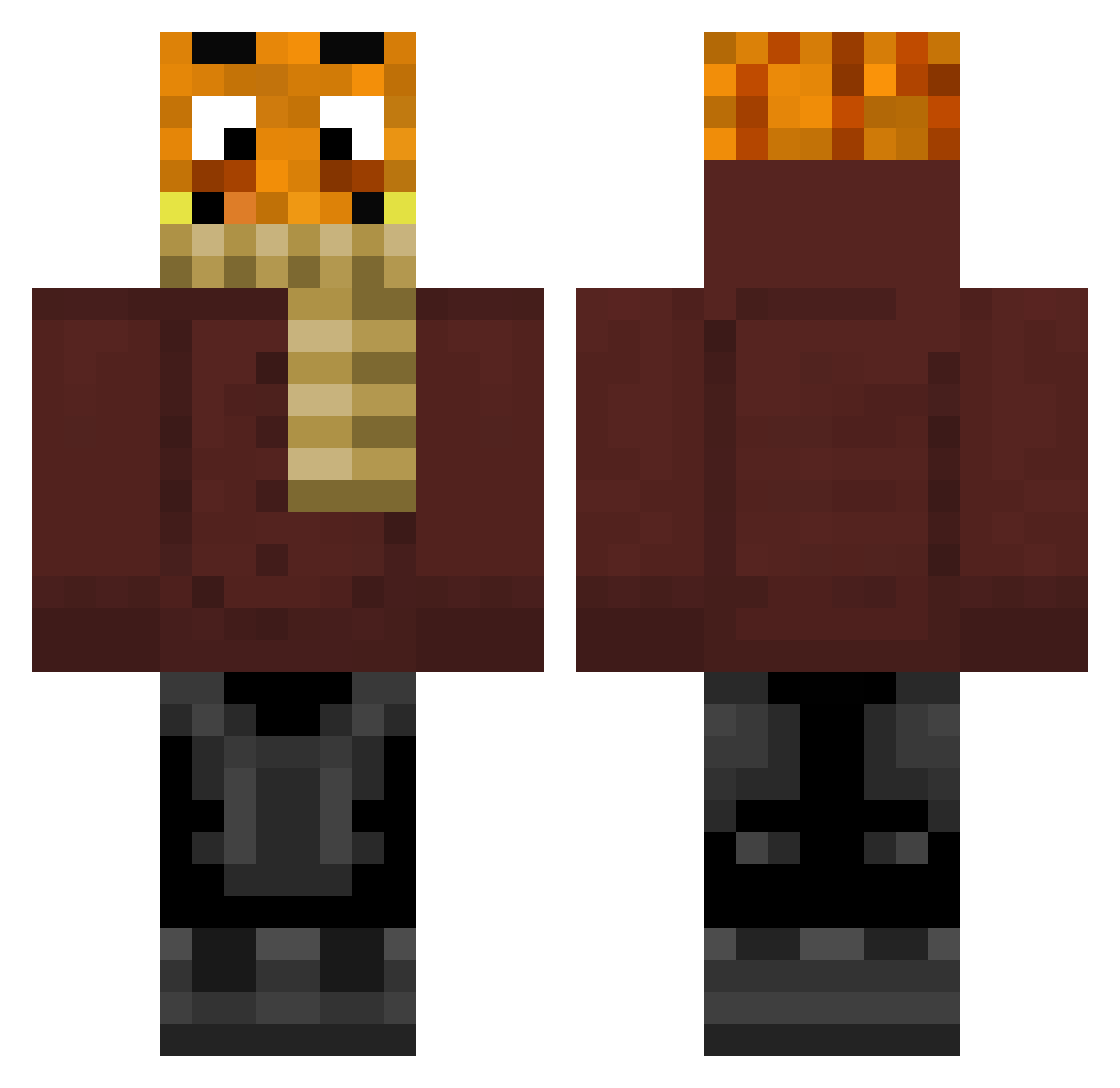
Current Minecraft skin of the player HARTCORR, loaded from the official Mojang API. Rotate the 3D model with your mouse or finger, then download the skin as a PNG file and use it in Minecraft: Bedrock Edition or Java Edition for free. When HARTCORR changes their skin, this page updates automatically and the old skin stays in the history below.
Other players with this skin (250)
HARTCORR was the 108th player we have seen with this skin, first spotted on 09.09.2026. The same skin was seen on these players. Open a nickname to see their current skin and skin history.
 lolobro99 stroppes CarlokeinRPDmehr Gab_GHG deuzuk Mauli_265189 Silas_145 Shameless_John ls_pics_by_lanz xPaul31x naund_duhund eemiemo tisi_lul TheoRex16 lea_0604 Palle2695 Tocka23 DJANGO18481904 Palutenxxx NBK13 xKubaJ dn_Xrazy Juliam_Turtle KingJamie0407 Mafausi HotasyouMOM Raidon2706 D34NTV guitarman3 Zequlehrling Palutenggg HeimerKush Platoon42 Powerkeule MrFiete1 lamarminius 0Demon_Slayer0 Pdzzl Jamaika2011 assa2306 Leonaut500 ToxicRavix Fron233 case1000 NobleBear1067 XxTobsixX187 Raxo_x Luciosanol Maxilsp ssdhjbs GuenterKlesper LucanVex _naik Bauverbot BTT88 Tinsel192 Padi382 Prowos2013 Schrank1234 fighterbubblegum
More Garfield Minecraft skins
How to install the HARTCORR skin
- Press the Download button above to save the skin as a PNG file.
- Minecraft: Bedrock Edition (PE): open the Dressing Room from the main menu (or tap your character → Edit Character), go to Classic Skins → Owned, press the + (new skin) button, choose the downloaded PNG and pick the Classic (Steve) model. Works on PC and mobile; consoles cannot import custom skins.
- Minecraft: Java Edition: open the Minecraft Launcher, go to the Skins tab, click New Skin, load the PNG, pick the Classic (Steve) model and press Save & Use. You can also upload it at minecraft.net → Profile → Change Skin.
The skin does not show up after import - what should I do?
Restart Minecraft and open the Dressing Room again - imported skins sometimes appear only after a restart. Also make sure you selected the imported skin and picked the Classic (Steve) model.
Which model should I choose, Classic or Slim?
This skin is designed for the Classic (Steve) model. If you pick the wrong model, the arms of the skin will look stretched or squeezed.
Is the skin of HARTCORR free to download?
Yes. Press Download, save the PNG file and use it in Minecraft: Bedrock Edition or Java Edition - no payment or registration needed. The skin also works on multiplayer servers and Realms.
More skins
Looking for more? Go back to all Minecraft skins and check the top skins of the week, month and all time, or find any player's skin by nickname.