
H7lI - Minecraft Skins & Skin History
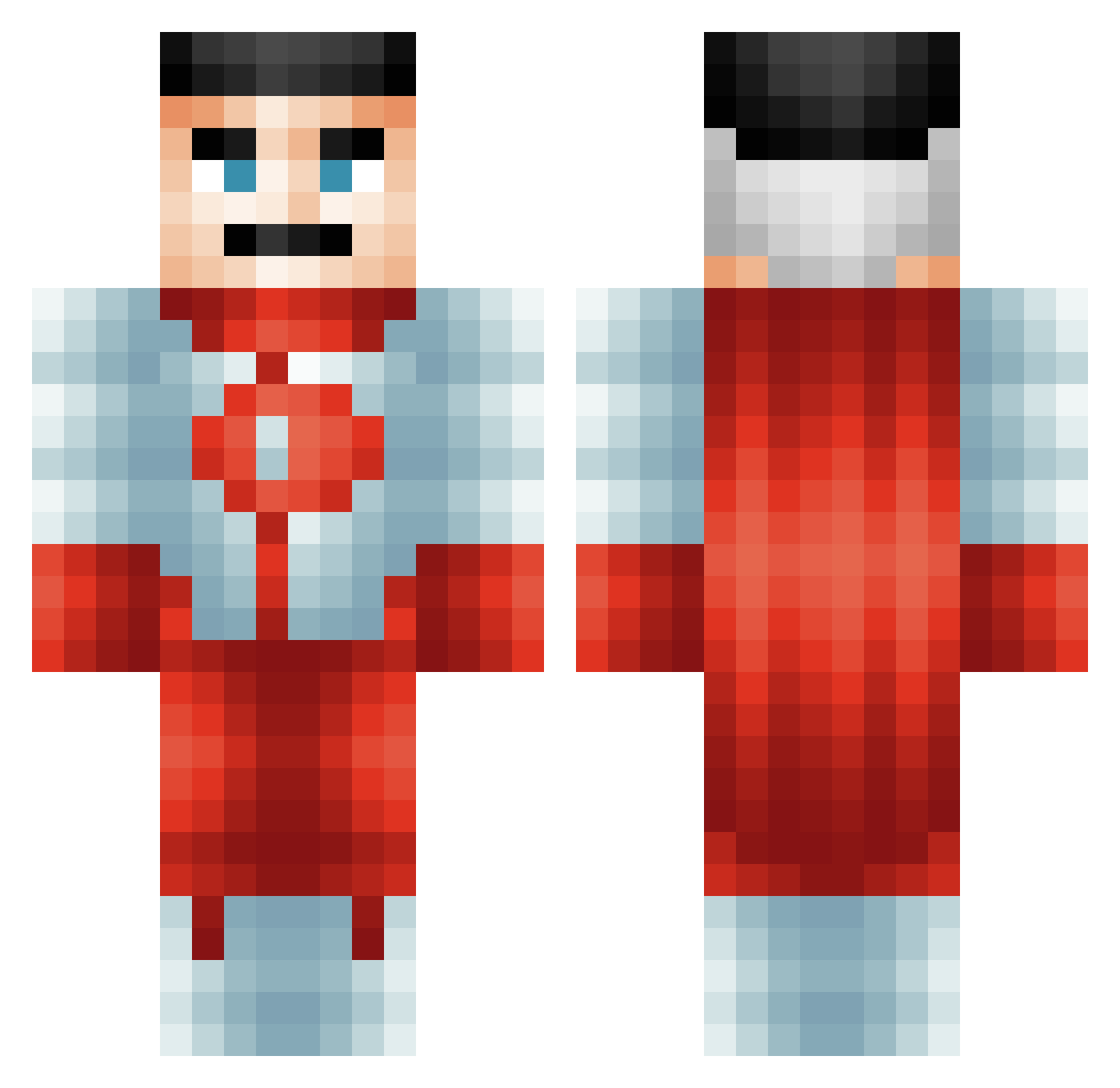
Current Minecraft skin of the player H7lI, loaded from the official Mojang API. Rotate the 3D model with your mouse or finger, then download the skin as a PNG file and use it in Minecraft: Bedrock Edition or Java Edition for free. When H7lI changes their skin, this page updates automatically and the old skin stays in the history below.
Other players with this skin (673)
H7lI was the 639th player we have seen with this skin, first spotted on 14.11.2026. The same skin was seen on these players. Open a nickname to see their current skin and skin history.
 SonOfMiller Austinn1 RedDuck38 bourn1shot EJBrock mrmocky24 WillKadeow AustinTheMilkman medearing BooglerKiggler _Komplex_ GnarlyShark2 Snakeproman xMrZeus r62798 samobaba14 AGMaster CTvnm 777kacperek777 frankie_ipswich GOLDgamer752 trqvcr TTVHooded93 AnthonyDTren SuedTiger XxFazeGregPaulxX Wielkignagosz MacGamer Jakersf Keep_The_Flow Tuke_0305 SOSilence RiskyBisky1999 TheLegend977 cgmski Flawzza Mamabicho Santiago_516 TakeOutTilapia Evaderate zxvlq elliocatto pinio2181 MuLTiB0MB SirRay123 SigGatto Lautaro522 adi1233 Empeiroz thepopcat SinghSY00 HenriiS JxckDaniels69 Chanpups Gxanno angeIrose EagleJason Yuriow DrewTaboo KitKatHamster
More Omni Man Minecraft skins
How to install the H7lI skin
- Press the Download button above to save the skin as a PNG file.
- Minecraft: Bedrock Edition (PE): open the Dressing Room from the main menu (or tap your character → Edit Character), go to Classic Skins → Owned, press the + (new skin) button, choose the downloaded PNG and pick the Classic (Steve) model. Works on PC and mobile; consoles cannot import custom skins.
- Minecraft: Java Edition: open the Minecraft Launcher, go to the Skins tab, click New Skin, load the PNG, pick the Classic (Steve) model and press Save & Use. You can also upload it at minecraft.net → Profile → Change Skin.
The skin does not show up after import - what should I do?
Restart Minecraft and open the Dressing Room again - imported skins sometimes appear only after a restart. Also make sure you selected the imported skin and picked the Classic (Steve) model.
Which model should I choose, Classic or Slim?
This skin is designed for the Classic (Steve) model. If you pick the wrong model, the arms of the skin will look stretched or squeezed.
Is the skin of H7lI free to download?
Yes. Press Download, save the PNG file and use it in Minecraft: Bedrock Edition or Java Edition - no payment or registration needed. The skin also works on multiplayer servers and Realms.
More skins
Looking for more? Go back to all Minecraft skins and check the top skins of the week, month and all time, or find any player's skin by nickname.