
GxppyMC - Minecraft Skins & Skin History
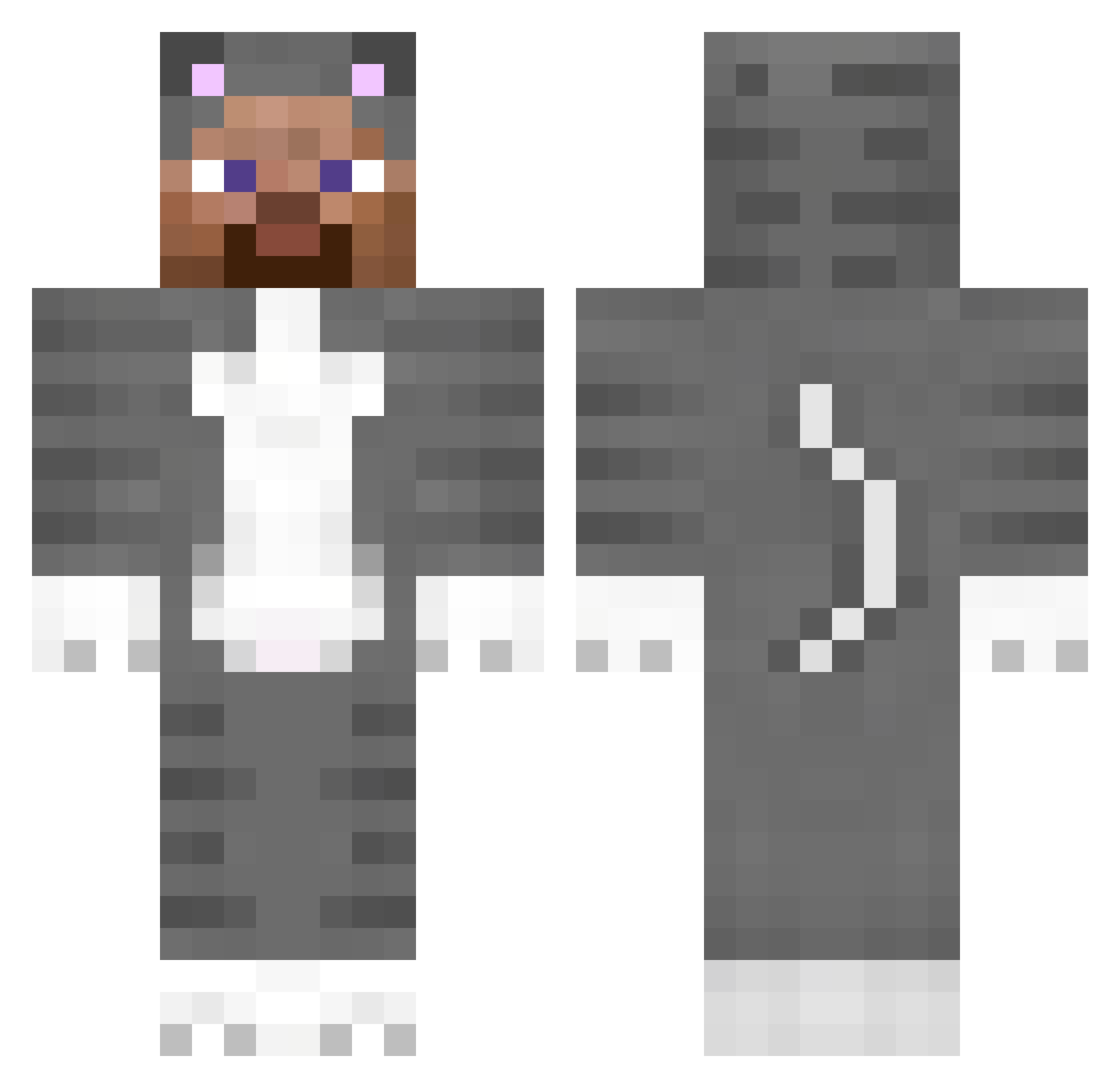
Current Minecraft skin of the player GxppyMC, loaded from the official Mojang API. Rotate the 3D model with your mouse or finger, then download the skin as a PNG file and use it in Minecraft: Bedrock Edition or Java Edition for free. When GxppyMC changes their skin, this page updates automatically and the old skin stays in the history below.
Other players with this skin (183)
GxppyMC was the 153rd player we have seen with this skin, first spotted on 01.11.2026. The same skin was seen on these players. Open a nickname to see their current skin and skin history.
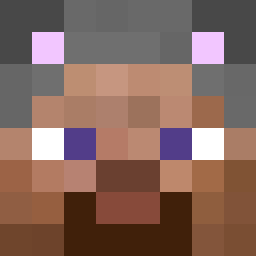 Dean_PK DavidBoy435 0794 SalIsTnitesLoser SemNomee juan_bartholemao __GingerSnap Muzzil FUTILENESS VexApex abdullaalmualla W_Wiked DonavinRayMan Smugglers hmmmm SUPERCEDES Lootinh sweetkittenmeow Kenny012345 Vematoo Scorp00o mistraces Escandarr vvwn nkl1 maze232 ToCzlowiek christolius B1ayz3_ TheGreatSuccubus MudBeard__ Swap AlexLamboYT _vyrn_ Ema0907 Kaizo88 oSneekz SelfDestrxted idkhowtocommit mistadrifta qUmbrella cacacup MAND6964 tags335is blackdaon saltbars iFroZloveZamal Studboy202 GWDW aadhishyes goray123 gigglecat123 bark4daddy souaz_ BlackGenjjing 2siyeol wizard747 Nipsu078 Maizemanager838 Chabeen
More Animal Onesie Minecraft skins
See all 2449 Animal Onesie skins
How to install the GxppyMC skin
- Press the Download button above to save the skin as a PNG file.
- Minecraft: Bedrock Edition (PE): open the Dressing Room from the main menu (or tap your character → Edit Character), go to Classic Skins → Owned, press the + (new skin) button, choose the downloaded PNG and pick the Classic (Steve) model. Works on PC and mobile; consoles cannot import custom skins.
- Minecraft: Java Edition: open the Minecraft Launcher, go to the Skins tab, click New Skin, load the PNG, pick the Classic (Steve) model and press Save & Use. You can also upload it at minecraft.net → Profile → Change Skin.
The skin does not show up after import - what should I do?
Restart Minecraft and open the Dressing Room again - imported skins sometimes appear only after a restart. Also make sure you selected the imported skin and picked the Classic (Steve) model.
Which model should I choose, Classic or Slim?
This skin is designed for the Classic (Steve) model. If you pick the wrong model, the arms of the skin will look stretched or squeezed.
Is the skin of GxppyMC free to download?
Yes. Press Download, save the PNG file and use it in Minecraft: Bedrock Edition or Java Edition - no payment or registration needed. The skin also works on multiplayer servers and Realms.
More skins
Looking for more? Go back to all Minecraft skins and check the top skins of the week, month and all time, or find any player's skin by nickname.