
Gvision1 - Minecraft Skins & Skin History
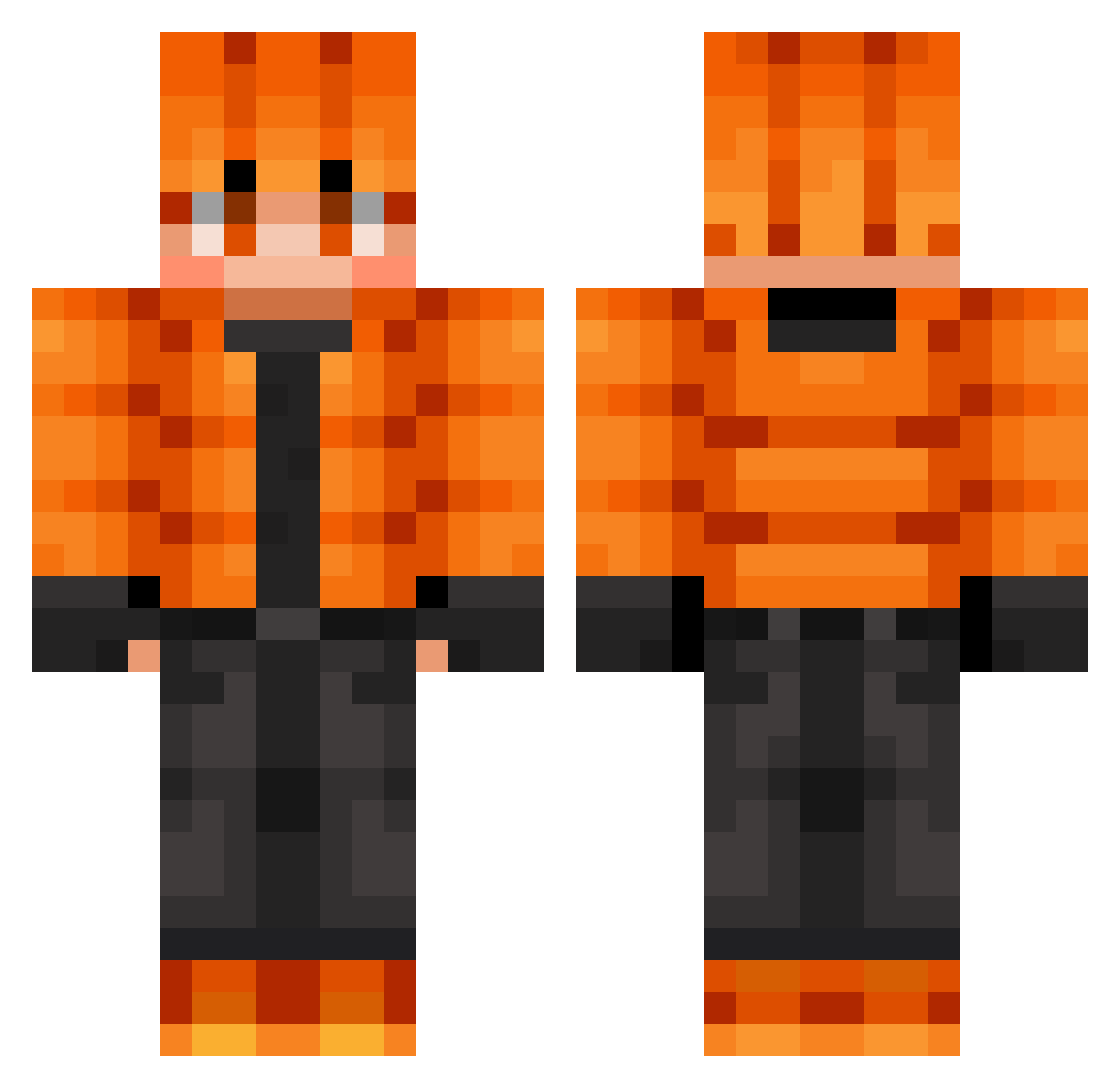
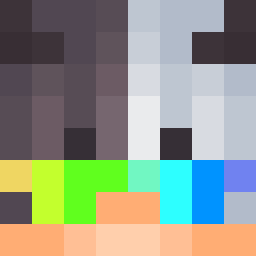
Current Minecraft skin of the player Gvision1, loaded from the official Mojang API. Rotate the 3D model with your mouse or finger, then download the skin as a PNG file and use it in Minecraft: Bedrock Edition or Java Edition for free. When Gvision1 changes their skin, this page updates automatically and the old skin stays in the history below.
Other players with this skin (723)
Gvision1 was the 37th player we have seen with this skin, first spotted on 29.07.2026. The same skin was seen on these players. Open a nickname to see their current skin and skin history.
 Fat_Dongle Skyrimdov illusionmc16
 RescueKing
 Levente1st DaJoshua29 mete3534 ArthurDavi6 SYNDRXME
 CapitanRex120 SCHUMACKERHUNTER
 Fritzi15 NEXUS070707 Jaltsu2811 Stolecchuta Bizjanko michelliot Tajus2015 Hitman253
 CNB1217 K0ldskaal yor571 nikos2121
 Justin2009123 AK47clm alex9990 MarckWolf nathanial1212 Deadlight115 MasterHummer BBlazyy Gysbert12 Dima129 Christos_ev
 GioSophie
 RyanIshizaki camera8943 tomrob19 creepy166
 ValentinMXD
 _Cyryl_ SolaceMoon Nate123541 ReyCeleita12
 yaoyunchengy THREELITTLEBEARS SarahEliza mongey22 Turyk
 icecnguyen elpro56
 LAbelX29 Luukasssss
 ArasAtlas IsBacK95 sharkyboy202 Gameforlifenoah Gameknight2812 SpideTTV SamLeo2025
How to install the Gvision1 skin
- Press the Download button above to save the skin as a PNG file.
- Minecraft: Bedrock Edition (PE): open the Dressing Room from the main menu (or tap your character → Edit Character), go to Classic Skins → Owned, press the + (new skin) button, choose the downloaded PNG and pick the Classic (Steve) model. Works on PC and mobile; consoles cannot import custom skins.
- Minecraft: Java Edition: open the Minecraft Launcher, go to the Skins tab, click New Skin, load the PNG, pick the Classic (Steve) model and press Save & Use. You can also upload it at minecraft.net → Profile → Change Skin.
The skin does not show up after import - what should I do?
Restart Minecraft and open the Dressing Room again - imported skins sometimes appear only after a restart. Also make sure you selected the imported skin and picked the Classic (Steve) model.
Which model should I choose, Classic or Slim?
This skin is designed for the Classic (Steve) model. If you pick the wrong model, the arms of the skin will look stretched or squeezed.
Is the skin of Gvision1 free to download?
Yes. Press Download, save the PNG file and use it in Minecraft: Bedrock Edition or Java Edition - no payment or registration needed. The skin also works on multiplayer servers and Realms.
More skins
Looking for more? Go back to all Minecraft skins and check the top skins of the week, month and all time, or find any player's skin by nickname.