
Guyplays1 - Minecraft Skins & Skin History
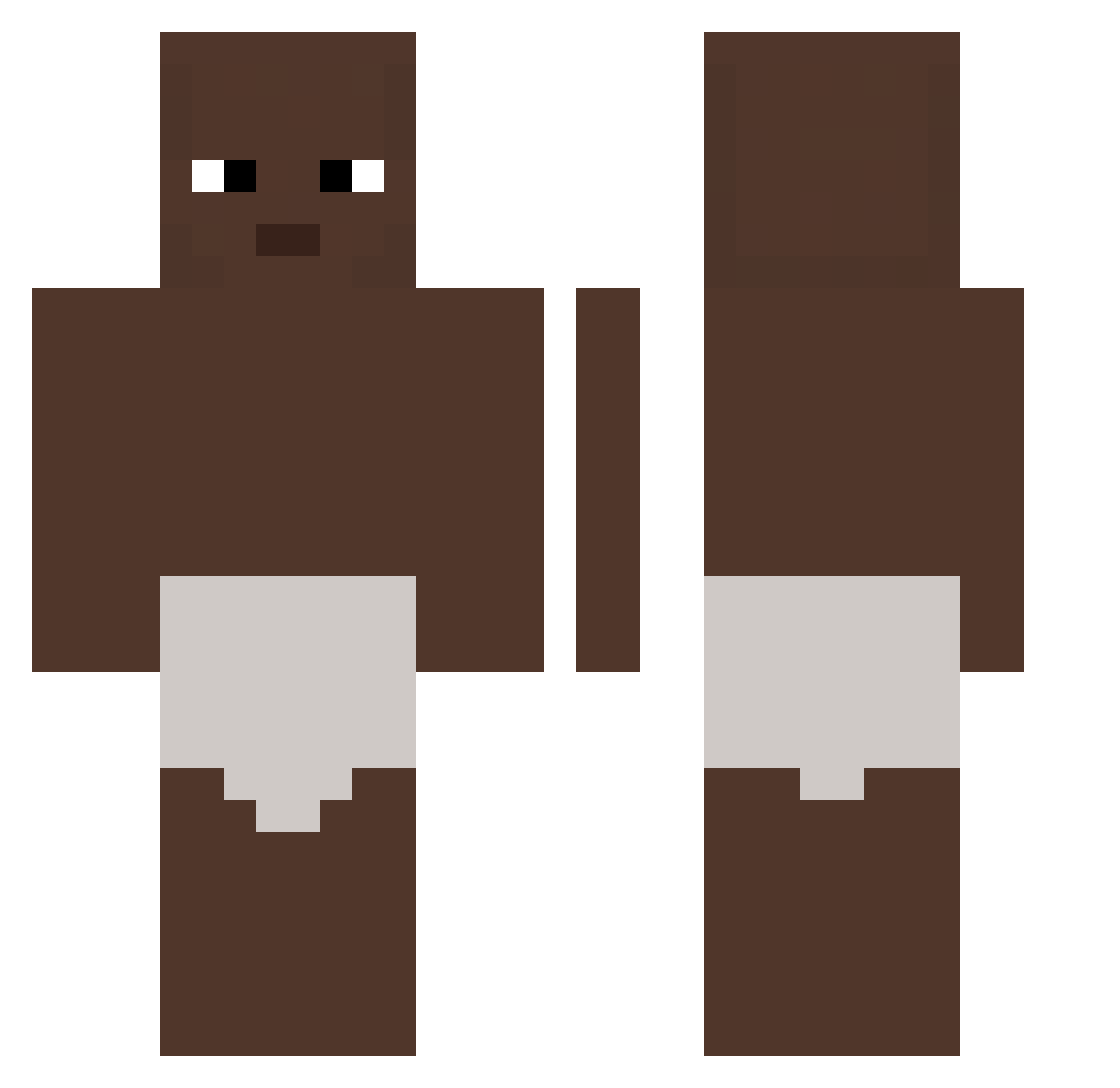
Current Minecraft skin of the player Guyplays1, loaded from the official Mojang API. Rotate the 3D model with your mouse or finger, then download the skin as a PNG file and use it in Minecraft: Bedrock Edition or Java Edition for free. When Guyplays1 changes their skin, this page updates automatically and the old skin stays in the history below.
Other players with this skin (387)
Guyplays1 was the 344th player we have seen with this skin, first spotted on 06.11.2026. The same skin was seen on these players. Open a nickname to see their current skin and skin history.
 ahguren12 Doteho Skibma bettercallme Kirkinator6969 szybkidejw Darth_Veider ShoeOnStrings Stuurk eason15 RandomHippo42 COMEPONG LilTriscuitt Guido2222 Hanneloreuwu Saronrip minsung323 D_G07 Joseph031 alreadyhasbeen SUPERPOOP84 yoguryoda Du_Bu Maurice_Lozenger xinxinxing1 Kvemix lookin4cotton Brown_Pickle tyronestone HIHIHAHA_Wuw xZyxka Zyroizchad cileklilimonata takayan111 VilainGarcon CompleX1235 TheKfcBandit Captansnuffle IchBinEinPeach HoltyWolf freepoland Elloooon1 karton349 L8quid Nigoraa 10cristi whocarlos YLee4656 CMoney2x itsMaru smolovv1 eur7 jstn_07 Rokuronijum Faahkun kight31 koresh13cm wlfp dedemit1234 taehyune321
More Baby Minecraft skins
How to install the Guyplays1 skin
- Press the Download button above to save the skin as a PNG file.
- Minecraft: Bedrock Edition (PE): open the Dressing Room from the main menu (or tap your character → Edit Character), go to Classic Skins → Owned, press the + (new skin) button, choose the downloaded PNG and pick the Classic (Steve) model. Works on PC and mobile; consoles cannot import custom skins.
- Minecraft: Java Edition: open the Minecraft Launcher, go to the Skins tab, click New Skin, load the PNG, pick the Classic (Steve) model and press Save & Use. You can also upload it at minecraft.net → Profile → Change Skin.
The skin does not show up after import - what should I do?
Restart Minecraft and open the Dressing Room again - imported skins sometimes appear only after a restart. Also make sure you selected the imported skin and picked the Classic (Steve) model.
Which model should I choose, Classic or Slim?
This skin is designed for the Classic (Steve) model. If you pick the wrong model, the arms of the skin will look stretched or squeezed.
Is the skin of Guyplays1 free to download?
Yes. Press Download, save the PNG file and use it in Minecraft: Bedrock Edition or Java Edition - no payment or registration needed. The skin also works on multiplayer servers and Realms.
More skins
Looking for more? Go back to all Minecraft skins and check the top skins of the week, month and all time, or find any player's skin by nickname.