
Guille_Acosta - Minecraft Skins & Skin History
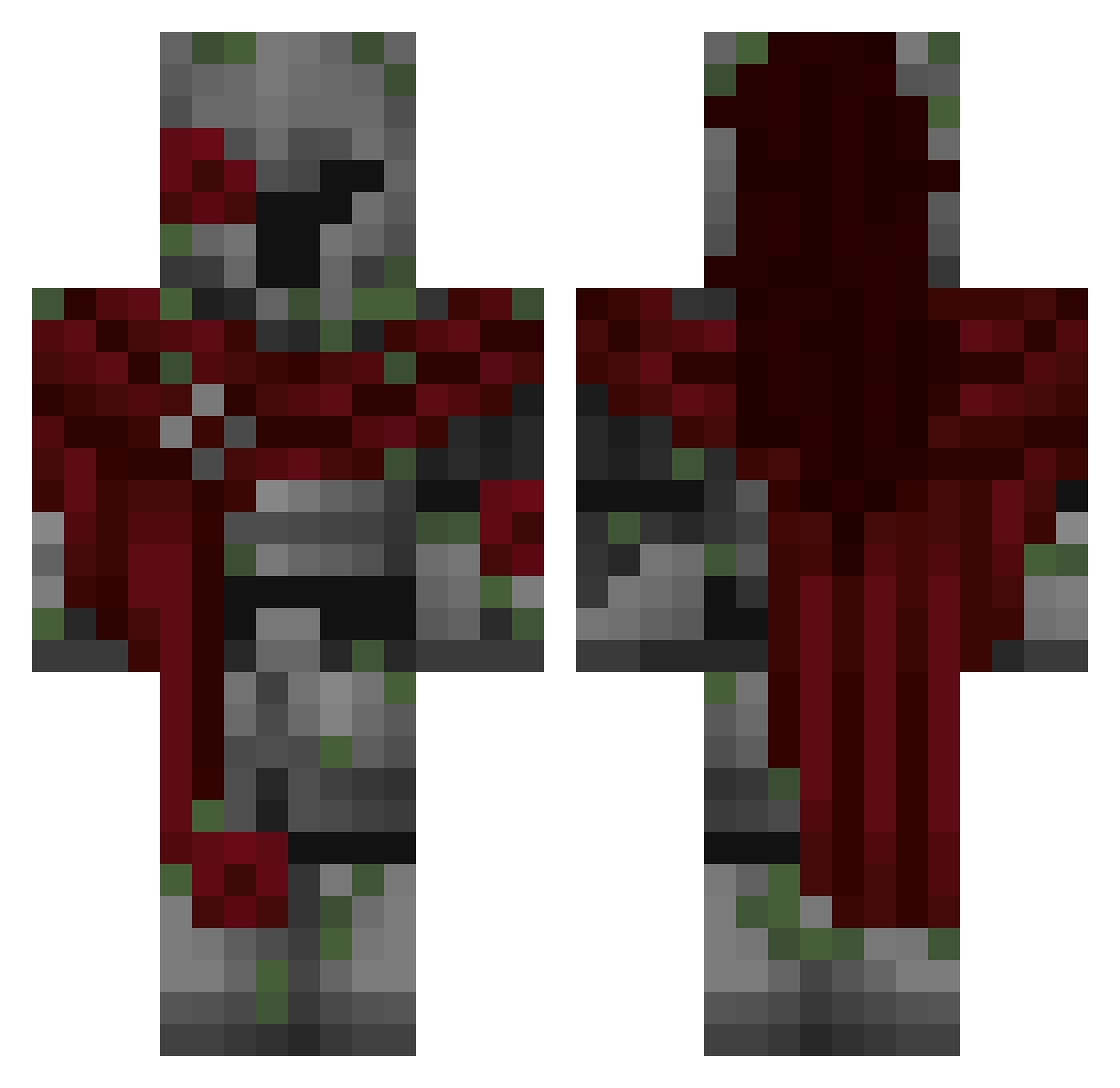
Current Minecraft skin of the player Guille_Acosta, loaded from the official Mojang API. Rotate the 3D model with your mouse or finger, then download the skin as a PNG file and use it in Minecraft: Bedrock Edition or Java Edition for free. When Guille_Acosta changes their skin, this page updates automatically and the old skin stays in the history below.
Other players with this skin (309)
Guille_Acosta was the 281st player we have seen with this skin, first spotted on 24.10.2026. The same skin was seen on these players. Open a nickname to see their current skin and skin history.
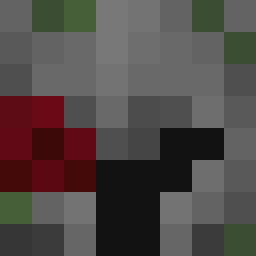 ibdoor hwearts_ zenharu PbNJ3llyy Ebyn43 blaukyy Doritos_Sensei UTA_777 Tio001 Wrench30 kimyads BruhGandhi ZCKPLAYER AssassinMonarch popdude18 DarkArt01 DarkRedas En_Amour WilliamJP3 envylolz SchrodingerKris LocalWindy FocusWave wrennity Xyphinox Zeoren Klexs12 MonkeyButt_123 moltenjack MewWarrior eqws AngryDaddy1 DoodleBinkz _Mamez_ _sb123_ XStudsonX Keano3007 Knightforest Aunfish DaniloKOe Diablo21346 kitoda Sxnsetskys Zdziisiuu Hxfzdn s1fz Maxirius15 BRO1234456754565 Flamiur_YT Rytt0 emanuelo34 Amhungy HarroadsterX Queinc SovietSoldier16 MrTangoMC Do0p3rMaN nagosamani CipherPolTwo iThe_Gray
More Mossy Minecraft skins
How to install the Guille_Acosta skin
- Press the Download button above to save the skin as a PNG file.
- Minecraft: Bedrock Edition (PE): open the Dressing Room from the main menu (or tap your character → Edit Character), go to Classic Skins → Owned, press the + (new skin) button, choose the downloaded PNG and pick the Classic (Steve) model. Works on PC and mobile; consoles cannot import custom skins.
- Minecraft: Java Edition: open the Minecraft Launcher, go to the Skins tab, click New Skin, load the PNG, pick the Classic (Steve) model and press Save & Use. You can also upload it at minecraft.net → Profile → Change Skin.
The skin does not show up after import - what should I do?
Restart Minecraft and open the Dressing Room again - imported skins sometimes appear only after a restart. Also make sure you selected the imported skin and picked the Classic (Steve) model.
Which model should I choose, Classic or Slim?
This skin is designed for the Classic (Steve) model. If you pick the wrong model, the arms of the skin will look stretched or squeezed.
Is the skin of Guille_Acosta free to download?
Yes. Press Download, save the PNG file and use it in Minecraft: Bedrock Edition or Java Edition - no payment or registration needed. The skin also works on multiplayer servers and Realms.
More skins
Looking for more? Go back to all Minecraft skins and check the top skins of the week, month and all time, or find any player's skin by nickname.