
Guhsta_ - Minecraft Skins & Skin History
Current Minecraft skin of the player Guhsta_, loaded from the official Mojang API. Rotate the 3D model with your mouse or finger, then download the skin as a PNG file and use it in Minecraft: Bedrock Edition or Java Edition for free. When Guhsta_ changes their skin, this page updates automatically and the old skin stays in the history below.
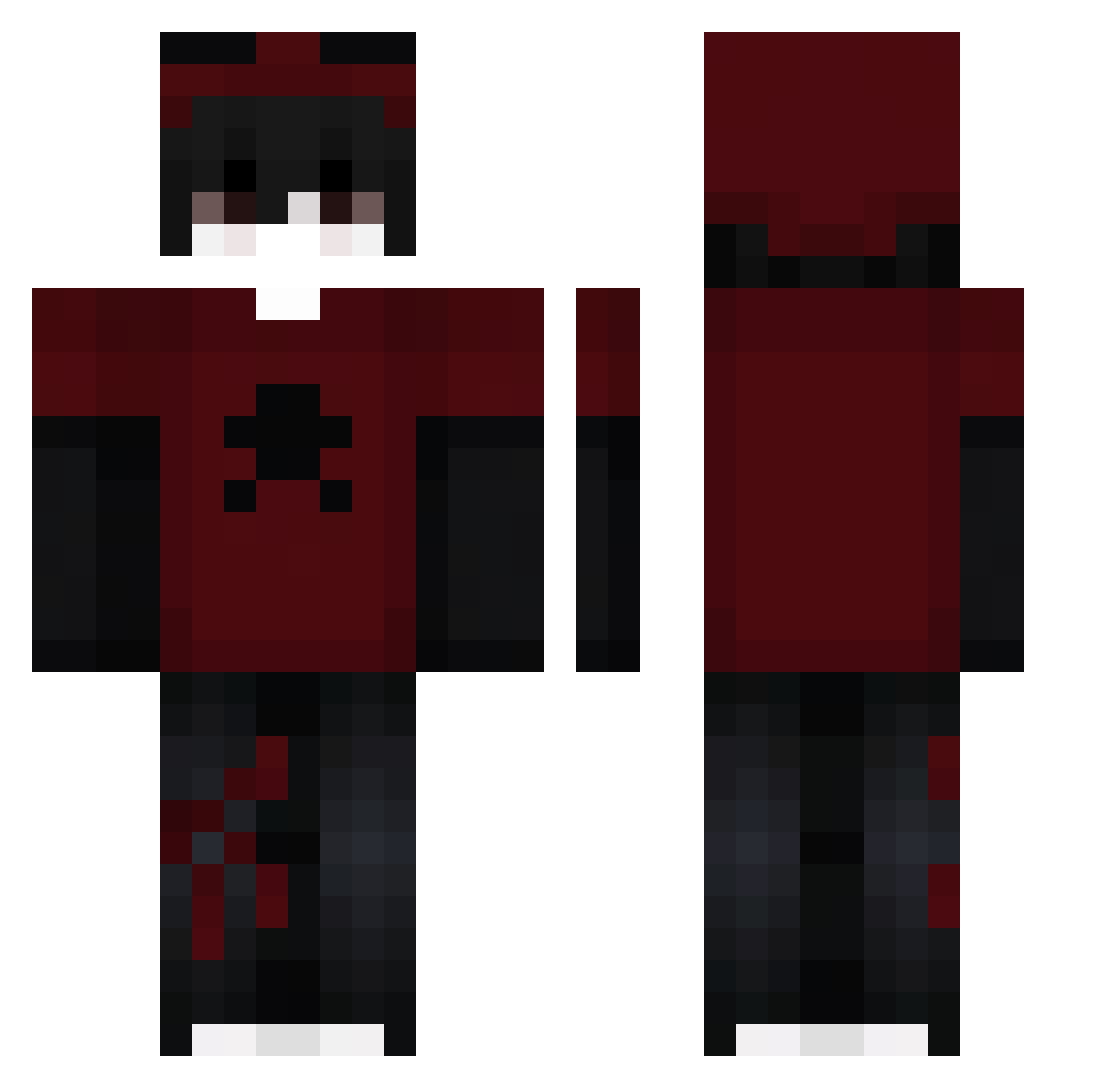
Other players with this skin (46)
Guhsta_ was the 26th player we have seen with this skin, first spotted on 13.09.2026. The same skin was seen on these players. Open a nickname to see their current skin and skin history.
 kxdzusbenger
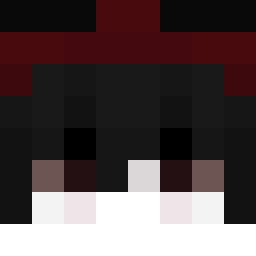 _SeriousPanda_ marshall305 BalleDeBasket J00T4 ZerixV2 kusa211 AmyMatesAmy BlackAndWhite85 Cytraxxx lukas_pjs
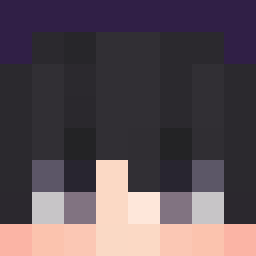 beladgham Ezra_Hanzo MaduroMoros Kirby_277 xwvn pmjk HadesX1 xM00Dx 14groszyy Kacpix21 JkRr_DK ZRyushi
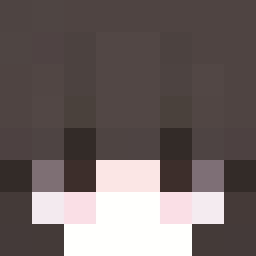 S1mple_904 SzjK00 MarioChmiel
 Ppotoe Yorkie86111 ReallySusNgl emirgneyy ItsDarkTv ShoxJTY Grxcia_ Silver5mith Wqer
 dahmany SpoCona_Amelka Wrilled
 Myrxk0v bast1gk richyRD YoongMin KULEFE61 1xRenox wakaw21 Drkmist
More Emo Minecraft skins
How to install the Guhsta_ skin
- Press the Download button above to save the skin as a PNG file.
- Minecraft: Bedrock Edition (PE): open the Dressing Room from the main menu (or tap your character → Edit Character), go to Classic Skins → Owned, press the + (new skin) button, choose the downloaded PNG and pick the Classic (Steve) model. Works on PC and mobile; consoles cannot import custom skins.
- Minecraft: Java Edition: open the Minecraft Launcher, go to the Skins tab, click New Skin, load the PNG, pick the Classic (Steve) model and press Save & Use. You can also upload it at minecraft.net → Profile → Change Skin.
The skin does not show up after import - what should I do?
Restart Minecraft and open the Dressing Room again - imported skins sometimes appear only after a restart. Also make sure you selected the imported skin and picked the Classic (Steve) model.
Which model should I choose, Classic or Slim?
This skin is designed for the Classic (Steve) model. If you pick the wrong model, the arms of the skin will look stretched or squeezed.
Is the skin of Guhsta_ free to download?
Yes. Press Download, save the PNG file and use it in Minecraft: Bedrock Edition or Java Edition - no payment or registration needed. The skin also works on multiplayer servers and Realms.
More skins
Looking for more? Go back to all Minecraft skins and check the top skins of the week, month and all time, or find any player's skin by nickname.