
GrauwolfTV - Minecraft Skins & Skin History
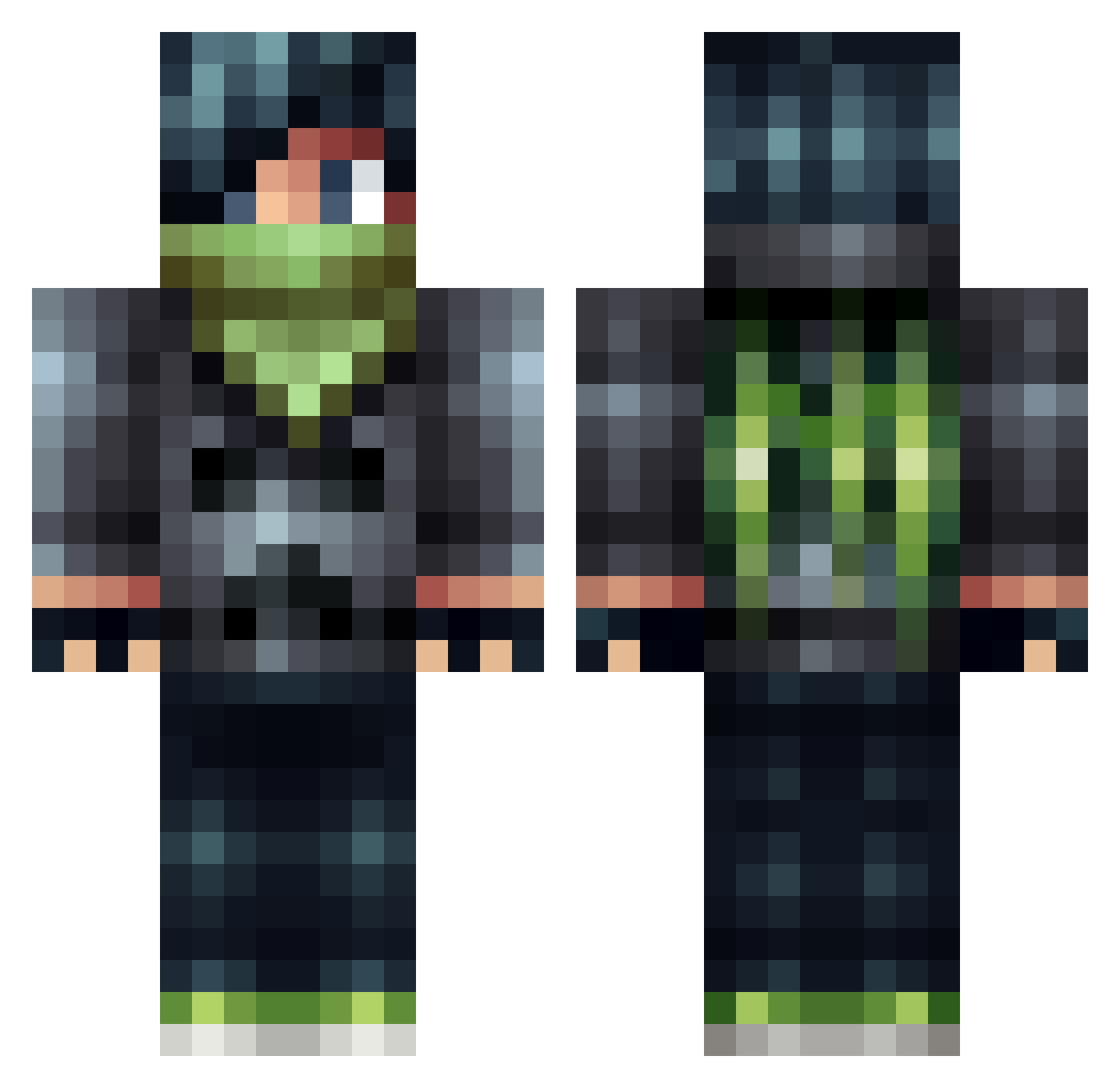
Current Minecraft skin of the player GrauwolfTV, loaded from the official Mojang API. Rotate the 3D model with your mouse or finger, then download the skin as a PNG file and use it in Minecraft: Bedrock Edition or Java Edition for free. When GrauwolfTV changes their skin, this page updates automatically and the old skin stays in the history below.
Other players with this skin (79)
GrauwolfTV was the 53rd player we have seen with this skin, first spotted on 29.09.2026. The same skin was seen on these players. Open a nickname to see their current skin and skin history.
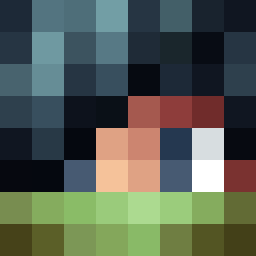 yoshi44LH Bradleym33 DEVIL__JIN Roiskelappa GreatGabeUltima5 YzANqG technolox qqqwerty Dacha_0 Patholoqical WildestAlmond79 JGalaxy LoneWolf311 riichi Advantus TarmTarmz GravityPoP FANFAN0112 Jellamations loki10123 JakeTabs nshade27 Boomboombang114 B_RezA87 TheZanderful SnowCakez doubledevilz185 RiverCrowMC Urbrus GoldenFinks OminousVoid Kuroko_Shimata AlWoGa1114 bernas_2002 MeganB1025 utilitysauser gravitWALLY JimmyWonder ShangCun Itz_Nobrodk AXLERAFIA Blockzuka treuart maklerkefix MetaPatt darklord277 FeltyGarlic2687 MOB5and9 bey78 mohd1234 HarmlessTattie IVIIAGICFORT11 Shiftman174 jasongamer12123 MeetThePro Evowes BunnyMaster18 pxlzzz liberhomo FractumSeraph
More Apocalyptic Minecraft skins
How to install the GrauwolfTV skin
- Press the Download button above to save the skin as a PNG file.
- Minecraft: Bedrock Edition (PE): open the Dressing Room from the main menu (or tap your character → Edit Character), go to Classic Skins → Owned, press the + (new skin) button, choose the downloaded PNG and pick the Classic (Steve) model. Works on PC and mobile; consoles cannot import custom skins.
- Minecraft: Java Edition: open the Minecraft Launcher, go to the Skins tab, click New Skin, load the PNG, pick the Classic (Steve) model and press Save & Use. You can also upload it at minecraft.net → Profile → Change Skin.
The skin does not show up after import - what should I do?
Restart Minecraft and open the Dressing Room again - imported skins sometimes appear only after a restart. Also make sure you selected the imported skin and picked the Classic (Steve) model.
Which model should I choose, Classic or Slim?
This skin is designed for the Classic (Steve) model. If you pick the wrong model, the arms of the skin will look stretched or squeezed.
Is the skin of GrauwolfTV free to download?
Yes. Press Download, save the PNG file and use it in Minecraft: Bedrock Edition or Java Edition - no payment or registration needed. The skin also works on multiplayer servers and Realms.
More skins
Looking for more? Go back to all Minecraft skins and check the top skins of the week, month and all time, or find any player's skin by nickname.