
Gr333ds - Minecraft Skins & Skin History
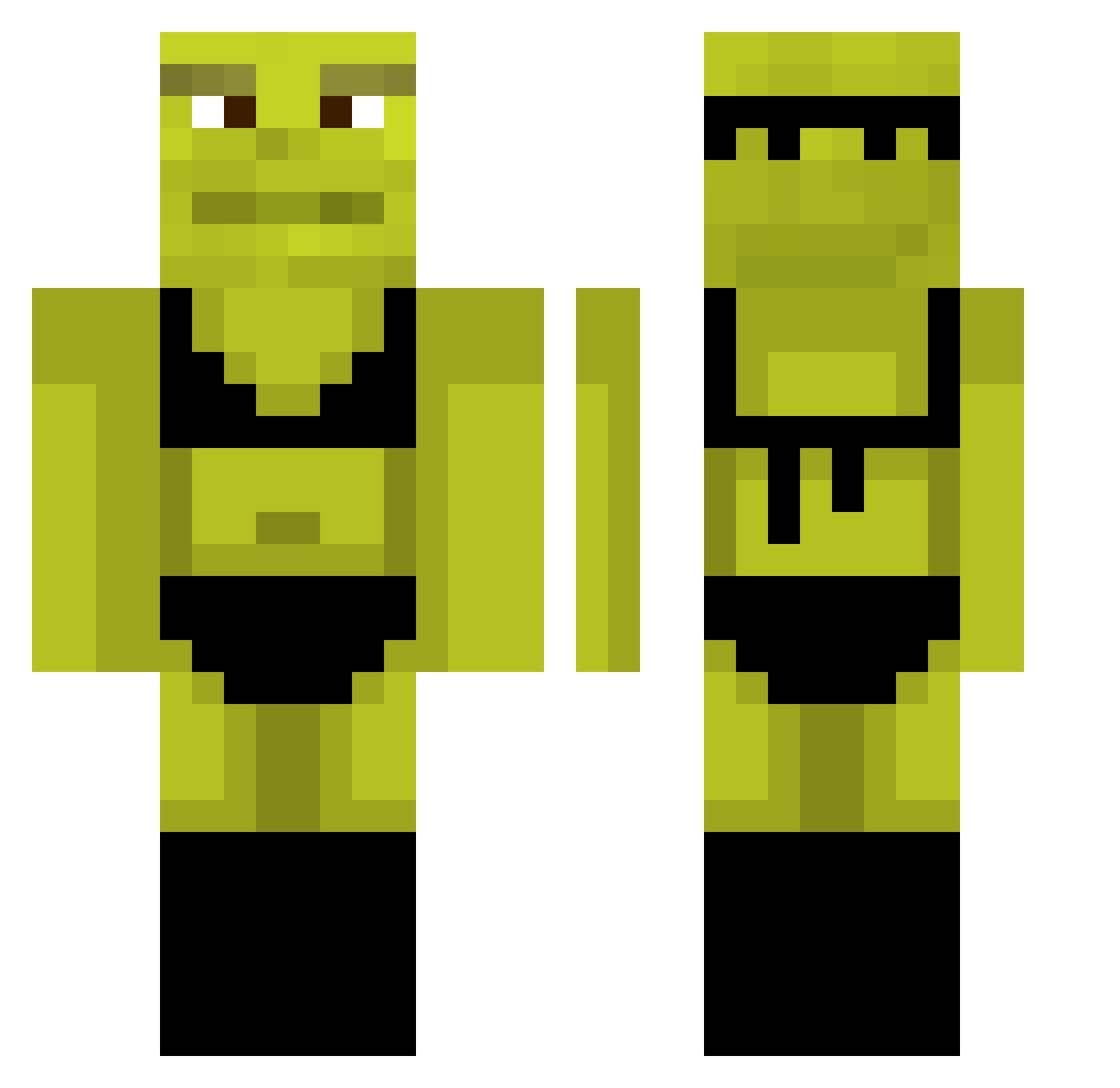
Current Minecraft skin of the player Gr333ds, loaded from the official Mojang API. Rotate the 3D model with your mouse or finger, then download the skin as a PNG file and use it in Minecraft: Bedrock Edition or Java Edition for free. When Gr333ds changes their skin, this page updates automatically and the old skin stays in the history below.
Other players with this skin (878)
Gr333ds was the 380th player we have seen with this skin, first spotted on 10.09.2026. The same skin was seen on these players. Open a nickname to see their current skin and skin history.
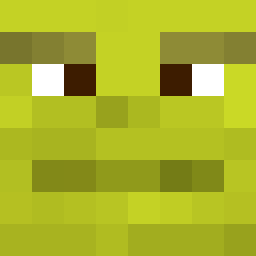 wheeniehutjr_ Hecilopter aniulaa4 Rollstuhltaxi hawkarltuah katschoen Grayson_Awesome Kqtoh mousealex_PT hmorais0 LingerieShrek wojtektoja 1PIGEON1 xXx_Dolly_xXx Kendziorek_PL SethBman Elzosmelzo27 VichoPan VapeLordShrek1 Frenchpeach DrAZues7035 DarK_FrooZe SebiDaMan dharper224 RiiPi xvrs_72 jannispaytomuch Sher127 lain3y VentiladorTop Vinikooty Maxi_3153 blushyxx360 Bolie72 Jimbousti BaldSinceAKid ellybelly_
 Solxry Sp00be ByDaim ajkirk57 DTC_umbert0 ZUZAAAAAAA serforce_0 tickletipson420 StubbszzY Davidos2708 CloudyFish77 clemmyb erpavro shrek5_ Mariana_G LordMcLovin WokeK QDH3004 tonith2 BeppUsgardu Athaw Tabea0807 EMMARUBU
More Shrek Minecraft skins
How to install the Gr333ds skin
- Press the Download button above to save the skin as a PNG file.
- Minecraft: Bedrock Edition (PE): open the Dressing Room from the main menu (or tap your character → Edit Character), go to Classic Skins → Owned, press the + (new skin) button, choose the downloaded PNG and pick the Classic (Steve) model. Works on PC and mobile; consoles cannot import custom skins.
- Minecraft: Java Edition: open the Minecraft Launcher, go to the Skins tab, click New Skin, load the PNG, pick the Classic (Steve) model and press Save & Use. You can also upload it at minecraft.net → Profile → Change Skin.
The skin does not show up after import - what should I do?
Restart Minecraft and open the Dressing Room again - imported skins sometimes appear only after a restart. Also make sure you selected the imported skin and picked the Classic (Steve) model.
Which model should I choose, Classic or Slim?
This skin is designed for the Classic (Steve) model. If you pick the wrong model, the arms of the skin will look stretched or squeezed.
Is the skin of Gr333ds free to download?
Yes. Press Download, save the PNG file and use it in Minecraft: Bedrock Edition or Java Edition - no payment or registration needed. The skin also works on multiplayer servers and Realms.
More skins
Looking for more? Go back to all Minecraft skins and check the top skins of the week, month and all time, or find any player's skin by nickname.