
GommeMods_Cringe - Minecraft Skins & Skin History
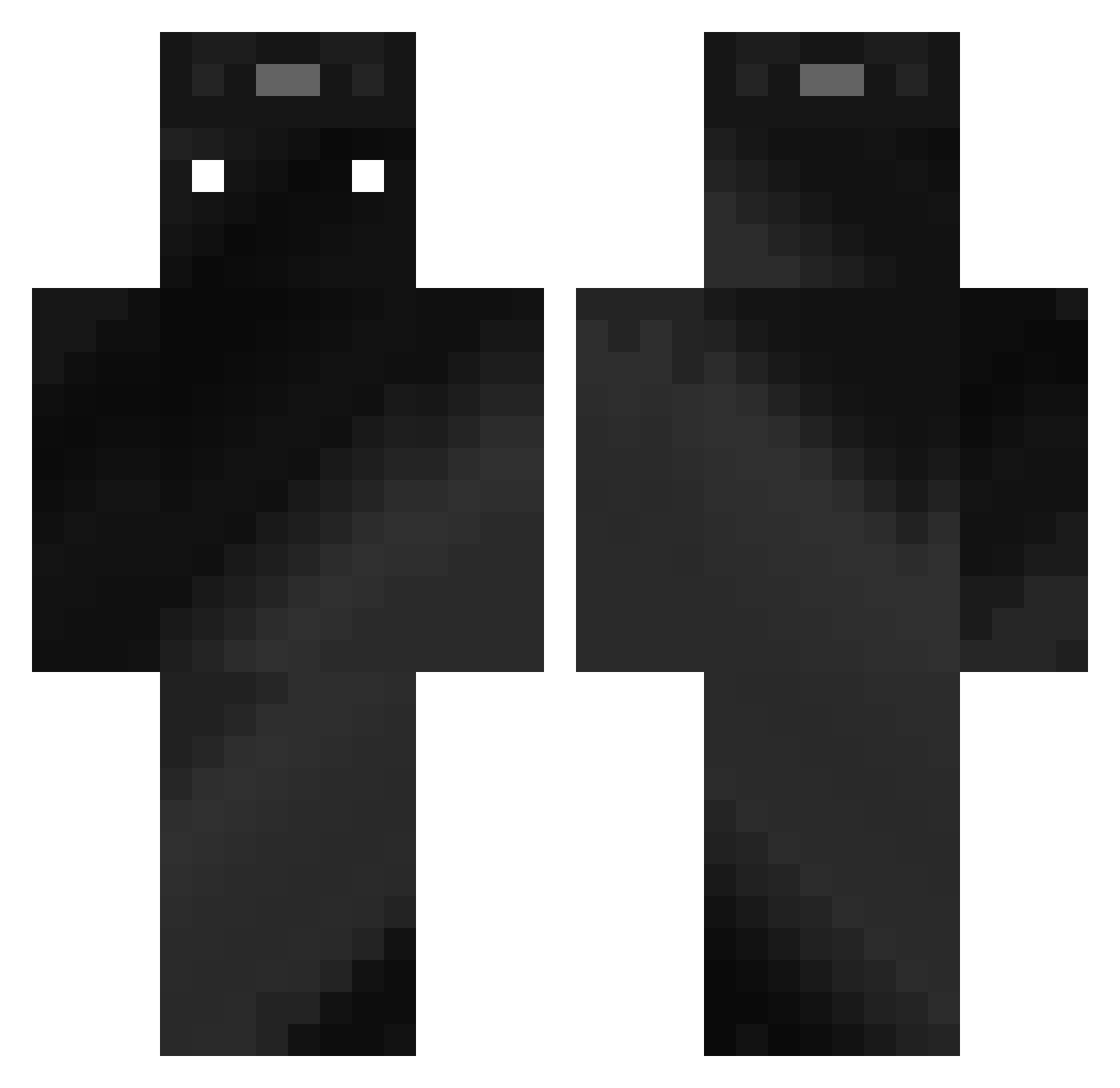
Current Minecraft skin of the player GommeMods_Cringe, loaded from the official Mojang API. Rotate the 3D model with your mouse or finger, then download the skin as a PNG file and use it in Minecraft: Bedrock Edition or Java Edition for free. When GommeMods_Cringe changes their skin, this page updates automatically and the old skin stays in the history below.
Other players with this skin (357)
GommeMods_Cringe was the 343rd player we have seen with this skin, first spotted on 21.10.2026. The same skin was seen on these players. Open a nickname to see their current skin and skin history.
 INKVIEWER AxolotlCookie12 ELMASP0 kittycat2223 NeptuneLXXVII Browni_Bruler DEATH_pl Masterfighter800 andyxx2271 Landerson26 diesereineali REVIsSsPL Real_Anto Nbody_ _CraftedSouls_ liyasami dabian6 zMayor Alexj950 _yussi1221_ Dwalkin Hunterzz67 BLACKBOY_EK AlienwareYT mikky144 HeyItsThoreau vnxalex EvoFan009 PyroLegacy zach327 Gaishoishoku Elio1707 BeatsJava93 justin27101 SzalonySimon sergioggg v1qa Topology3 PaperKing169 JuiceCartons Luis2300 _Ember16 Samitooo Viatou LordLuca_2011 IIII99 textenter XZH888 Splashy8017 Kot1iN tisTee gonzamena7 NACHIK1997 Jumb000 Boom713 _Demver_ Deadly_Tim Hectro_Gaming Oreo_cookie09 NeuroCat567
How to install the GommeMods_Cringe skin
- Press the Download button above to save the skin as a PNG file.
- Minecraft: Bedrock Edition (PE): open the Dressing Room from the main menu (or tap your character → Edit Character), go to Classic Skins → Owned, press the + (new skin) button, choose the downloaded PNG and pick the Classic (Steve) model. Works on PC and mobile; consoles cannot import custom skins.
- Minecraft: Java Edition: open the Minecraft Launcher, go to the Skins tab, click New Skin, load the PNG, pick the Classic (Steve) model and press Save & Use. You can also upload it at minecraft.net → Profile → Change Skin.
The skin does not show up after import - what should I do?
Restart Minecraft and open the Dressing Room again - imported skins sometimes appear only after a restart. Also make sure you selected the imported skin and picked the Classic (Steve) model.
Which model should I choose, Classic or Slim?
This skin is designed for the Classic (Steve) model. If you pick the wrong model, the arms of the skin will look stretched or squeezed.
Is the skin of GommeMods_Cringe free to download?
Yes. Press Download, save the PNG file and use it in Minecraft: Bedrock Edition or Java Edition - no payment or registration needed. The skin also works on multiplayer servers and Realms.
More skins
Looking for more? Go back to all Minecraft skins and check the top skins of the week, month and all time, or find any player's skin by nickname.