
Golleonsky - Minecraft Skins & Skin History
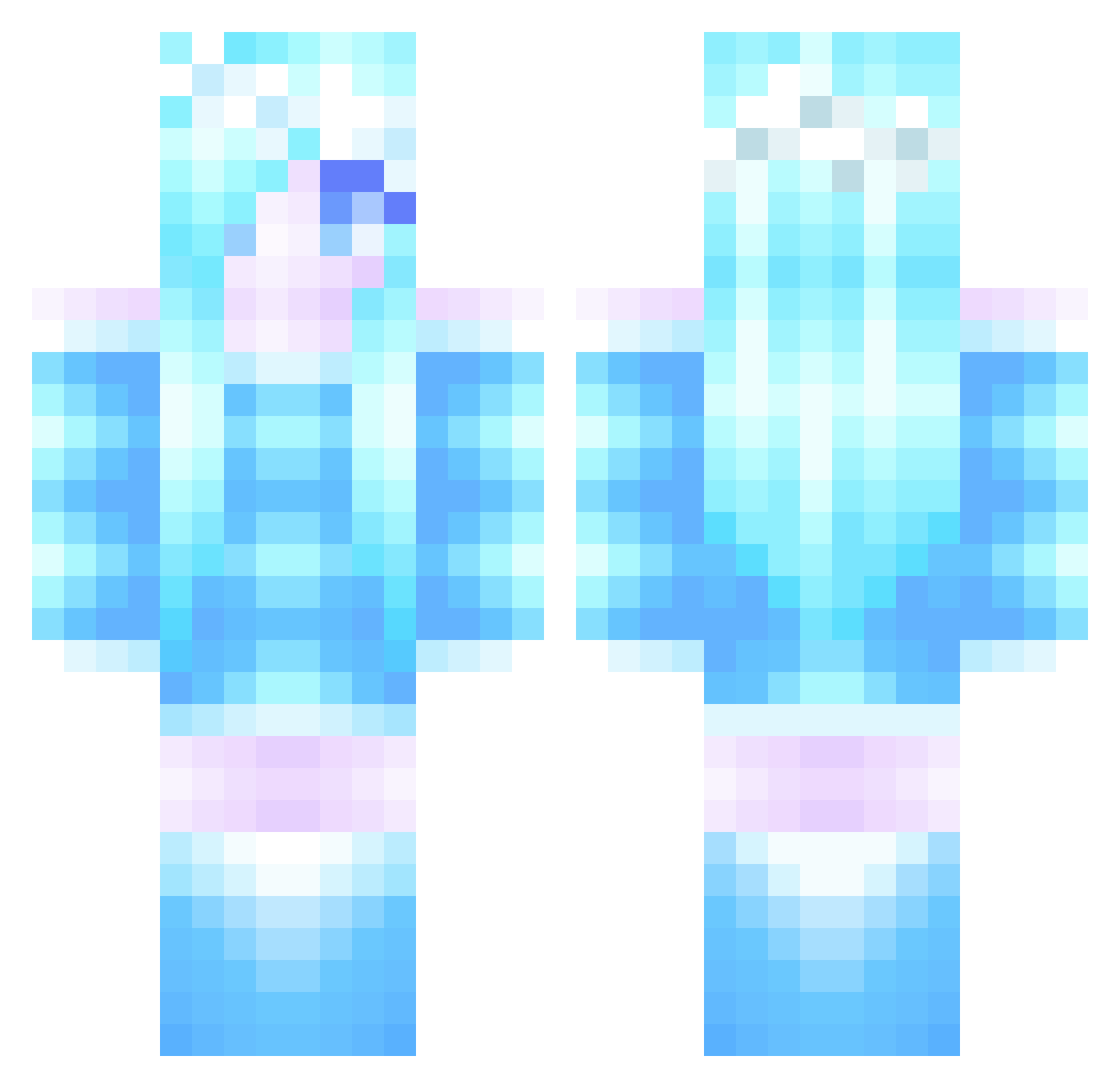
Current Minecraft skin of the player Golleonsky, loaded from the official Mojang API. Rotate the 3D model with your mouse or finger, then download the skin as a PNG file and use it in Minecraft: Bedrock Edition or Java Edition for free. When Golleonsky changes their skin, this page updates automatically and the old skin stays in the history below.
Other players with this skin (285)
Golleonsky was the 74th player we have seen with this skin, first spotted on 19.08.2026. The same skin was seen on these players. Open a nickname to see their current skin and skin history.
 IIBeastII MortalMarine Aronfannar10 PreninCS lillygirl255 libralilium horner444 BaBolitis05 samus8885 PrincessLuna898 PrincessPeach213 hipstergirl22 lilimei Mikaela85 Scary220 Stevie12538 miggydaboss Lucia_CR FasionJ HoboGlory frozen4life Evzys diamondwarrior16 Gator30574 GalaxyGamer160 ShikuDP Laineths yuki_onna Ushirokara_maeda Kraia Subz3r0mkt elliexx_x TalliTV ngochang lyrrr Austan93 merkaba01 PrinsessanHanna LexReynolds KateCrake TheSunshine07 Rigbbyy LegoPuppy1 xXKleeneXx NpQuOqN beckarb45 UnspokenEvil DawnofJigglypuff Firefly_05 BlockBuilder4U the_awesmest TaitoToes Orgasmologist ShadowfaxB tom116458 Foxyblackout Rainbow_paper NightStar21 Steller_ice heartjustice
More Ice Queen Minecraft skins
How to install the Golleonsky skin
- Press the Download button above to save the skin as a PNG file.
- Minecraft: Bedrock Edition (PE): open the Dressing Room from the main menu (or tap your character → Edit Character), go to Classic Skins → Owned, press the + (new skin) button, choose the downloaded PNG and pick the Classic (Steve) model. Works on PC and mobile; consoles cannot import custom skins.
- Minecraft: Java Edition: open the Minecraft Launcher, go to the Skins tab, click New Skin, load the PNG, pick the Classic (Steve) model and press Save & Use. You can also upload it at minecraft.net → Profile → Change Skin.
The skin does not show up after import - what should I do?
Restart Minecraft and open the Dressing Room again - imported skins sometimes appear only after a restart. Also make sure you selected the imported skin and picked the Classic (Steve) model.
Which model should I choose, Classic or Slim?
This skin is designed for the Classic (Steve) model. If you pick the wrong model, the arms of the skin will look stretched or squeezed.
Is the skin of Golleonsky free to download?
Yes. Press Download, save the PNG file and use it in Minecraft: Bedrock Edition or Java Edition - no payment or registration needed. The skin also works on multiplayer servers and Realms.
More skins
Looking for more? Go back to all Minecraft skins and check the top skins of the week, month and all time, or find any player's skin by nickname.