
GodIsMatt - Minecraft Skins & Skin History
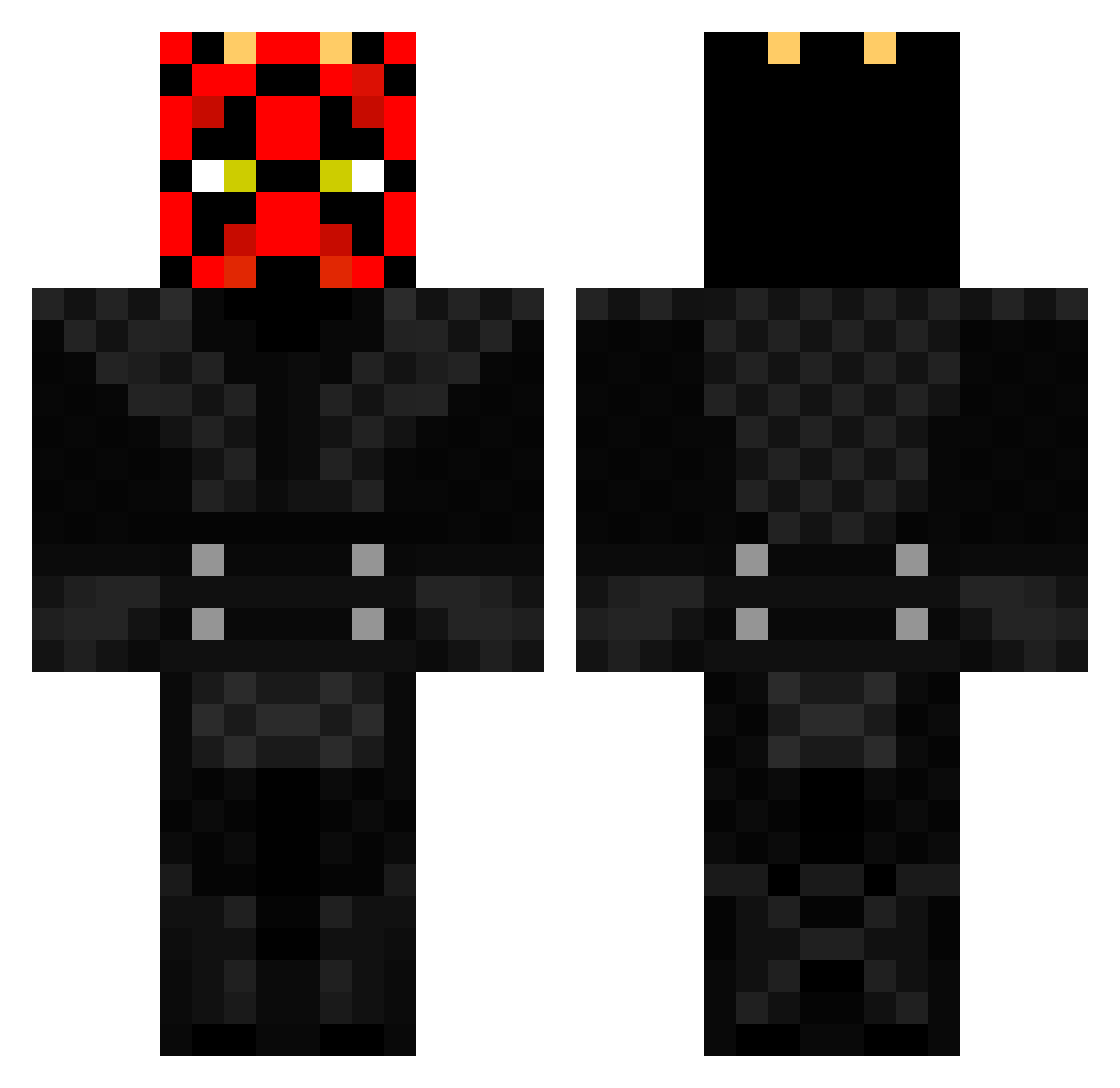
Current Minecraft skin of the player GodIsMatt, loaded from the official Mojang API. Rotate the 3D model with your mouse or finger, then download the skin as a PNG file and use it in Minecraft: Bedrock Edition or Java Edition for free. When GodIsMatt changes their skin, this page updates automatically and the old skin stays in the history below.
Other players with this skin (206)
GodIsMatt was the 79th player we have seen with this skin, first spotted on 04.09.2026. The same skin was seen on these players. Open a nickname to see their current skin and skin history.
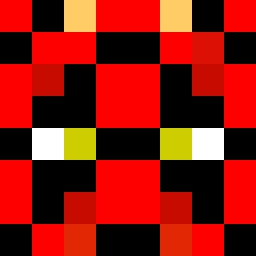 Over8ted DXXNXXL Droopers GlassDreams thesithguyohio goo_05 CallJack4141 CashCartier99 AlexisMaul BigRamsay16 Dstewart333 Matis38 DavidGlazer1 cleseph1 jouch3 elderkillington Captain_raccoon1 CraftLover54 Turtleman311 iLLFrostty ThrobbingBussy odonnell12 Kirchknopf05 OfficerFord Om_The_Bomb IHA_117 SSSzy1 Ziazar BillyTheLasagna tom24438 corvuscornax Hxzey2 TROOPER85 TallSillyGuy8 SamSolo3 LucasDabsAllDay FardBob bericnewt98 B1gDog_ cyst567 slattdahl ExpertSkiller MatthzeFeldhus SupaHans epfeinisland CKali98 DummyThiccMommy DarthJaeger MWzocker01 Sillykevin93 XmartinezX JaredMagz IAmTacoMan342899 DemonYuzo Lake_Beatz DARTH_CreemPie FatLuke69 Geico1 bipolarlugs Halfa55ed_Bada55
More Darth Maul Minecraft skins
How to install the GodIsMatt skin
- Press the Download button above to save the skin as a PNG file.
- Minecraft: Bedrock Edition (PE): open the Dressing Room from the main menu (or tap your character → Edit Character), go to Classic Skins → Owned, press the + (new skin) button, choose the downloaded PNG and pick the Classic (Steve) model. Works on PC and mobile; consoles cannot import custom skins.
- Minecraft: Java Edition: open the Minecraft Launcher, go to the Skins tab, click New Skin, load the PNG, pick the Classic (Steve) model and press Save & Use. You can also upload it at minecraft.net → Profile → Change Skin.
The skin does not show up after import - what should I do?
Restart Minecraft and open the Dressing Room again - imported skins sometimes appear only after a restart. Also make sure you selected the imported skin and picked the Classic (Steve) model.
Which model should I choose, Classic or Slim?
This skin is designed for the Classic (Steve) model. If you pick the wrong model, the arms of the skin will look stretched or squeezed.
Is the skin of GodIsMatt free to download?
Yes. Press Download, save the PNG file and use it in Minecraft: Bedrock Edition or Java Edition - no payment or registration needed. The skin also works on multiplayer servers and Realms.
More skins
Looking for more? Go back to all Minecraft skins and check the top skins of the week, month and all time, or find any player's skin by nickname.