
Gob1ung - Minecraft Skins & Skin History
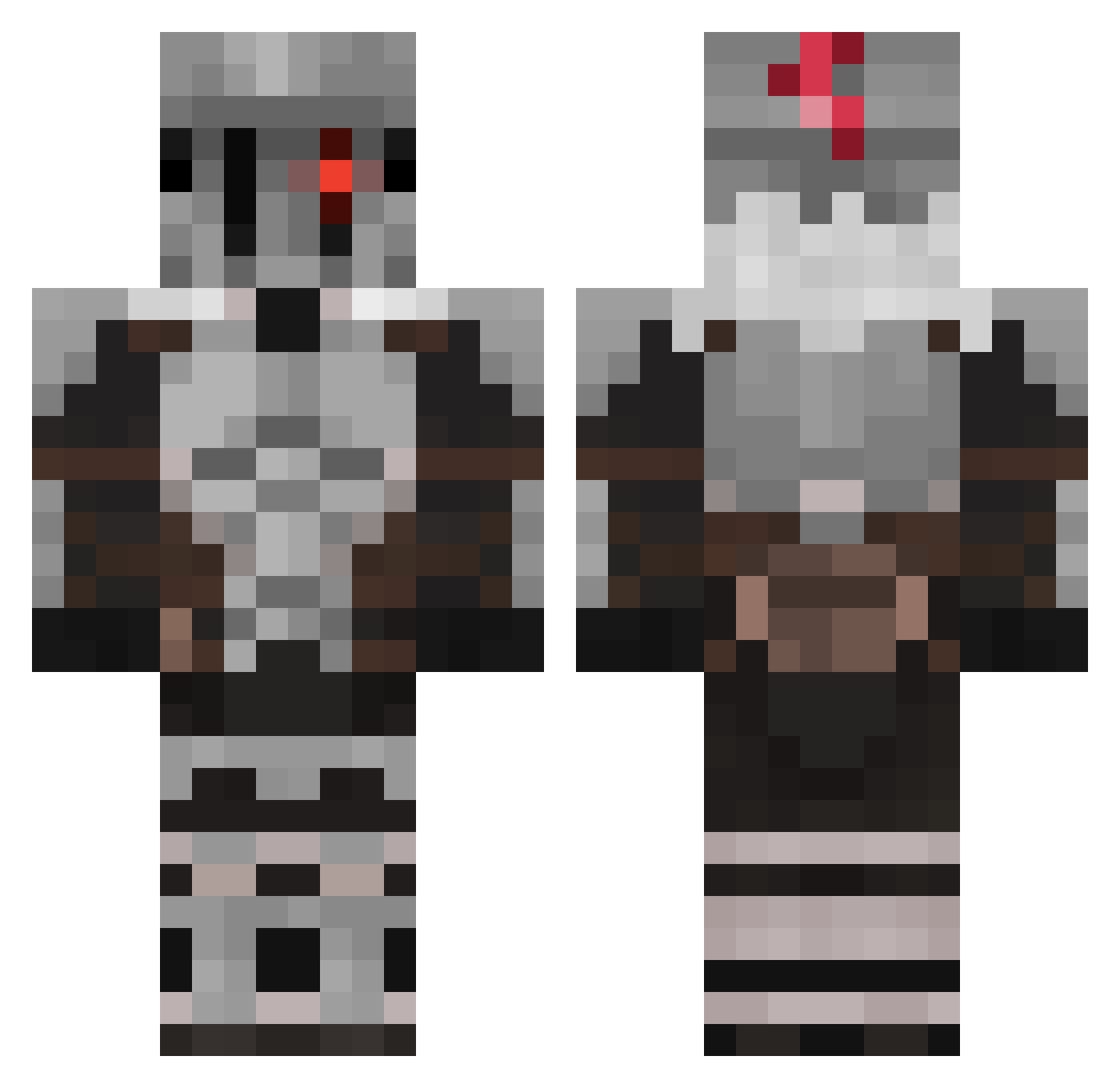
Current Minecraft skin of the player Gob1ung, loaded from the official Mojang API. Rotate the 3D model with your mouse or finger, then download the skin as a PNG file and use it in Minecraft: Bedrock Edition or Java Edition for free. When Gob1ung changes their skin, this page updates automatically and the old skin stays in the history below.
Other players with this skin (511)
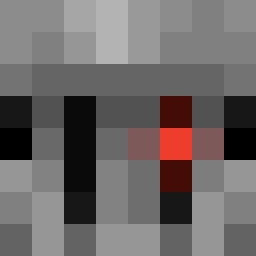
Gob1ung was the 464th player we have seen with this skin, first spotted on 16.10.2026. The same skin was seen on these players. Open a nickname to see their current skin and skin history.
 Fifusiek ORNSTEINSXD Pablikkuss24 YaminoShadow SHINIGAMI19VT Bielzinho00 Krigaya LizardKing6672 DerDeutsche13 _The_Caretaker_ ViperishSmiles Daichi_Yurei Kurogui Xenion034 RadLappy Kanjilo KACAR0T0 Fatbaby6455 gabm251108 aj4617 Pokebepsi Skalyar26 MadeInEternity Yamato_isMOMMY JohnnyMajima LAK_AL Adobot Davalka42 Mykehru ZOMBIAAM godslayer7486 Ketalon Dan_Dewild Valyzor Carnivalboss mi_gigi CLaRealite neskamer228 NeoZinor Valathard Gyouw Cyda0331 Saraak2565 Rockstar2233 DanielLiu921 Ninjakonsolu GrimReaperOf949 FrowningFox mp40miko _G0blin_Slayer_ Meretseger1101 rashdestructor jjsploits Alejandror11 Aochoa02387 nahanceng KarmaKsy YishaiIsDum Khaewyn kool_aid_is_good
More Goblin Slayer Minecraft skins
See all 31 Goblin Slayer skins
How to install the Gob1ung skin
- Press the Download button above to save the skin as a PNG file.
- Minecraft: Bedrock Edition (PE): open the Dressing Room from the main menu (or tap your character → Edit Character), go to Classic Skins → Owned, press the + (new skin) button, choose the downloaded PNG and pick the Classic (Steve) model. Works on PC and mobile; consoles cannot import custom skins.
- Minecraft: Java Edition: open the Minecraft Launcher, go to the Skins tab, click New Skin, load the PNG, pick the Classic (Steve) model and press Save & Use. You can also upload it at minecraft.net → Profile → Change Skin.
The skin does not show up after import - what should I do?
Restart Minecraft and open the Dressing Room again - imported skins sometimes appear only after a restart. Also make sure you selected the imported skin and picked the Classic (Steve) model.
Which model should I choose, Classic or Slim?
This skin is designed for the Classic (Steve) model. If you pick the wrong model, the arms of the skin will look stretched or squeezed.
Is the skin of Gob1ung free to download?
Yes. Press Download, save the PNG file and use it in Minecraft: Bedrock Edition or Java Edition - no payment or registration needed. The skin also works on multiplayer servers and Realms.
More skins
Looking for more? Go back to all Minecraft skins and check the top skins of the week, month and all time, or find any player's skin by nickname.