
Glimmerite - Minecraft Skins & Skin History
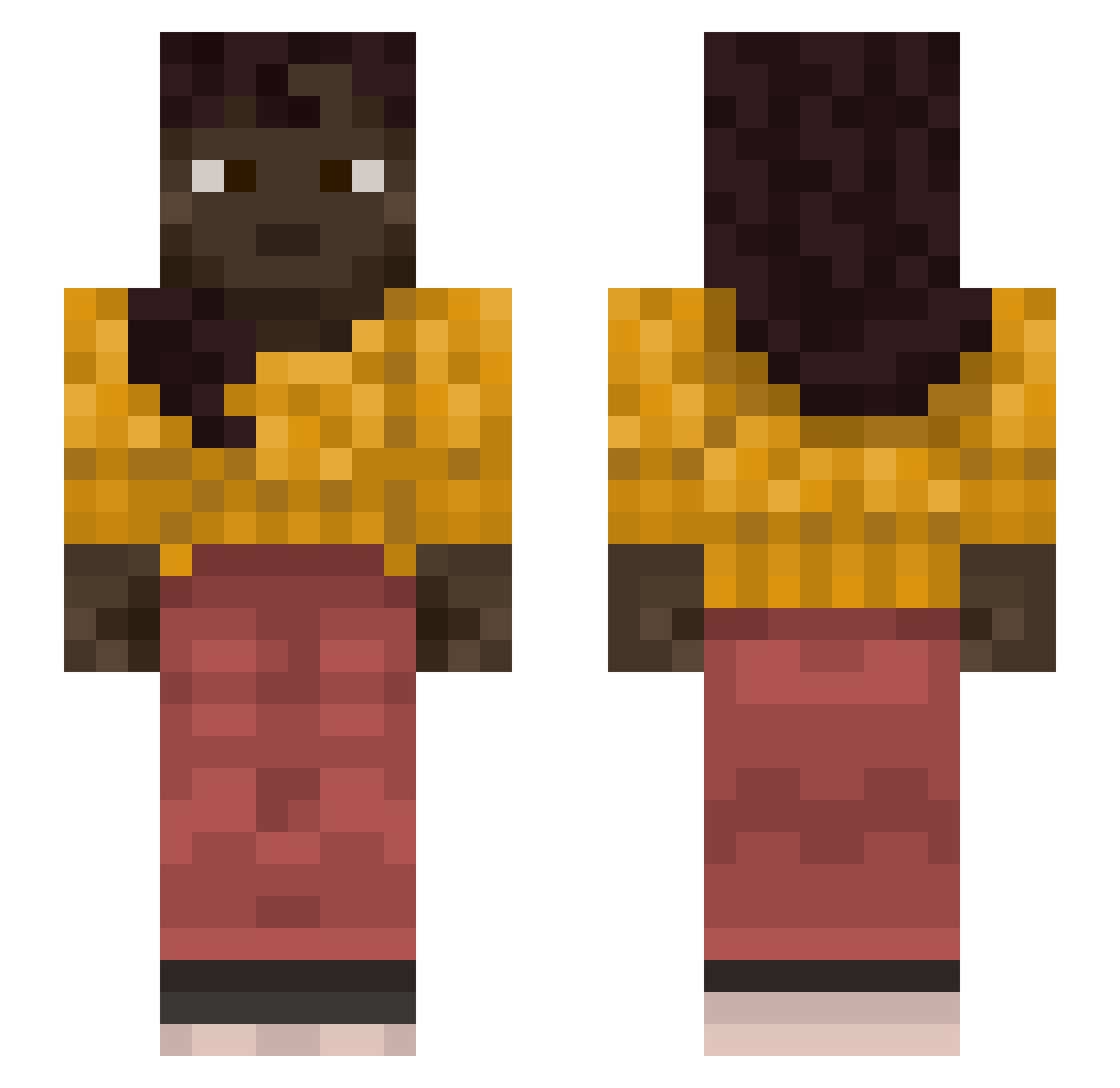
Current Minecraft skin of the player Glimmerite, loaded from the official Mojang API. Rotate the 3D model with your mouse or finger, then download the skin as a PNG file and use it in Minecraft: Bedrock Edition or Java Edition for free. When Glimmerite changes their skin, this page updates automatically and the old skin stays in the history below.
Other players with this skin (1127)
Glimmerite was the 708th player we have seen with this skin, first spotted on 02.10.2026. The same skin was seen on these players. Open a nickname to see their current skin and skin history.
 elrenazi Rotting ErikSG OutWing EhmmG MarcusMartinus_ Wcrol27 n1oy KyKyRuzKa sweathouse Ironweeds cornholio223 ESSAGOD xJudasHD unixzz tRoland sunflowers Scenarios bxlance LoveVape Cryoctic a_great_chaos GWAPZAA Metallbrocken44 SNATHS AjDoy numeros Hypostrophe lousiest Heintzy Forrestero ectypes SpiffyMc anan__awa____ Mangonel Hexers Nergiv mrfashionstyle BlackNinjaKKEE coolerdude21614 cardalmond wtf_minecraft SeBaziaJa ptuk1 B1T3K Psyllas walmart_chick Busut_ Limiter irondragon0329 AmeliaStar Kili2K17 RoyaleSpike Novelize oofit1212 gastipr Wackiness _c_o_k_ Supinity Stax10000
More Braid Minecraft skins
How to install the Glimmerite skin
- Press the Download button above to save the skin as a PNG file.
- Minecraft: Bedrock Edition (PE): open the Dressing Room from the main menu (or tap your character → Edit Character), go to Classic Skins → Owned, press the + (new skin) button, choose the downloaded PNG and pick the Slim (Alex) model. Works on PC and mobile; consoles cannot import custom skins.
- Minecraft: Java Edition: open the Minecraft Launcher, go to the Skins tab, click New Skin, load the PNG, pick the Slim (Alex) model and press Save & Use. You can also upload it at minecraft.net → Profile → Change Skin.
The skin does not show up after import - what should I do?
Restart Minecraft and open the Dressing Room again - imported skins sometimes appear only after a restart. Also make sure you selected the imported skin and picked the Slim (Alex) model.
Which model should I choose, Classic or Slim?
This skin is designed for the Slim (Alex) model. If you pick the wrong model, the arms of the skin will look stretched or squeezed.
Is the skin of Glimmerite free to download?
Yes. Press Download, save the PNG file and use it in Minecraft: Bedrock Edition or Java Edition - no payment or registration needed. The skin also works on multiplayer servers and Realms.
More skins
Looking for more? Go back to all Minecraft skins and check the top skins of the week, month and all time, or find any player's skin by nickname.