
GiGGLE3S - Minecraft Skins & Skin History
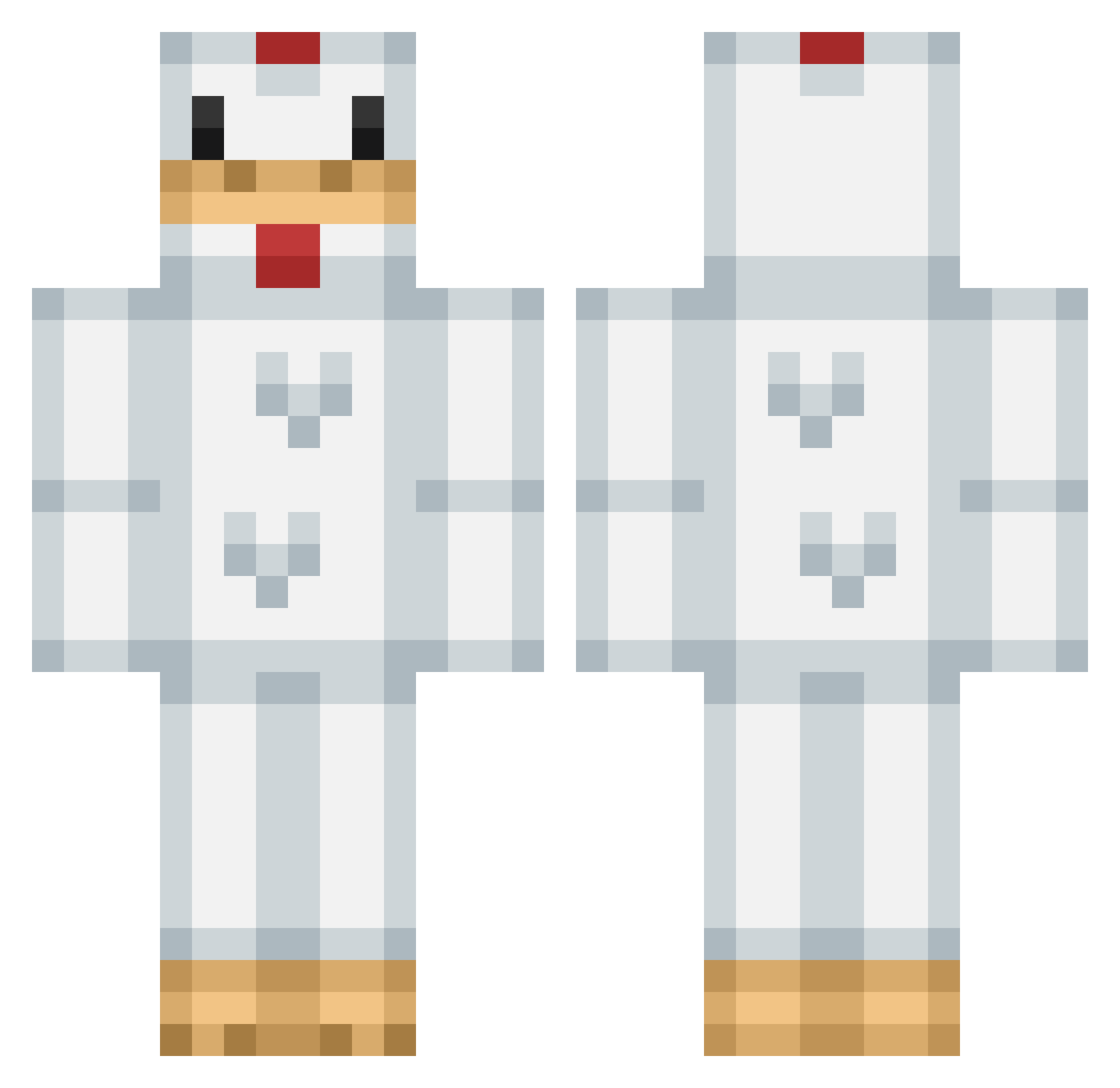
Current Minecraft skin of the player GiGGLE3S, loaded from the official Mojang API. Rotate the 3D model with your mouse or finger, then download the skin as a PNG file and use it in Minecraft: Bedrock Edition or Java Edition for free. When GiGGLE3S changes their skin, this page updates automatically and the old skin stays in the history below.
Other players with this skin (299)
GiGGLE3S was the 161st player we have seen with this skin, first spotted on 23.09.2026. The same skin was seen on these players. Open a nickname to see their current skin and skin history.
 FarewellFire xXxCONNECTIONxXx Timthebrewer BiLLYgalletas Guruguru08 Skippy_Timmy ComboCheats EskimoChicken mooseman17 DrWaIrus thetrollmonster yellowmols MrWetboy PvPMaster909 oscarwidell chickenking12 digitalbrit looking_for_gf 2001wyatt 1__HUNTER__1 Gabrielbains sacknasty21 MR_munchkin_MAN fish1492 bojmurC chicken_master64 SilentFight988 nutellaisabella Sneebel AlbiinnV McCheerios Sabertooth__ Mr_Cluckers meaganmollie Lif3Cake iRumble Thegoodson2002 ChickenHead29 SirMcNuggets Dwli Lenlwd chikendik harfra CraftworldPvP holiday610 BennyTheChicken mcawesome4 shmetard fr345ghg colet17 robotlaks heberto1 Agent_Chicken_ TheEgglord Thunder_Cluck123 LEBONE10 Theswaggymaggy Luxor007 Lyang_ BennyLord
More Animal Costume Minecraft skins
See all 229 Animal Costume skins
How to install the GiGGLE3S skin
- Press the Download button above to save the skin as a PNG file.
- Minecraft: Bedrock Edition (PE): open the Dressing Room from the main menu (or tap your character → Edit Character), go to Classic Skins → Owned, press the + (new skin) button, choose the downloaded PNG and pick the Classic (Steve) model. Works on PC and mobile; consoles cannot import custom skins.
- Minecraft: Java Edition: open the Minecraft Launcher, go to the Skins tab, click New Skin, load the PNG, pick the Classic (Steve) model and press Save & Use. You can also upload it at minecraft.net → Profile → Change Skin.
The skin does not show up after import - what should I do?
Restart Minecraft and open the Dressing Room again - imported skins sometimes appear only after a restart. Also make sure you selected the imported skin and picked the Classic (Steve) model.
Which model should I choose, Classic or Slim?
This skin is designed for the Classic (Steve) model. If you pick the wrong model, the arms of the skin will look stretched or squeezed.
Is the skin of GiGGLE3S free to download?
Yes. Press Download, save the PNG file and use it in Minecraft: Bedrock Edition or Java Edition - no payment or registration needed. The skin also works on multiplayer servers and Realms.
More skins
Looking for more? Go back to all Minecraft skins and check the top skins of the week, month and all time, or find any player's skin by nickname.