
Gi100 - Minecraft Skins & Skin History
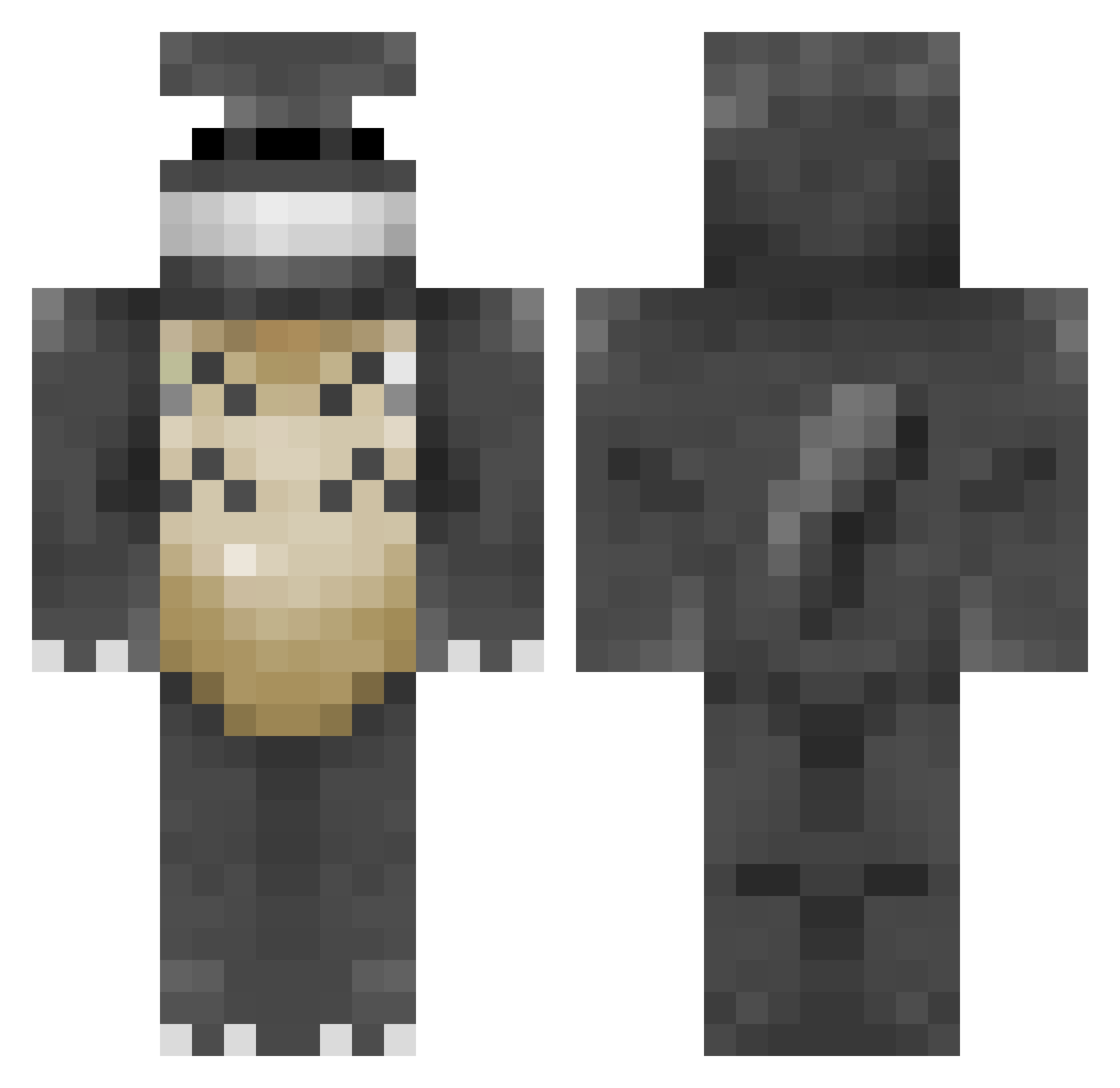
Current Minecraft skin of the player Gi100, loaded from the official Mojang API. Rotate the 3D model with your mouse or finger, then download the skin as a PNG file and use it in Minecraft: Bedrock Edition or Java Edition for free. When Gi100 changes their skin, this page updates automatically and the old skin stays in the history below.
Other players with this skin (115)
Gi100 was the 29th player we have seen with this skin, first spotted on 20.08.2026. The same skin was seen on these players. Open a nickname to see their current skin and skin history.
 selfmadedav ThoseAsianKids Citingbongo8374 Eddy70303 Garv1y zedmin CheetahSpider101 dan7851 musicalFlawless mytoenailcameoff Sparhte BlackDemon666 ErLoLaZo Pyrobuho tuckera james2002th FantasticRamen mrsan
 Droogal
 kizi4742 Radiax bedorvensap Coraliia thorup1987 Chalk160 iamxiaowu Gluttannie WardenGu kaga_H zhezhell Liederlich broosimagi WildWeak
 CapnMcKittyPants Libera Razinao
 ThroneWarden22 Tartopaume Bamboub cweilun nano9393nano ItzTotoro china_verygood lee_33 SurfyCastle749 Nikkini kaysu7 Loddiii BUISNESS_MAN_HAM hahadummy outofsushirolls c0brabubbles0 KankouShume iamsuperior42 BERMTHEO kitewo_0 KyleMCV RedSaltBossman I_want_to_swoop_ Totorooo777
More My Neighbor Totoro Minecraft skins
See all 18 My Neighbor Totoro skins
How to install the Gi100 skin
- Press the Download button above to save the skin as a PNG file.
- Minecraft: Bedrock Edition (PE): open the Dressing Room from the main menu (or tap your character → Edit Character), go to Classic Skins → Owned, press the + (new skin) button, choose the downloaded PNG and pick the Classic (Steve) model. Works on PC and mobile; consoles cannot import custom skins.
- Minecraft: Java Edition: open the Minecraft Launcher, go to the Skins tab, click New Skin, load the PNG, pick the Classic (Steve) model and press Save & Use. You can also upload it at minecraft.net → Profile → Change Skin.
The skin does not show up after import - what should I do?
Restart Minecraft and open the Dressing Room again - imported skins sometimes appear only after a restart. Also make sure you selected the imported skin and picked the Classic (Steve) model.
Which model should I choose, Classic or Slim?
This skin is designed for the Classic (Steve) model. If you pick the wrong model, the arms of the skin will look stretched or squeezed.
Is the skin of Gi100 free to download?
Yes. Press Download, save the PNG file and use it in Minecraft: Bedrock Edition or Java Edition - no payment or registration needed. The skin also works on multiplayer servers and Realms.
More skins
Looking for more? Go back to all Minecraft skins and check the top skins of the week, month and all time, or find any player's skin by nickname.