
GhostRioter94 - Minecraft Skins & Skin History
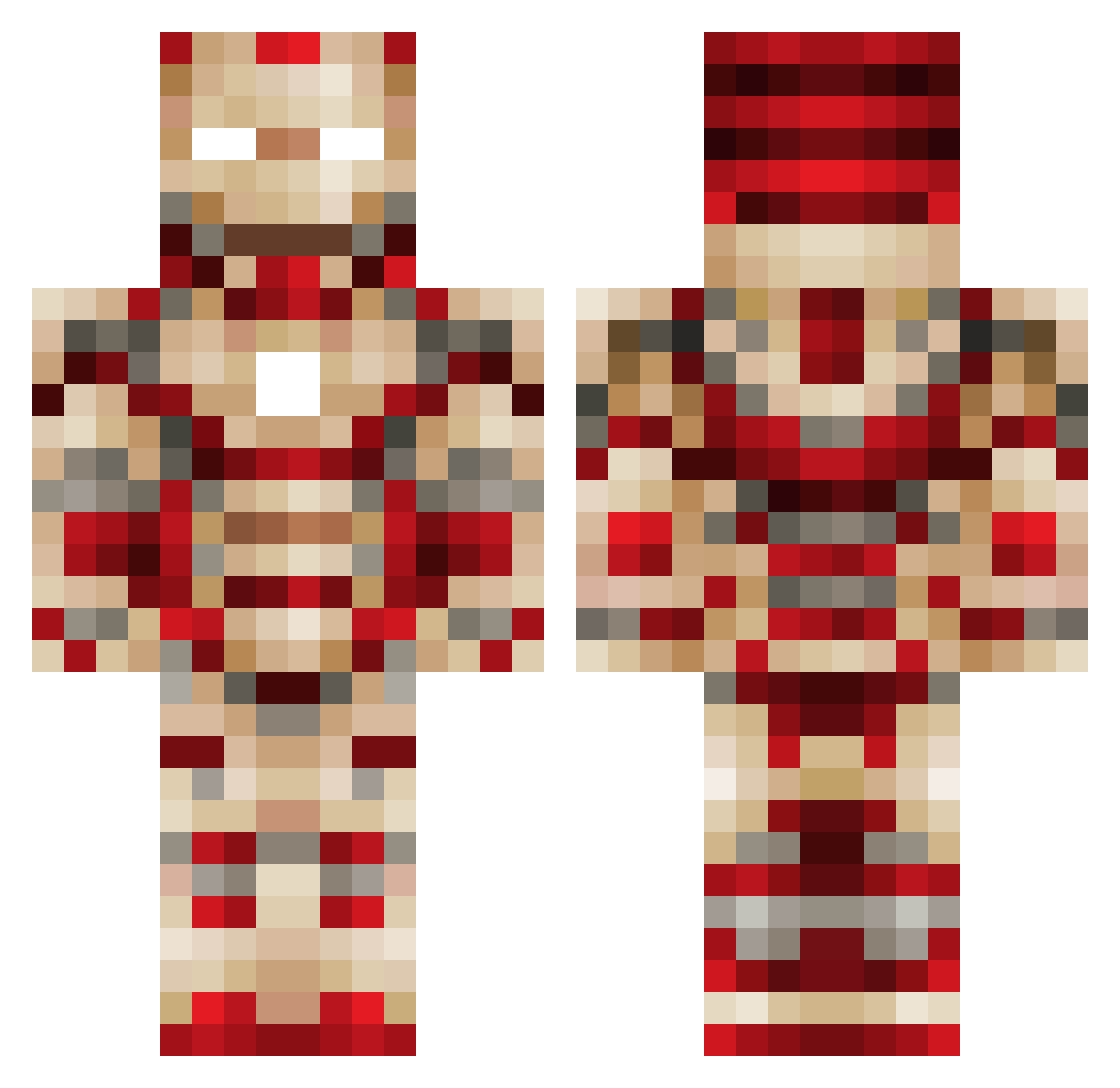
Current Minecraft skin of the player GhostRioter94, loaded from the official Mojang API. Rotate the 3D model with your mouse or finger, then download the skin as a PNG file and use it in Minecraft: Bedrock Edition or Java Edition for free. When GhostRioter94 changes their skin, this page updates automatically and the old skin stays in the history below.
Other players with this skin (449)
GhostRioter94 was the 398th player we have seen with this skin, first spotted on 13.10.2026. The same skin was seen on these players. Open a nickname to see their current skin and skin history.
 boolit56 GenoPug BTopaz stevenspidey skcih DeathAssassin65 lightingboss unskilledGobler Alyexx SilverGamer2013 Kin_Star Fireman8203 n13aker icedairplane755 radtechben26 seangoff123 js2033 dramaticalien Jo_Nathan11 CoasterRage ElliotLT matixbn bovos2519 rubixhexdog AL_GENERAL_11 Ironstone313 TomMcAuley jarnojaja GANDAMU6012 Fi_n RossMorris30 dukegiant riley0802 MInEingwaRRior78 ColbyHman kungorion Apatel242 marshdog4567 Salet123 aaronrock28 franklinto jens1957 golddigger356 Fordboy00 mightymitchy wollfman9999 Mister_Smurfie sperman27 KaeseJoker FMdwarfs bonerkiller6 minibar1212 GerardoBeas Wolfie2430 samjobbs Flataunet Unknown_skillz3 Awessems jtwheelock Kiwistroke
More Iron Man Minecraft skins
How to install the GhostRioter94 skin
- Press the Download button above to save the skin as a PNG file.
- Minecraft: Bedrock Edition (PE): open the Dressing Room from the main menu (or tap your character → Edit Character), go to Classic Skins → Owned, press the + (new skin) button, choose the downloaded PNG and pick the Classic (Steve) model. Works on PC and mobile; consoles cannot import custom skins.
- Minecraft: Java Edition: open the Minecraft Launcher, go to the Skins tab, click New Skin, load the PNG, pick the Classic (Steve) model and press Save & Use. You can also upload it at minecraft.net → Profile → Change Skin.
The skin does not show up after import - what should I do?
Restart Minecraft and open the Dressing Room again - imported skins sometimes appear only after a restart. Also make sure you selected the imported skin and picked the Classic (Steve) model.
Which model should I choose, Classic or Slim?
This skin is designed for the Classic (Steve) model. If you pick the wrong model, the arms of the skin will look stretched or squeezed.
Is the skin of GhostRioter94 free to download?
Yes. Press Download, save the PNG file and use it in Minecraft: Bedrock Edition or Java Edition - no payment or registration needed. The skin also works on multiplayer servers and Realms.
More skins
Looking for more? Go back to all Minecraft skins and check the top skins of the week, month and all time, or find any player's skin by nickname.