
GerhardS88 - Minecraft Skins & Skin History
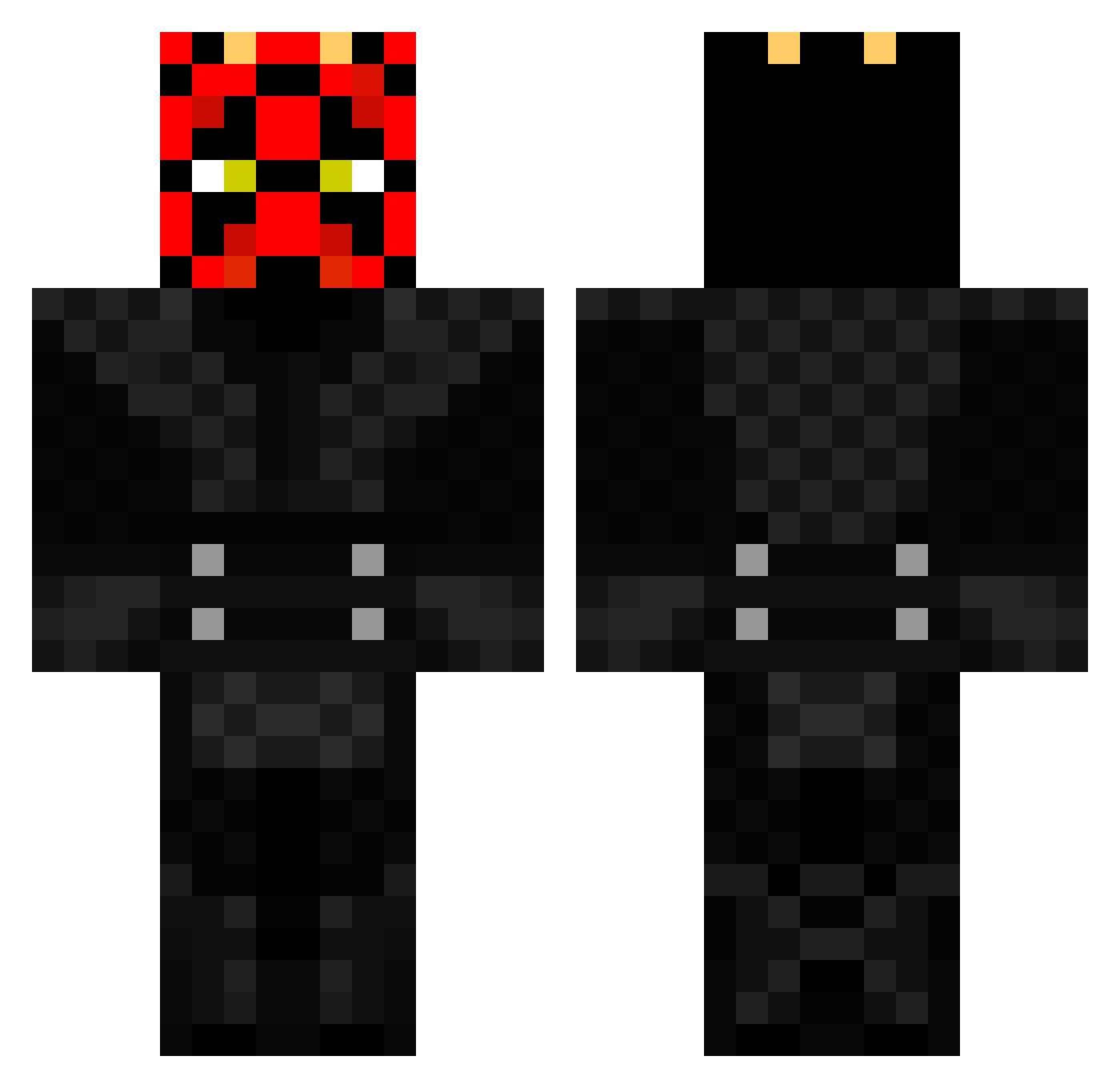
Current Minecraft skin of the player GerhardS88, loaded from the official Mojang API. Rotate the 3D model with your mouse or finger, then download the skin as a PNG file and use it in Minecraft: Bedrock Edition or Java Edition for free. When GerhardS88 changes their skin, this page updates automatically and the old skin stays in the history below.
Other players with this skin (369)
GerhardS88 was the 139th player we have seen with this skin, first spotted on 31.08.2026. The same skin was seen on these players. Open a nickname to see their current skin and skin history.
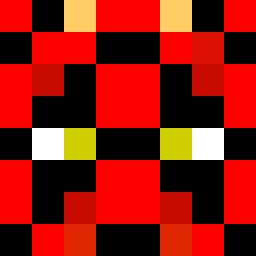 Devil1919 ass5 CapnJRey_07 MercenaryxElite tinPAus starjocer DarthBoggi Corbinchase1 madassjoe data525 Martindale425 MadTerminator6 EltonM ABCTerrorist Rafujin MFerreirinha slayer2000 80RZ1 tomkneee eyebrawl50 source_killer Force_Hax DamonWeiss chickenking98 Kendawg79 Rheyp silas1007 Fallouthr33 Dominicus1 Rasse0523 Ski_pro xBlackKnightx AIemaozera jaudas8 Leodill Rlo24641 Awsome_Cookies Sup3rblast DarthPlaysGames AncientGerm14 FRESACHE pieinurface101 XxTHeRMaxX Outdoors247 Tenjackass DougieG109 SupremeAkela gruflo chrisdem1968 Bengal18 thegamecreep Wabbittt kcaj61 ShockAttack32 synyster_matt TheAviator1917 ArvMarv csmkickin AnBoer sanoFC
More Darth Maul Minecraft skins
How to install the GerhardS88 skin
- Press the Download button above to save the skin as a PNG file.
- Minecraft: Bedrock Edition (PE): open the Dressing Room from the main menu (or tap your character → Edit Character), go to Classic Skins → Owned, press the + (new skin) button, choose the downloaded PNG and pick the Classic (Steve) model. Works on PC and mobile; consoles cannot import custom skins.
- Minecraft: Java Edition: open the Minecraft Launcher, go to the Skins tab, click New Skin, load the PNG, pick the Classic (Steve) model and press Save & Use. You can also upload it at minecraft.net → Profile → Change Skin.
The skin does not show up after import - what should I do?
Restart Minecraft and open the Dressing Room again - imported skins sometimes appear only after a restart. Also make sure you selected the imported skin and picked the Classic (Steve) model.
Which model should I choose, Classic or Slim?
This skin is designed for the Classic (Steve) model. If you pick the wrong model, the arms of the skin will look stretched or squeezed.
Is the skin of GerhardS88 free to download?
Yes. Press Download, save the PNG file and use it in Minecraft: Bedrock Edition or Java Edition - no payment or registration needed. The skin also works on multiplayer servers and Realms.
More skins
Looking for more? Go back to all Minecraft skins and check the top skins of the week, month and all time, or find any player's skin by nickname.