
Gazisl - Minecraft Skins & Skin History
Current Minecraft skin of the player Gazisl, loaded from the official Mojang API. Rotate the 3D model with your mouse or finger, then download the skin as a PNG file and use it in Minecraft: Bedrock Edition or Java Edition for free. When Gazisl changes their skin, this page updates automatically and the old skin stays in the history below.
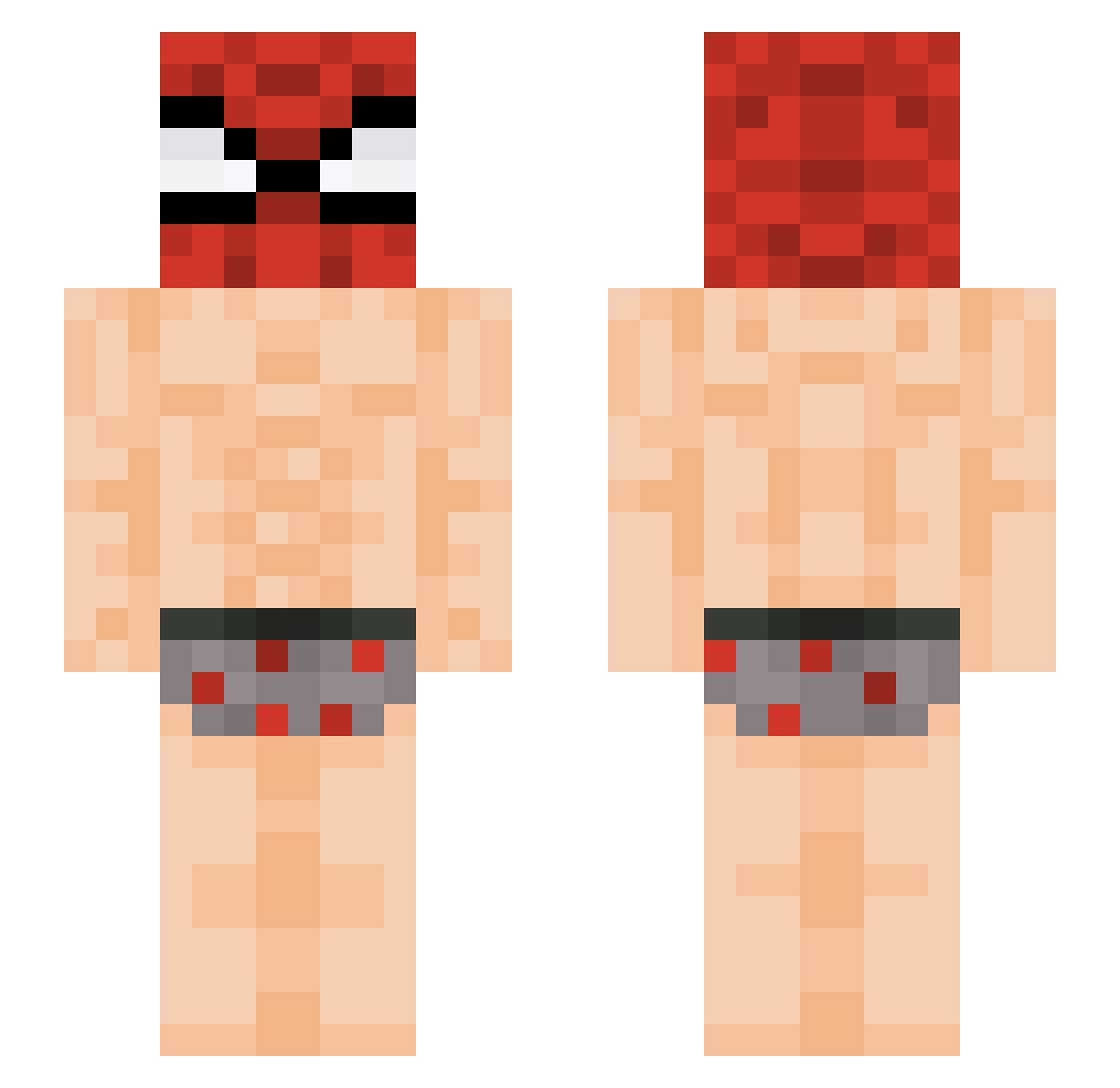
Other players with this skin (387)
Gazisl was the 64th player we have seen with this skin, first spotted on 11.08.2026. The same skin was seen on these players. Open a nickname to see their current skin and skin history.
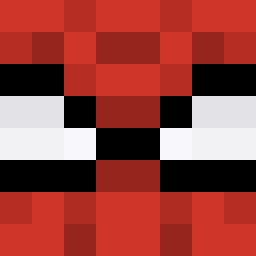 Droxylon Pinoyenjoyer LocoTvssi m1cha_pl svrty zkwkf12 nathnz Fritell suk1l Blackpeople4 kolichkin SIGMAKS mackie_420 geeeeeeeb Smello_
 cristiann010 nomuhyunlove0530
 itsArmxnii dreforthree
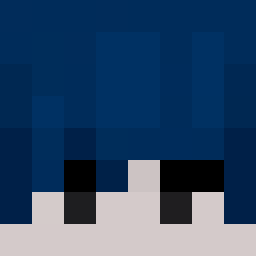 fwseb CharlyRL KATOSAI
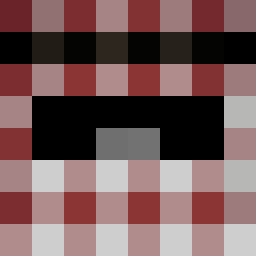 ErykSz2012 DoGPiLe235 HelpfulQilinFork marcepanek1212 dorx_12 paucp34 Lord_Farquad374 ReedyUrchin5 jajabrat Tchoupi_91 changsik22 LILIESSSs OckMac Crackcrilin
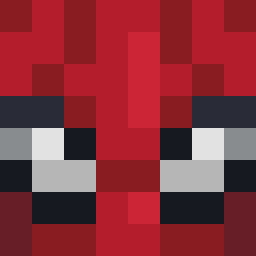 AgentKAL LittleBigSam_ John298 EatMorBread majiccccc yoon060 Pundora1 tabya1 morbias420 coxoncraft69 C4cvts Littleblood042 Edgardob ashfijuh Tha_Baby04
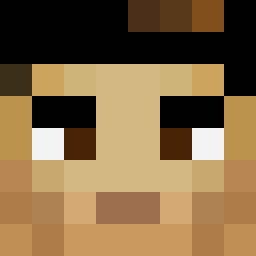 alexnox HeroJoJi XentaZz Generalkickbutt AzSensei gala980 Jsphera15 XENO_XJS osqanli
More Spider Man Minecraft skins
How to install the Gazisl skin
- Press the Download button above to save the skin as a PNG file.
- Minecraft: Bedrock Edition (PE): open the Dressing Room from the main menu (or tap your character → Edit Character), go to Classic Skins → Owned, press the + (new skin) button, choose the downloaded PNG and pick the Slim (Alex) model. Works on PC and mobile; consoles cannot import custom skins.
- Minecraft: Java Edition: open the Minecraft Launcher, go to the Skins tab, click New Skin, load the PNG, pick the Slim (Alex) model and press Save & Use. You can also upload it at minecraft.net → Profile → Change Skin.
The skin does not show up after import - what should I do?
Restart Minecraft and open the Dressing Room again - imported skins sometimes appear only after a restart. Also make sure you selected the imported skin and picked the Slim (Alex) model.
Which model should I choose, Classic or Slim?
This skin is designed for the Slim (Alex) model. If you pick the wrong model, the arms of the skin will look stretched or squeezed.
Is the skin of Gazisl free to download?
Yes. Press Download, save the PNG file and use it in Minecraft: Bedrock Edition or Java Edition - no payment or registration needed. The skin also works on multiplayer servers and Realms.
More skins
Looking for more? Go back to all Minecraft skins and check the top skins of the week, month and all time, or find any player's skin by nickname.