
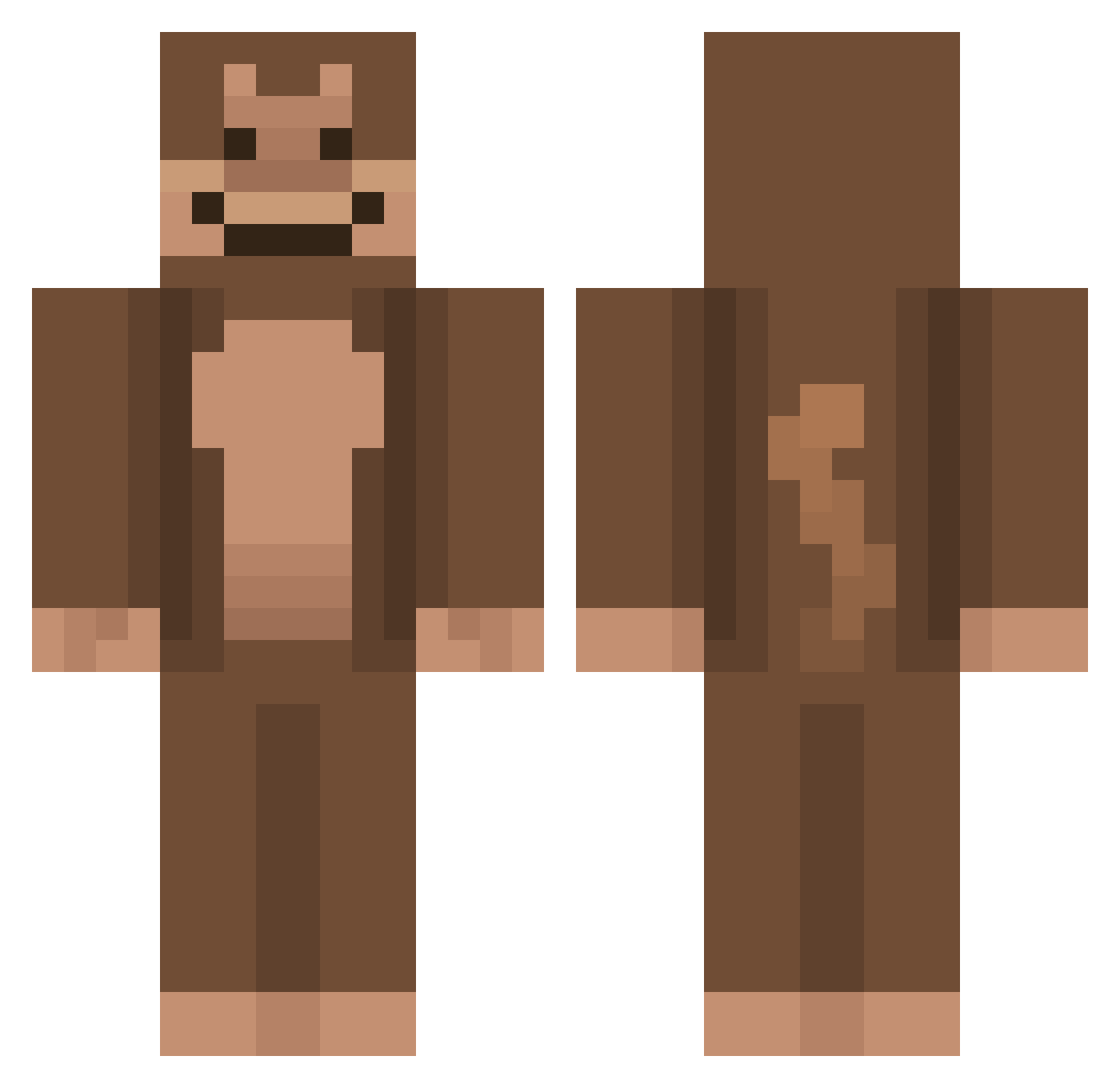
Current Minecraft skin of the player Gandaa_, loaded from the official Mojang API. Rotate the 3D model with your mouse or finger, then download the skin as a PNG file and use it in Minecraft: Bedrock Edition or Java Edition for free. When Gandaa_ changes their skin, this page updates automatically and the old skin stays in the history below.
Other players with this skin (564)
Gandaa_ was the 165th player we have seen with this skin, first spotted on 17.08.2026. The same skin was seen on these players. Open a nickname to see their current skin and skin history.
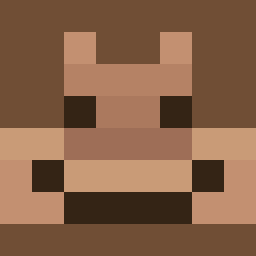 niceryce nerqqs Shinozuken Softiss_ ChimpEnthusiast Snapflapple Batman_unmasked waluigi63 MattNgu_ Evans08 cr3r mawin_ poopmonster420 WIXEDY moinkesy __SillyMonkey__ buffhellokitty Elyon_0G PS_Theta GolemDeCire TheWofy FlexibleBacon18 KJ_hunter Stimmie Skidoo_ MrWaffleDog2 J_Shmoo Dustikas Endar31 aapjet Itsyourboyjude antscanes mattschlatt _YAGNER_ mynarwhalbutt J_xho
 Squelty JsAlbxrt M1lwaukeez MayanGoose FreneticGoblin HADES0555 ConnorLyle2K gyeol8haaaaaaaa TaylourRenee erhatdenponas Tiagolin Sosa7279 frnizar Helllmuuut KhyberStar heekang0213
 ingik123 Threllgar monkee219 changho681 Monkeeyoz shai66 ButeryMonkey
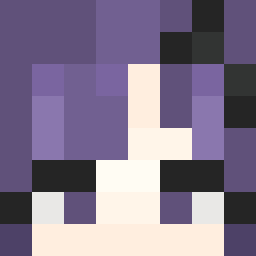 chiaronaa
More Ape Minecraft skins
How to install the Gandaa_ skin
- Press the Download button above to save the skin as a PNG file.
- Minecraft: Bedrock Edition (PE): open the Dressing Room from the main menu (or tap your character → Edit Character), go to Classic Skins → Owned, press the + (new skin) button, choose the downloaded PNG and pick the Classic (Steve) model. Works on PC and mobile; consoles cannot import custom skins.
- Minecraft: Java Edition: open the Minecraft Launcher, go to the Skins tab, click New Skin, load the PNG, pick the Classic (Steve) model and press Save & Use. You can also upload it at minecraft.net → Profile → Change Skin.
The skin does not show up after import - what should I do?
Restart Minecraft and open the Dressing Room again - imported skins sometimes appear only after a restart. Also make sure you selected the imported skin and picked the Classic (Steve) model.
Which model should I choose, Classic or Slim?
This skin is designed for the Classic (Steve) model. If you pick the wrong model, the arms of the skin will look stretched or squeezed.
Is the skin of Gandaa_ free to download?
Yes. Press Download, save the PNG file and use it in Minecraft: Bedrock Edition or Java Edition - no payment or registration needed. The skin also works on multiplayer servers and Realms.
More skins
Looking for more? Go back to all Minecraft skins and check the top skins of the week, month and all time, or find any player's skin by nickname.