
GamersChicken - Minecraft Skins & Skin History
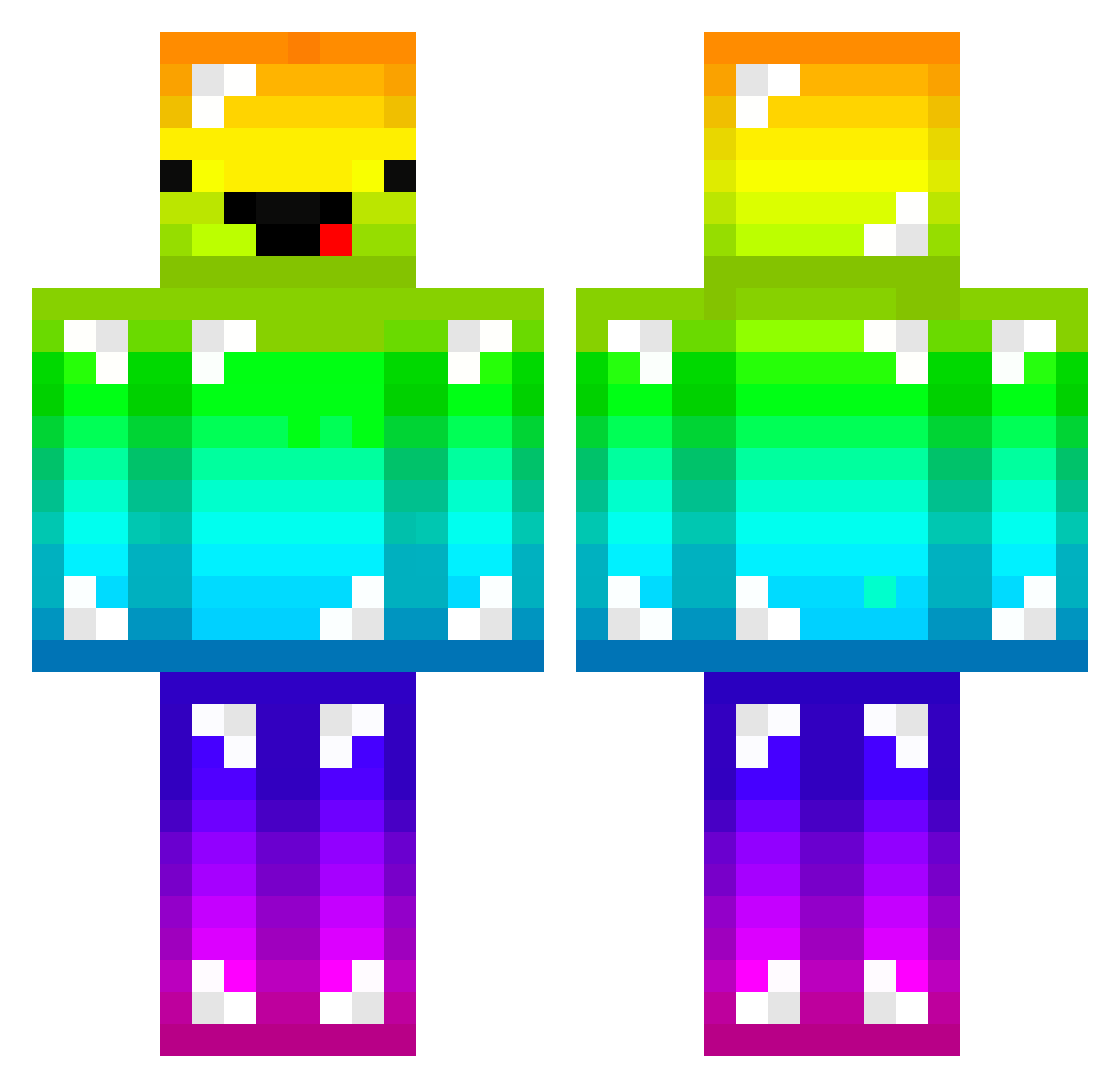
Current Minecraft skin of the player GamersChicken, loaded from the official Mojang API. Rotate the 3D model with your mouse or finger, then download the skin as a PNG file and use it in Minecraft: Bedrock Edition or Java Edition for free. When GamersChicken changes their skin, this page updates automatically and the old skin stays in the history below.
Other players with this skin (247)
GamersChicken was the 166th player we have seen with this skin, first spotted on 04.10.2026. The same skin was seen on these players. Open a nickname to see their current skin and skin history.
 jablonski11 Kucuk_Gereksiz JeM101 XxMonsterxX1 Red_Palad1n LawrenceInArabia o_assasino DESTROYER70213 Jelpy bloodyhs ColonelSandwich blockmarius2 coolmi RockinRyder Robmo1 hyzzy07 Nyanman123 RCrafter8 MiroWolfs warrander simon4699 andri2001 NoodleHunter KingProsi Sacoglossa Kaydo16 CrazyFridolin SaltyMalty123 Ravenis BeakersOG Look_On GodZenoh RaPNes12 Elbulus DiamondGuardian Maszeut VesorX Guldagge06 MaushardT _airsoft_ ThorCam aa26560132 melvin2001 Jacobk3437 Xx_xXCOOKIEXx_Xx Captain_Kinkels alyssaluz PRJCTHAMSHNK11 ThreeSlashes Giant9487 _Bl3ckScope_ CraftyLachy AtahanXD Gamer850 eDuzoylum MrLimpstick Krak3nX whanson SheriffConman CubeyHamster
More Diamond Armor Minecraft skins
See all 275 Diamond Armor skins
How to install the GamersChicken skin
- Press the Download button above to save the skin as a PNG file.
- Minecraft: Bedrock Edition (PE): open the Dressing Room from the main menu (or tap your character → Edit Character), go to Classic Skins → Owned, press the + (new skin) button, choose the downloaded PNG and pick the Classic (Steve) model. Works on PC and mobile; consoles cannot import custom skins.
- Minecraft: Java Edition: open the Minecraft Launcher, go to the Skins tab, click New Skin, load the PNG, pick the Classic (Steve) model and press Save & Use. You can also upload it at minecraft.net → Profile → Change Skin.
The skin does not show up after import - what should I do?
Restart Minecraft and open the Dressing Room again - imported skins sometimes appear only after a restart. Also make sure you selected the imported skin and picked the Classic (Steve) model.
Which model should I choose, Classic or Slim?
This skin is designed for the Classic (Steve) model. If you pick the wrong model, the arms of the skin will look stretched or squeezed.
Is the skin of GamersChicken free to download?
Yes. Press Download, save the PNG file and use it in Minecraft: Bedrock Edition or Java Edition - no payment or registration needed. The skin also works on multiplayer servers and Realms.
More skins
Looking for more? Go back to all Minecraft skins and check the top skins of the week, month and all time, or find any player's skin by nickname.