
GamerFirmament - Minecraft Skins & Skin History
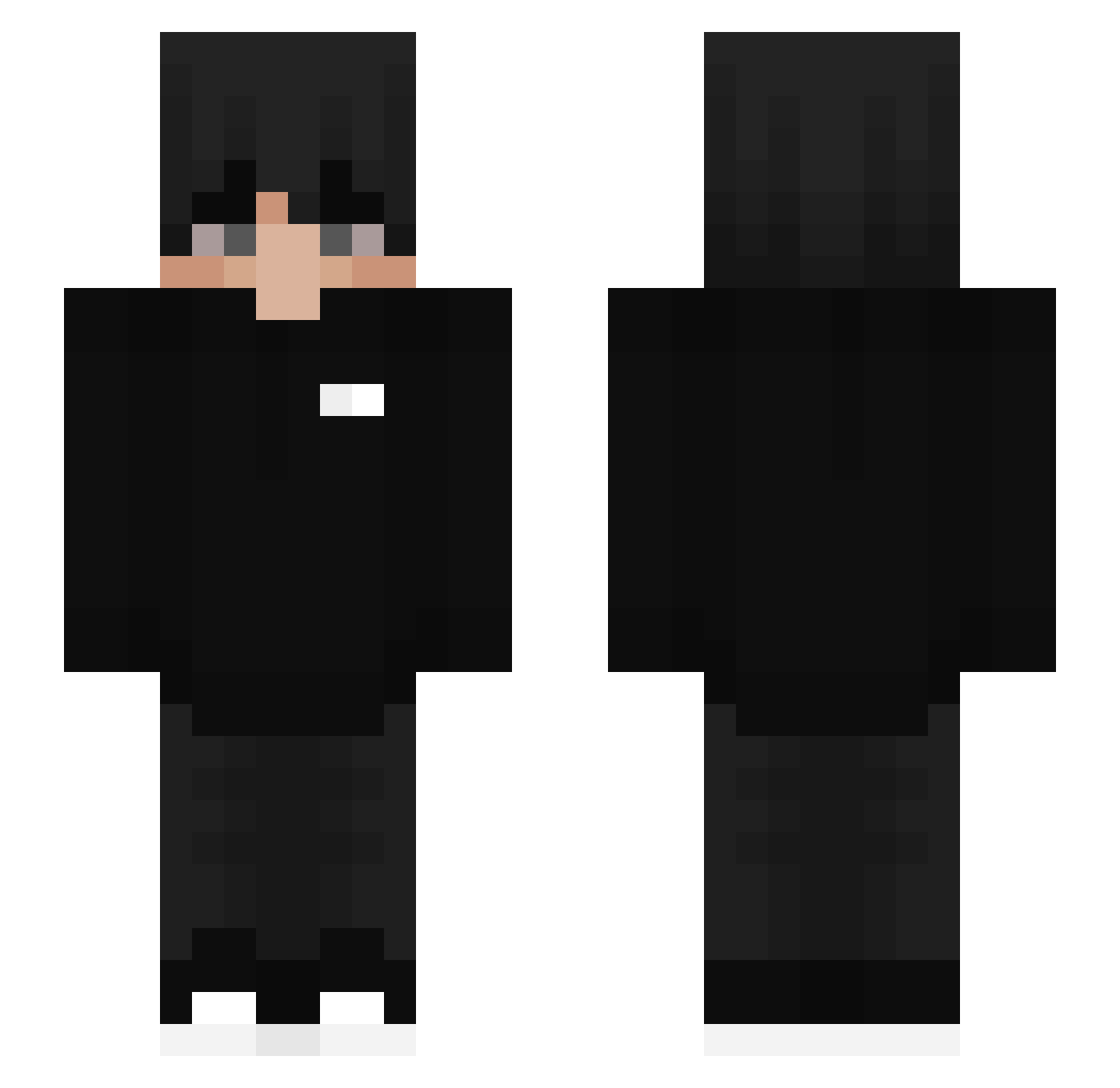
Current Minecraft skin of the player GamerFirmament, loaded from the official Mojang API. Rotate the 3D model with your mouse or finger, then download the skin as a PNG file and use it in Minecraft: Bedrock Edition or Java Edition for free. When GamerFirmament changes their skin, this page updates automatically and the old skin stays in the history below.
Other players with this skin (454)
GamerFirmament was the 30th player we have seen with this skin, first spotted on 30.07.2026. The same skin was seen on these players. Open a nickname to see their current skin and skin history.
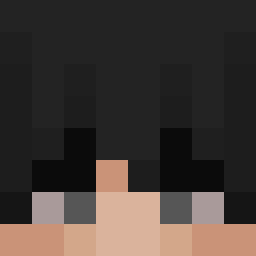 XENIAD TrevorJ arturbro123456 EunWooSeo Kisayy momentum27 AlbiKing 11cien diyozaa XxHell_DragonxX FreeDaHomies lesh1kcs iMouchta Magicguy31 199Tyv krvl_fropek SSNSai xMXB_ Galemon_ PenguinStripes Ra3zoo necd XO_nightmare_XO Koyuki53 Sahimon Grabeczekk disputedXtroop Eywny zf3lixx Thenano5000 GabF2270 KouoK ItsMattLee GrafiXtr Arktinen Giga_monkeyman Nikrolas06 janekq 2Schuelersprecha Huzzyn_ hanwen523 Walterlovemilk JegiPlays serbanq Nemanek16 KleinDarki ocql Aikabang TheLyKeR 100WLR adxians minegamer Mn1chu123 SOULAVAUwU V1p3xx
 SanXurU iLoveMenxD Tuli_pl
 EITE3939 salp_ab
How to install the GamerFirmament skin
- Press the Download button above to save the skin as a PNG file.
- Minecraft: Bedrock Edition (PE): open the Dressing Room from the main menu (or tap your character → Edit Character), go to Classic Skins → Owned, press the + (new skin) button, choose the downloaded PNG and pick the Slim (Alex) model. Works on PC and mobile; consoles cannot import custom skins.
- Minecraft: Java Edition: open the Minecraft Launcher, go to the Skins tab, click New Skin, load the PNG, pick the Slim (Alex) model and press Save & Use. You can also upload it at minecraft.net → Profile → Change Skin.
The skin does not show up after import - what should I do?
Restart Minecraft and open the Dressing Room again - imported skins sometimes appear only after a restart. Also make sure you selected the imported skin and picked the Slim (Alex) model.
Which model should I choose, Classic or Slim?
This skin is designed for the Slim (Alex) model. If you pick the wrong model, the arms of the skin will look stretched or squeezed.
Is the skin of GamerFirmament free to download?
Yes. Press Download, save the PNG file and use it in Minecraft: Bedrock Edition or Java Edition - no payment or registration needed. The skin also works on multiplayer servers and Realms.
More skins
Looking for more? Go back to all Minecraft skins and check the top skins of the week, month and all time, or find any player's skin by nickname.