
Galter_V - Minecraft Skins & Skin History
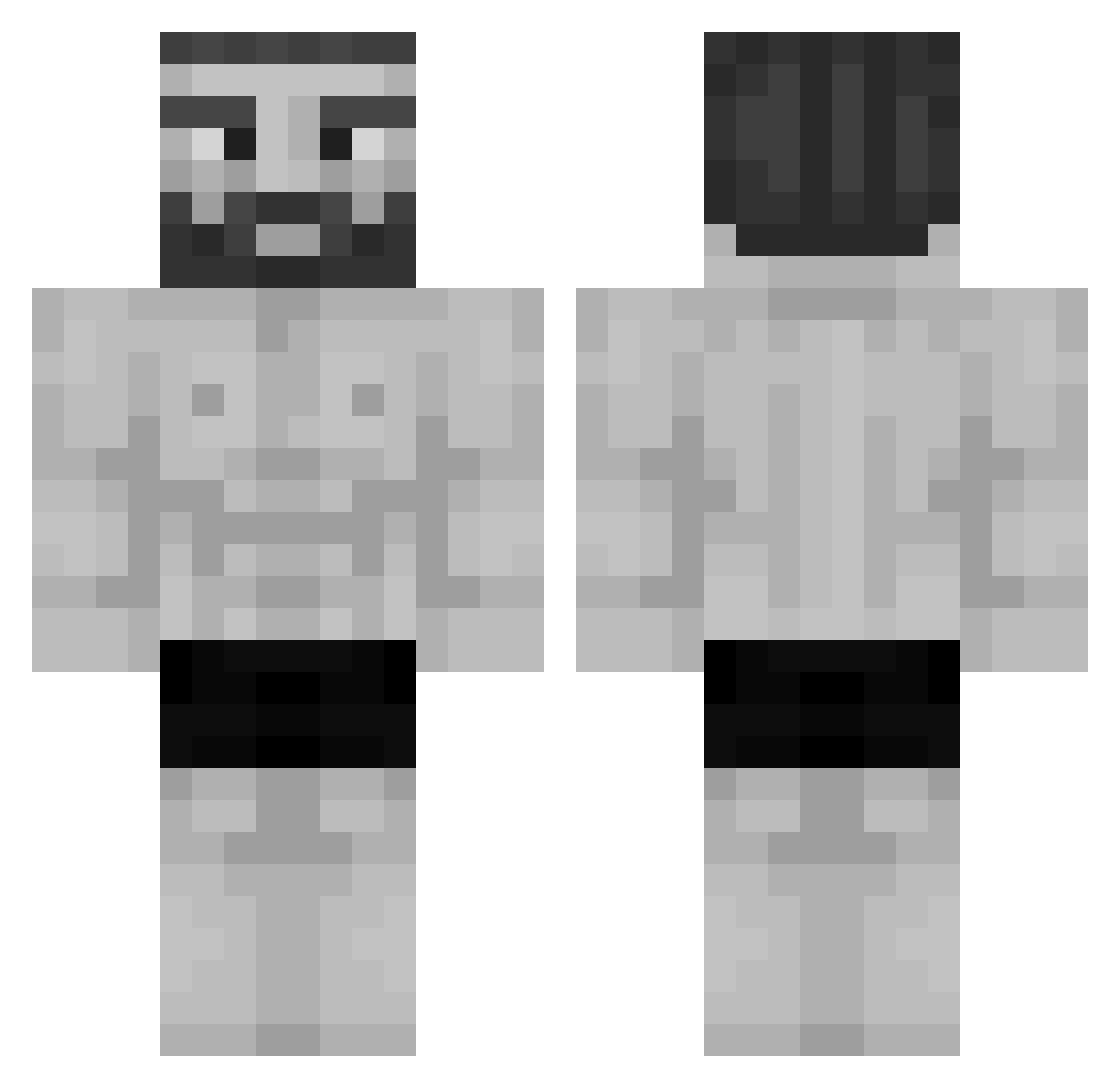
Current Minecraft skin of the player Galter_V, loaded from the official Mojang API. Rotate the 3D model with your mouse or finger, then download the skin as a PNG file and use it in Minecraft: Bedrock Edition or Java Edition for free. When Galter_V changes their skin, this page updates automatically and the old skin stays in the history below.
Other players with this skin (955)
Galter_V was the 263rd player we have seen with this skin, first spotted on 16.08.2026. The same skin was seen on these players. Open a nickname to see their current skin and skin history.
 XxNikolaBTWxX MrFlubbz filemonjg pui0920 ggmyboyy Frostedman6 It_BurnsWhenIPee ivebeenratted Burrio_ H2OG
 MasterG228 frosyx_91 PopGotSmoked SirPuky Hernansito1002 Manglin67 sadra_67403 vieljabbarabe stijnmanbro Toxbox1337 IkBenTim_ DaddyJoeBiden Jerexss23 LuckFogic Bremenkamp Child9 San04ek _TXCHRE_ Taraspernal THE_spadid Czachord Gentar1864_ G10C dog26dog WustenFuchs31 Mosiniak Endedvitae Bortol4 Fr4ncho K1DP1D JurJurps Poqmos MrDrC0Ol Jitreq MiniDzek Captain_19 EvasiveLeaf9095 WizardRana NichtNurDasHalbe LeoRufo Willibrord_ hizox2a DrCheeseStyx jajoo2021 Man_Met_Baard zNatury __Bezimienny__ purplebiel kk3nnyy ben_dinucci22
More Gigachad Minecraft skins
How to install the Galter_V skin
- Press the Download button above to save the skin as a PNG file.
- Minecraft: Bedrock Edition (PE): open the Dressing Room from the main menu (or tap your character → Edit Character), go to Classic Skins → Owned, press the + (new skin) button, choose the downloaded PNG and pick the Classic (Steve) model. Works on PC and mobile; consoles cannot import custom skins.
- Minecraft: Java Edition: open the Minecraft Launcher, go to the Skins tab, click New Skin, load the PNG, pick the Classic (Steve) model and press Save & Use. You can also upload it at minecraft.net → Profile → Change Skin.
The skin does not show up after import - what should I do?
Restart Minecraft and open the Dressing Room again - imported skins sometimes appear only after a restart. Also make sure you selected the imported skin and picked the Classic (Steve) model.
Which model should I choose, Classic or Slim?
This skin is designed for the Classic (Steve) model. If you pick the wrong model, the arms of the skin will look stretched or squeezed.
Is the skin of Galter_V free to download?
Yes. Press Download, save the PNG file and use it in Minecraft: Bedrock Edition or Java Edition - no payment or registration needed. The skin also works on multiplayer servers and Realms.
More skins
Looking for more? Go back to all Minecraft skins and check the top skins of the week, month and all time, or find any player's skin by nickname.