
Gabriel121008 - Minecraft Skins & Skin History
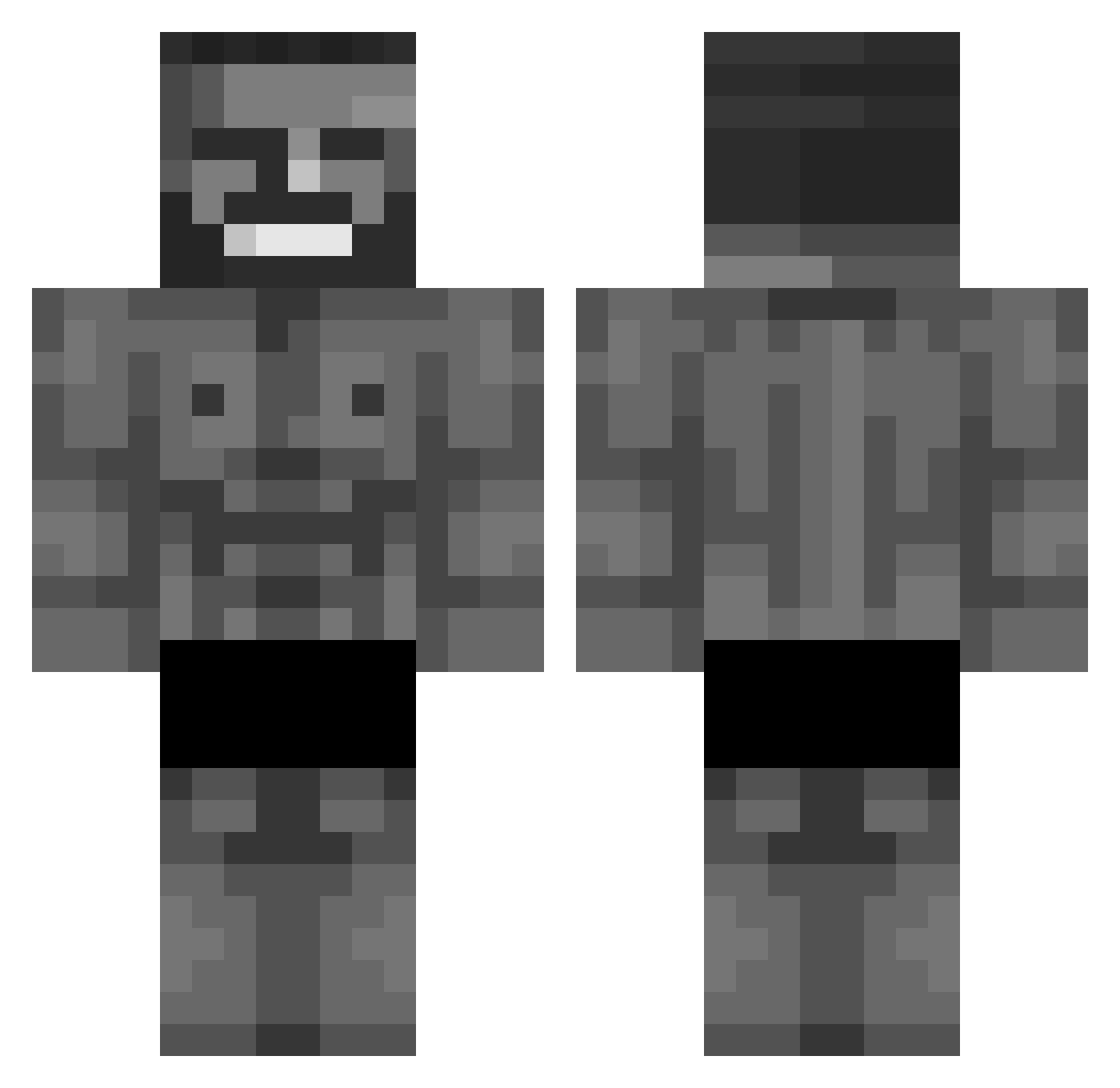
Current Minecraft skin of the player Gabriel121008, loaded from the official Mojang API. Rotate the 3D model with your mouse or finger, then download the skin as a PNG file and use it in Minecraft: Bedrock Edition or Java Edition for free. When Gabriel121008 changes their skin, this page updates automatically and the old skin stays in the history below.
Other players with this skin (768)
Gabriel121008 was the 159th player we have seen with this skin, first spotted on 13.08.2026. The same skin was seen on these players. Open a nickname to see their current skin and skin history.
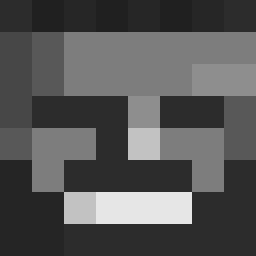 PackedMeat Hahoa017 BrotenD jjong9_ _Dobo Elgrifo spiderfire279 Sladezzz Elliott_A ReFreshxDD Frxst_5 twiz718 darvinskii EdemEdem KingNix_ pyke31 xalllly Hamza_sen cbuya Uncle_Bjorn millergo TZU_TEACHER Pyromaniac707 Mortis_Angelus Deadkartoffel Qquque PeterDerHeftige voshhh Ironpancake998 Isicko24 HugoRace4 Rommel_117 sillygoose694 Lee__Sky Arbeiderikina Fedurco1
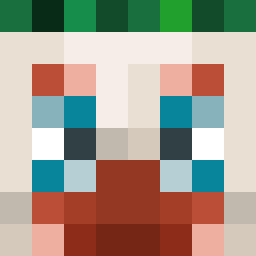 YusufEsad_2010 BIANCOprime EUNG_CHAN koreabestgochu69 H1kkq rlagjsrb nion2day Pytuch Tater_Man00 SPAZZZ68 oukkidoukki meatrag2 xXOliwierX Mikatchu9 KingOfSkyrim SYH317 MainAcetate ventscrewsarents GoYun CHANTINGWEB165M hdkg313741 KX_enjoyer
 SpaceSARU 1BillyHarington
More Gigachad Minecraft skins
How to install the Gabriel121008 skin
- Press the Download button above to save the skin as a PNG file.
- Minecraft: Bedrock Edition (PE): open the Dressing Room from the main menu (or tap your character → Edit Character), go to Classic Skins → Owned, press the + (new skin) button, choose the downloaded PNG and pick the Classic (Steve) model. Works on PC and mobile; consoles cannot import custom skins.
- Minecraft: Java Edition: open the Minecraft Launcher, go to the Skins tab, click New Skin, load the PNG, pick the Classic (Steve) model and press Save & Use. You can also upload it at minecraft.net → Profile → Change Skin.
The skin does not show up after import - what should I do?
Restart Minecraft and open the Dressing Room again - imported skins sometimes appear only after a restart. Also make sure you selected the imported skin and picked the Classic (Steve) model.
Which model should I choose, Classic or Slim?
This skin is designed for the Classic (Steve) model. If you pick the wrong model, the arms of the skin will look stretched or squeezed.
Is the skin of Gabriel121008 free to download?
Yes. Press Download, save the PNG file and use it in Minecraft: Bedrock Edition or Java Edition - no payment or registration needed. The skin also works on multiplayer servers and Realms.
More skins
Looking for more? Go back to all Minecraft skins and check the top skins of the week, month and all time, or find any player's skin by nickname.