
GReekGeek27 - Minecraft Skins & Skin History
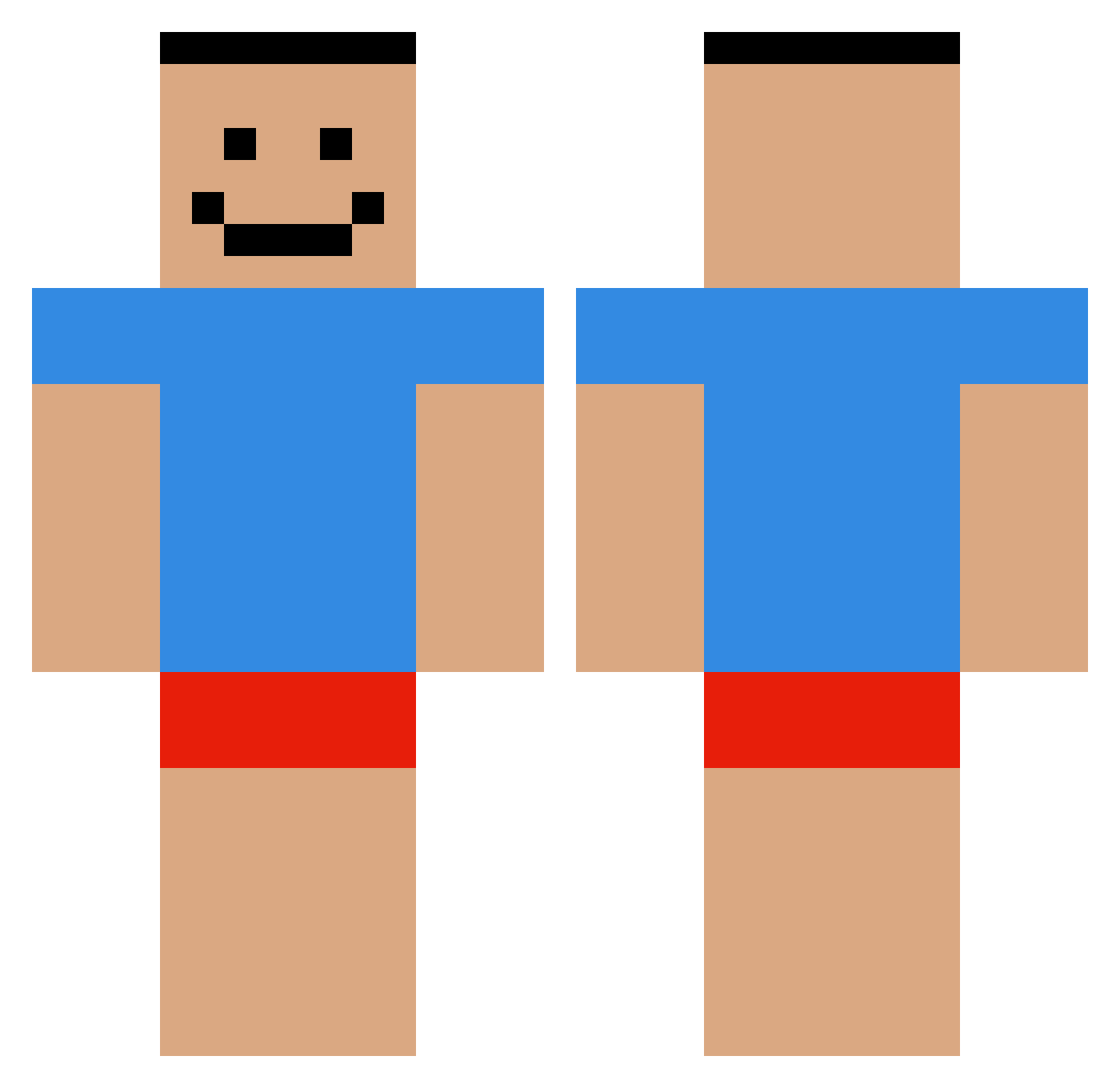
Current Minecraft skin of the player GReekGeek27, loaded from the official Mojang API. Rotate the 3D model with your mouse or finger, then download the skin as a PNG file and use it in Minecraft: Bedrock Edition or Java Edition for free. When GReekGeek27 changes their skin, this page updates automatically and the old skin stays in the history below.
Other players with this skin (551)
GReekGeek27 was the 135th player we have seen with this skin, first spotted on 19.08.2026. The same skin was seen on these players. Open a nickname to see their current skin and skin history.
 Bluza Maroro2 MrsUltraLezbi Reliuxx caqo heeday dbaglon junwon2_ Sjuly mc_pvp_isGood Peacekeepings branman475 5builders5tools SugarierEnd SoggyPantss SsMkh Haribo93 funny_croissant Barkettee MrBenno howdadogdoin setiest DevJumbo EttanXd TheBryanator Lukavicen NinthLyfe_ WaterCrayons Raz8457 Vespucchii shishass xKrymmzon NoClothes pi0run_ Nebbla LZVBMJ minugi parametrically Doraji__Muchim AUFS_MAUL_WURF23 lu_choto Thebestmeep07 EnderReaper64 Snow1q 1tickz Nololand Pupaphobia Jaakup IAmCheese2 Ch1ckenP4ddy Obama_Prism SaggyShlong AlmostEasy Juneny allakland 2Head18 UrLilNig Tuta01 000O000O000O KnusperKeks001
How to install the GReekGeek27 skin
- Press the Download button above to save the skin as a PNG file.
- Minecraft: Bedrock Edition (PE): open the Dressing Room from the main menu (or tap your character → Edit Character), go to Classic Skins → Owned, press the + (new skin) button, choose the downloaded PNG and pick the Classic (Steve) model. Works on PC and mobile; consoles cannot import custom skins.
- Minecraft: Java Edition: open the Minecraft Launcher, go to the Skins tab, click New Skin, load the PNG, pick the Classic (Steve) model and press Save & Use. You can also upload it at minecraft.net → Profile → Change Skin.
The skin does not show up after import - what should I do?
Restart Minecraft and open the Dressing Room again - imported skins sometimes appear only after a restart. Also make sure you selected the imported skin and picked the Classic (Steve) model.
Which model should I choose, Classic or Slim?
This skin is designed for the Classic (Steve) model. If you pick the wrong model, the arms of the skin will look stretched or squeezed.
Is the skin of GReekGeek27 free to download?
Yes. Press Download, save the PNG file and use it in Minecraft: Bedrock Edition or Java Edition - no payment or registration needed. The skin also works on multiplayer servers and Realms.
More skins
Looking for more? Go back to all Minecraft skins and check the top skins of the week, month and all time, or find any player's skin by nickname.