
GG_Wolf - Minecraft Skins & Skin History
Current Minecraft skin of the player GG_Wolf, loaded from the official Mojang API. Rotate the 3D model with your mouse or finger, then download the skin as a PNG file and use it in Minecraft: Bedrock Edition or Java Edition for free. When GG_Wolf changes their skin, this page updates automatically and the old skin stays in the history below.
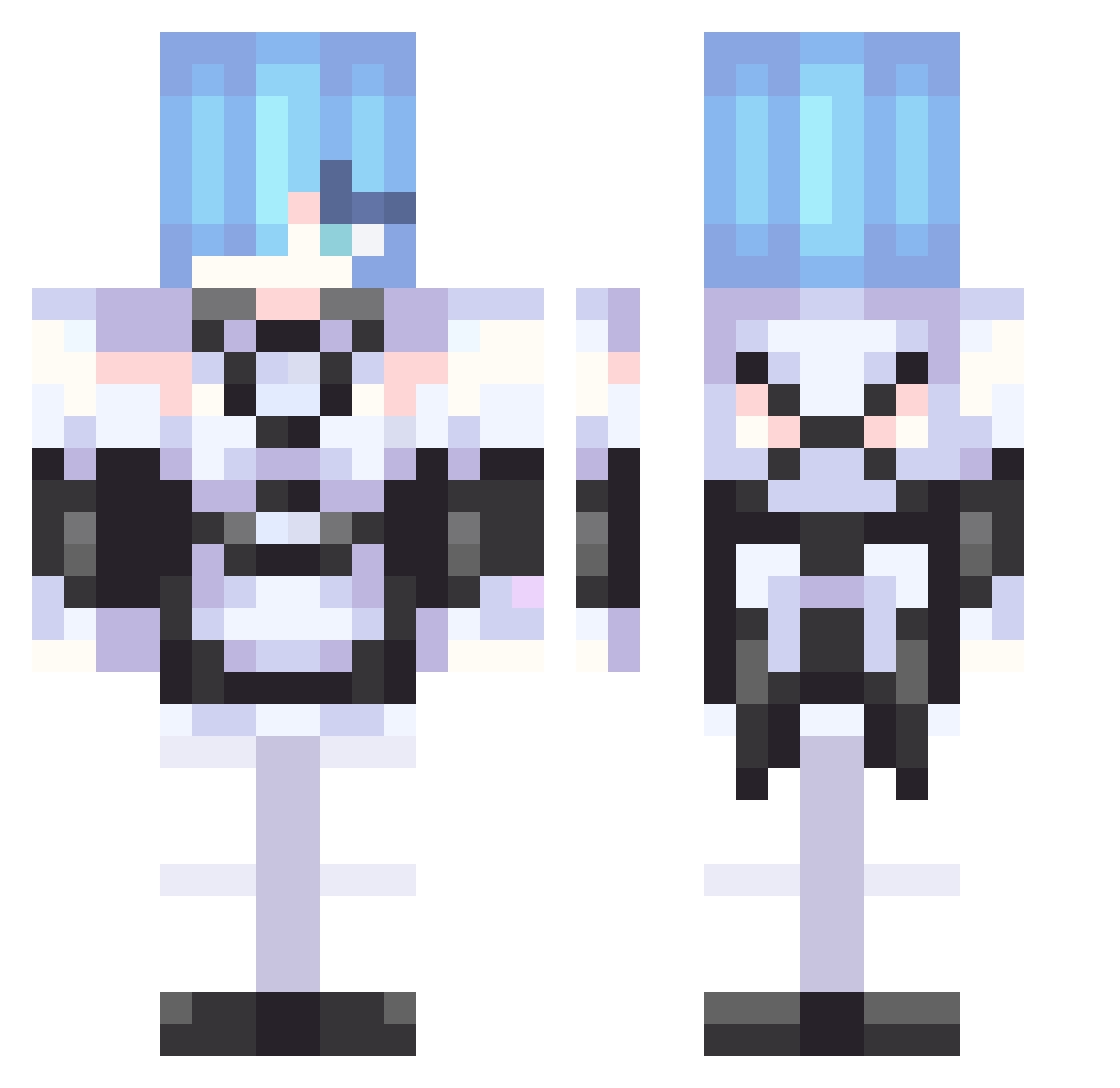
Other players with this skin (306)
GG_Wolf was the 27th player we have seen with this skin, first spotted on 02.08.2026. The same skin was seen on these players. Open a nickname to see their current skin and skin history.
 xX_Hydra_Pro_Xx Slwattar4 kms303 rai0608
 meu_ovo022
 xMedias mam8out
 vkumv JustRhys04 kola1996 EngrishuPerfecto DGSesom Chen_HX Purrfect_uwu Jezza200 Chechesson TheStrokeMaster blacatle THE_ENDER_BOY37 Sstoico YushLiangTai AwareRug2270113 jrward98 CrystalLink__ ShanDong_GOD goodredbo CheekyToad296 eeVee_on N0Rem Elmercenario20 AnTifessK Revopix Incinadude LKYjimmy MefhH__
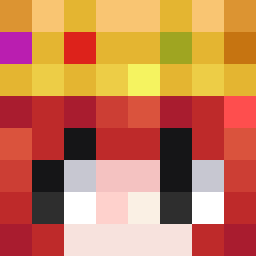 holri ken312 DrMonkeyMaster sangyeong_ Kaftire
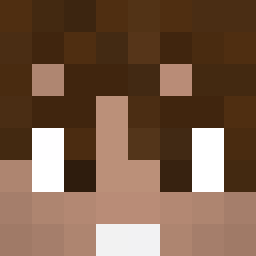 Midyearn
 Stidarr Face_Ramu Zuhbro Flip228Flaps KSI_Downs sebastian_909 KemySarashina Saplling pivnoi_slender lee0316 PatatesJojuk Yosoiu N3RUzzz Eg0one PedroVazquezax Brownbaddie Zerafens Nixxel228 simpleRem
More Rem Minecraft skins
How to install the GG_Wolf skin
- Press the Download button above to save the skin as a PNG file.
- Minecraft: Bedrock Edition (PE): open the Dressing Room from the main menu (or tap your character → Edit Character), go to Classic Skins → Owned, press the + (new skin) button, choose the downloaded PNG and pick the Classic (Steve) model. Works on PC and mobile; consoles cannot import custom skins.
- Minecraft: Java Edition: open the Minecraft Launcher, go to the Skins tab, click New Skin, load the PNG, pick the Classic (Steve) model and press Save & Use. You can also upload it at minecraft.net → Profile → Change Skin.
The skin does not show up after import - what should I do?
Restart Minecraft and open the Dressing Room again - imported skins sometimes appear only after a restart. Also make sure you selected the imported skin and picked the Classic (Steve) model.
Which model should I choose, Classic or Slim?
This skin is designed for the Classic (Steve) model. If you pick the wrong model, the arms of the skin will look stretched or squeezed.
Is the skin of GG_Wolf free to download?
Yes. Press Download, save the PNG file and use it in Minecraft: Bedrock Edition or Java Edition - no payment or registration needed. The skin also works on multiplayer servers and Realms.
More skins
Looking for more? Go back to all Minecraft skins and check the top skins of the week, month and all time, or find any player's skin by nickname.