
GG_SinG - Minecraft Skins & Skin History
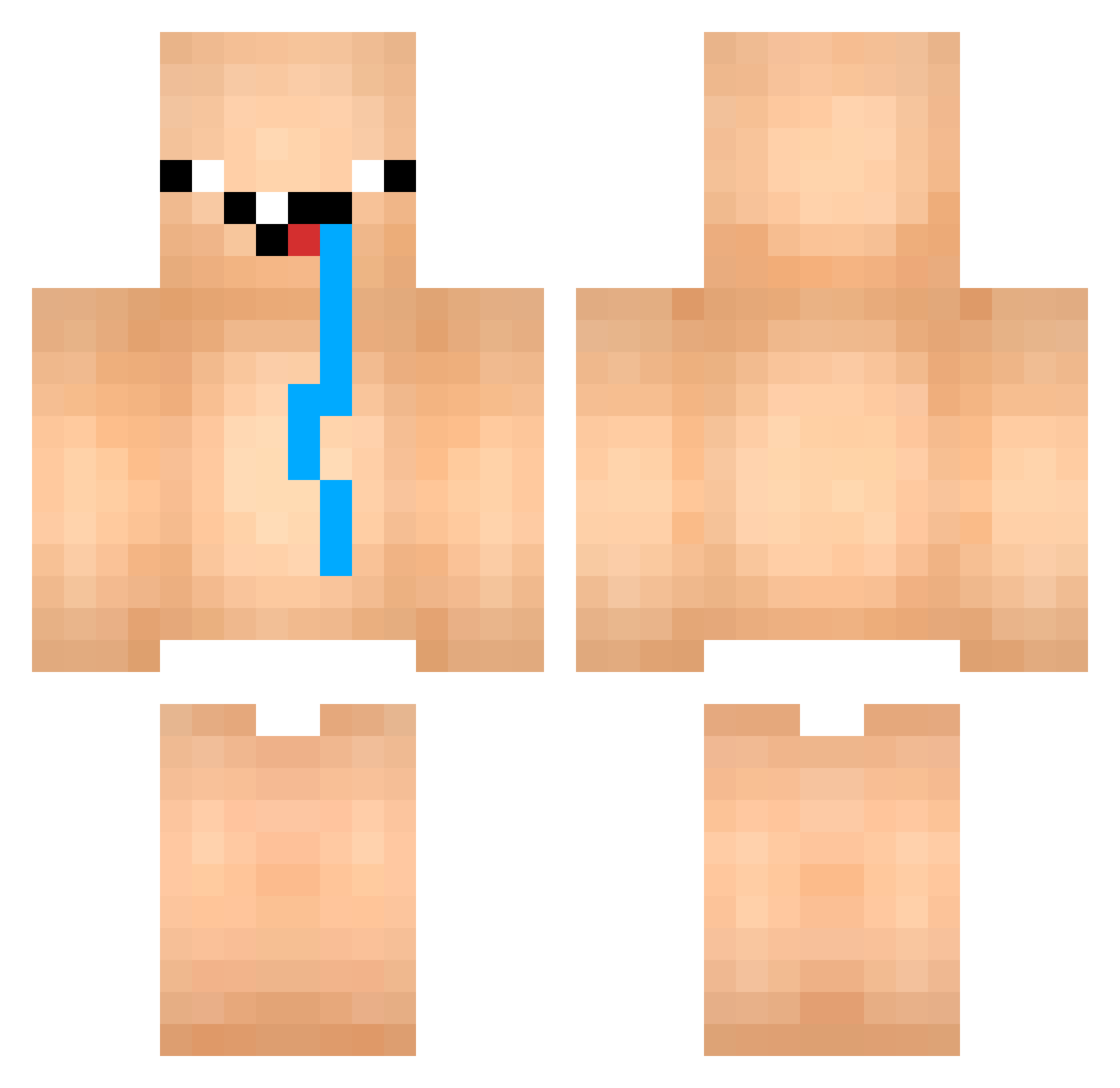
Current Minecraft skin of the player GG_SinG, loaded from the official Mojang API. Rotate the 3D model with your mouse or finger, then download the skin as a PNG file and use it in Minecraft: Bedrock Edition or Java Edition for free. When GG_SinG changes their skin, this page updates automatically and the old skin stays in the history below.
Other players with this skin (849)
GG_SinG was the 752nd player we have seen with this skin, first spotted on 20.10.2026. The same skin was seen on these players. Open a nickname to see their current skin and skin history.
 hjhandsome _Fars ur_mommm Agilator ol4q Tsukkomi0623 Bubboo1 kk945 wengiel779 ZhongLong WTP_SSUN creative_boy537 VINI_01 GOD124 JS_Kirby daniel4152 LorDazed _R0B0T3K_ Nahuitos Trixzie_ kqrine3 Valentinoob KittenSlayer67 Happyharald Slishy thesnipercogan lhs315 RJRaider7472 m2c_bsk25 Adamshawn10 CASH_IS_KING RLLDE Golub69_ NB10010 Big_JanBoy LucasMilker exekarol123 Bili0412 jxbko2137 CantordeFUNK Robinhofuraveia oscardow ThanhDatt_VN AllBatarDxV logic982 d7o0o0my Cupnoodle19 Yo_sSoY DracoX93 princeofscale777 AcePaTeeWat idoub7 BabyBender kimuski101 HAKKAMAN_525 happy1218asd whateber_man J0rgeLP Josh34435 GoatRL
More Diaper Minecraft skins
How to install the GG_SinG skin
- Press the Download button above to save the skin as a PNG file.
- Minecraft: Bedrock Edition (PE): open the Dressing Room from the main menu (or tap your character → Edit Character), go to Classic Skins → Owned, press the + (new skin) button, choose the downloaded PNG and pick the Classic (Steve) model. Works on PC and mobile; consoles cannot import custom skins.
- Minecraft: Java Edition: open the Minecraft Launcher, go to the Skins tab, click New Skin, load the PNG, pick the Classic (Steve) model and press Save & Use. You can also upload it at minecraft.net → Profile → Change Skin.
The skin does not show up after import - what should I do?
Restart Minecraft and open the Dressing Room again - imported skins sometimes appear only after a restart. Also make sure you selected the imported skin and picked the Classic (Steve) model.
Which model should I choose, Classic or Slim?
This skin is designed for the Classic (Steve) model. If you pick the wrong model, the arms of the skin will look stretched or squeezed.
Is the skin of GG_SinG free to download?
Yes. Press Download, save the PNG file and use it in Minecraft: Bedrock Edition or Java Edition - no payment or registration needed. The skin also works on multiplayer servers and Realms.
More skins
Looking for more? Go back to all Minecraft skins and check the top skins of the week, month and all time, or find any player's skin by nickname.