
FungalFreak - Minecraft Skins & Skin History
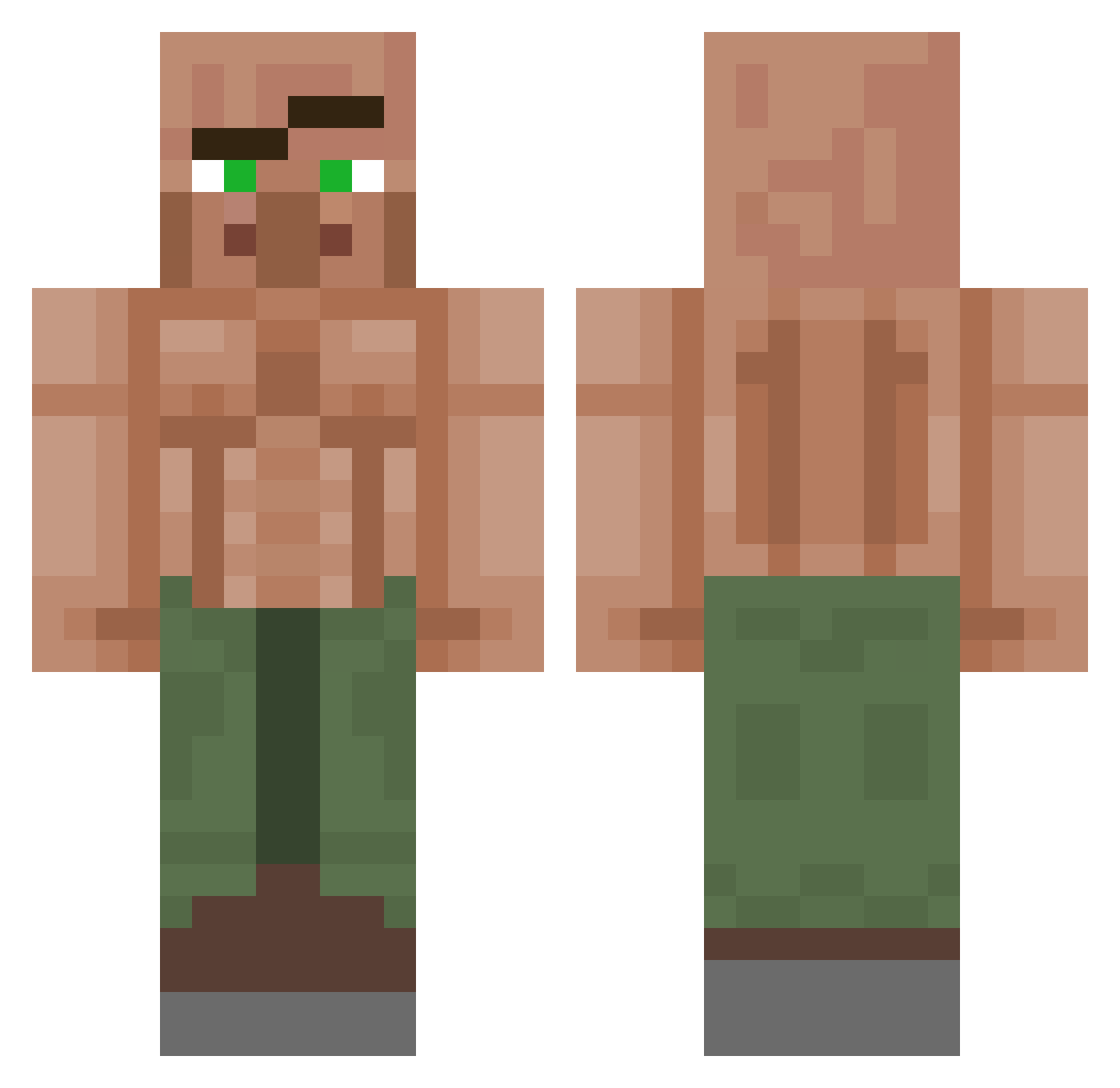
Current Minecraft skin of the player FungalFreak, loaded from the official Mojang API. Rotate the 3D model with your mouse or finger, then download the skin as a PNG file and use it in Minecraft: Bedrock Edition or Java Edition for free. When FungalFreak changes their skin, this page updates automatically and the old skin stays in the history below.
Other players with this skin (1151)
FungalFreak was the 909th player we have seen with this skin, first spotted on 14.10.2026. The same skin was seen on these players. Open a nickname to see their current skin and skin history.
 Sutor7 Goatgotballs elbichosiuu7uuuu Peruna_Pena xioeee bulke Dave200309 sherbob12 zhang_tian_ba Logananagol moiseskibidirizz TR33SUS_CHRIST AmbushTime 3dgelord69 Enox133 taeber23 AnThuc4skin Princeboys1987 Kwiat0 KC_Sloom hirumontilla Firesley Wilkroc Yite TheBombi23 svobji00 BatteryGoat MR_wiscat Ll_0H DadaVaio minium_ daecky Leviek dredoes seaowl0504 vxck_00 Penguun Smooch Weemarko PrivatePoof Caster02 Makdaye spookyGhost3000 ThyCrazyMonkey callbob Colbert01 PonchoFMarini TrollOgre M4XI93 wanchopeII h3xyTV bigcool Teraner007 Ato1234 R0ckerboyohio LordPhoenix342 Jonas_Fendt hvaertc DogPenguin123 GigaNoffty
More Buff Villager Minecraft skins
See all 40 Buff Villager skins
How to install the FungalFreak skin
- Press the Download button above to save the skin as a PNG file.
- Minecraft: Bedrock Edition (PE): open the Dressing Room from the main menu (or tap your character → Edit Character), go to Classic Skins → Owned, press the + (new skin) button, choose the downloaded PNG and pick the Classic (Steve) model. Works on PC and mobile; consoles cannot import custom skins.
- Minecraft: Java Edition: open the Minecraft Launcher, go to the Skins tab, click New Skin, load the PNG, pick the Classic (Steve) model and press Save & Use. You can also upload it at minecraft.net → Profile → Change Skin.
The skin does not show up after import - what should I do?
Restart Minecraft and open the Dressing Room again - imported skins sometimes appear only after a restart. Also make sure you selected the imported skin and picked the Classic (Steve) model.
Which model should I choose, Classic or Slim?
This skin is designed for the Classic (Steve) model. If you pick the wrong model, the arms of the skin will look stretched or squeezed.
Is the skin of FungalFreak free to download?
Yes. Press Download, save the PNG file and use it in Minecraft: Bedrock Edition or Java Edition - no payment or registration needed. The skin also works on multiplayer servers and Realms.
More skins
Looking for more? Go back to all Minecraft skins and check the top skins of the week, month and all time, or find any player's skin by nickname.