
FroskoPlayer - Minecraft Skins & Skin History
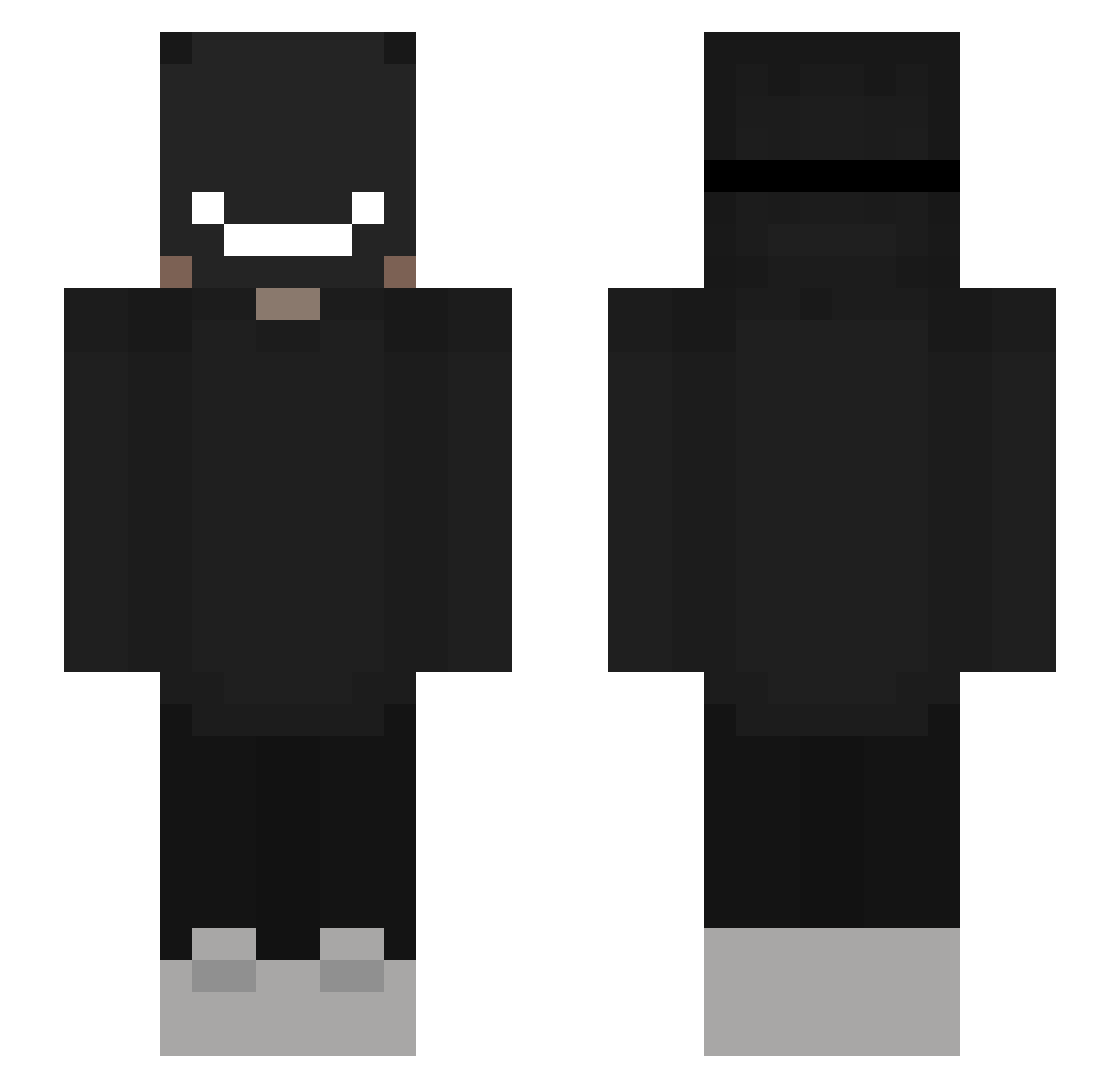
Current Minecraft skin of the player FroskoPlayer, loaded from the official Mojang API. Rotate the 3D model with your mouse or finger, then download the skin as a PNG file and use it in Minecraft: Bedrock Edition or Java Edition for free. When FroskoPlayer changes their skin, this page updates automatically and the old skin stays in the history below.
Other players with this skin (310)
FroskoPlayer was the 267th player we have seen with this skin, first spotted on 19.10.2026. The same skin was seen on these players. Open a nickname to see their current skin and skin history.
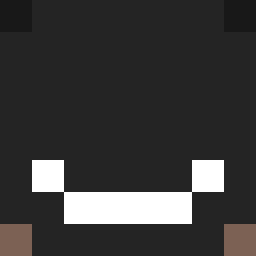 Late629 MaxCristianG Raosen mcuoco87 Instinctxzyy MARTENDO zoziller kxlling STYLSKI Radar6510 ItsAnteMC Sxv7 Aboowwww BLaZe_NEWT iwan666 tonytheraptor SilverGoldSky MachZatthews AKS_Dasher tinysacks THRPXA FoxyFire88 FlamingWolf1797 _Temari FumeInfinity seistill ycc_bing svanya2015 Hal0u DarkGMPY Sylaxe Smellymandrake TobiasWell SleppSheep Jqns_ OhMyWebbDj MishFelix FEMBOYAMNESIAC Kilii FrozenBebou cyrotexbruh DE_cypi szkodnik_napewno gaxster182 adambiki790 GamerCA DaRkGlooTS 17gram Avocado420__ MrSyro StrilimCerny fralama08 fakeNISMO Monstr1kk Arcmin Professor16 FreeLee0417 Xela0824 ardox_fr UnKnownXgor
More Badboyhalo Minecraft skins
How to install the FroskoPlayer skin
- Press the Download button above to save the skin as a PNG file.
- Minecraft: Bedrock Edition (PE): open the Dressing Room from the main menu (or tap your character → Edit Character), go to Classic Skins → Owned, press the + (new skin) button, choose the downloaded PNG and pick the Slim (Alex) model. Works on PC and mobile; consoles cannot import custom skins.
- Minecraft: Java Edition: open the Minecraft Launcher, go to the Skins tab, click New Skin, load the PNG, pick the Slim (Alex) model and press Save & Use. You can also upload it at minecraft.net → Profile → Change Skin.
The skin does not show up after import - what should I do?
Restart Minecraft and open the Dressing Room again - imported skins sometimes appear only after a restart. Also make sure you selected the imported skin and picked the Slim (Alex) model.
Which model should I choose, Classic or Slim?
This skin is designed for the Slim (Alex) model. If you pick the wrong model, the arms of the skin will look stretched or squeezed.
Is the skin of FroskoPlayer free to download?
Yes. Press Download, save the PNG file and use it in Minecraft: Bedrock Edition or Java Edition - no payment or registration needed. The skin also works on multiplayer servers and Realms.
More skins
Looking for more? Go back to all Minecraft skins and check the top skins of the week, month and all time, or find any player's skin by nickname.