
Francoo26 - Minecraft Skins & Skin History
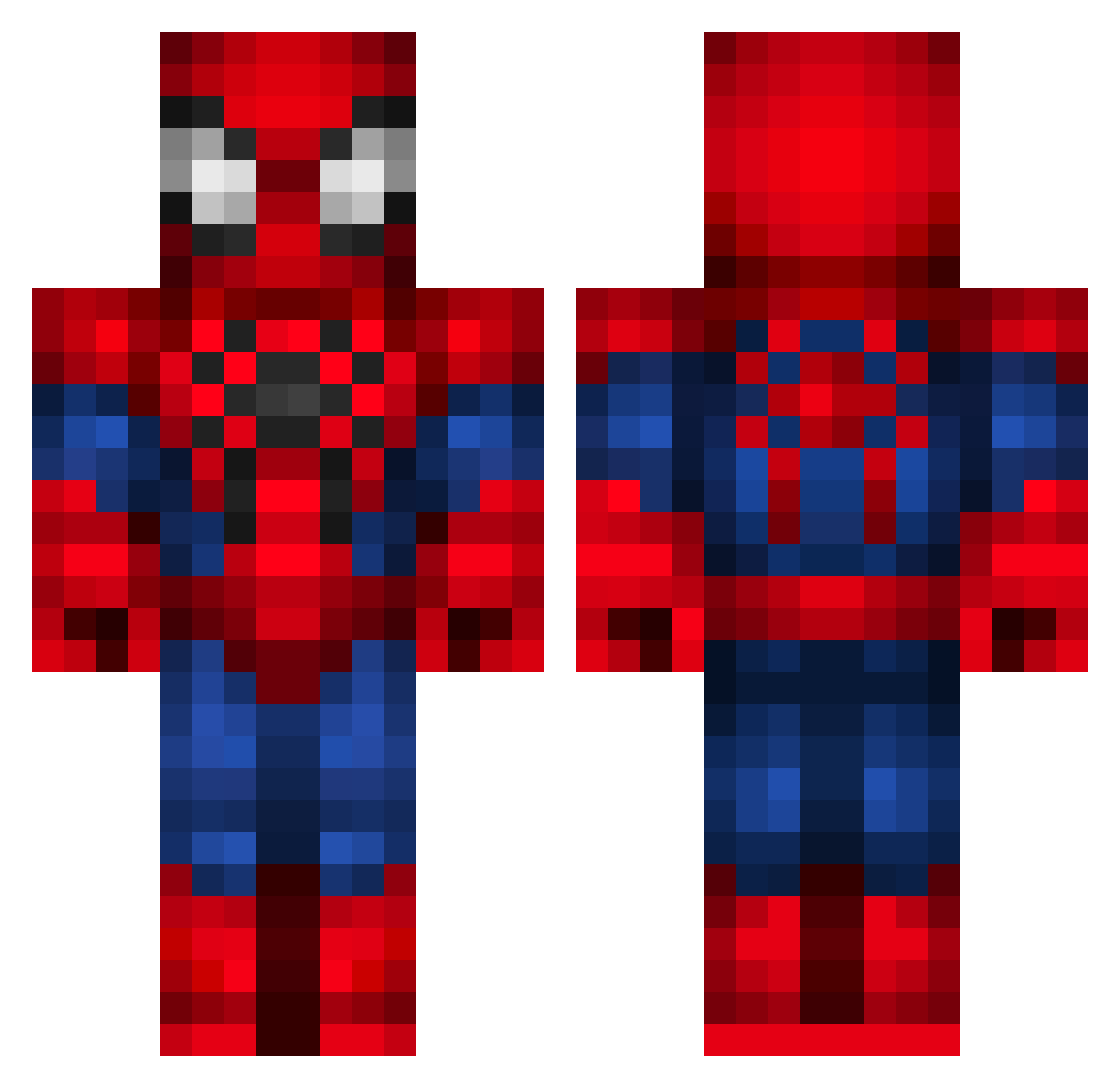
Current Minecraft skin of the player Francoo26, loaded from the official Mojang API. Rotate the 3D model with your mouse or finger, then download the skin as a PNG file and use it in Minecraft: Bedrock Edition or Java Edition for free. When Francoo26 changes their skin, this page updates automatically and the old skin stays in the history below.
Other players with this skin (294)
Francoo26 was the 41st player we have seen with this skin, first spotted on 06.08.2026. The same skin was seen on these players. Open a nickname to see their current skin and skin history.
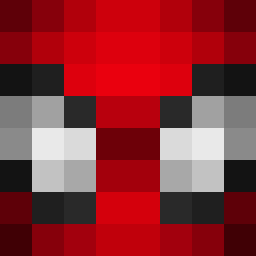 Megan04 Coolkidlgb Vikeira22 TeDanet chaengbear Sxydro1 jungdohun1234 cimbrus its_j4rl alexandre_kalel V4A4 dwei0823 Bissfraz Vini_Andrade MissBanaha
 Steakize Lucky_dice040 Samanthagloria RickyXPr Quoniel CrazyLazy369 Jorge_26 Zeebomancer JonLuisKzx SalithMeav dr3ssedasabanana Loyd9x HOMEARANHA Minebuilder18706 AL1Z10 xx91 Erickinhu Nocturgame FuriaDeDragon25 ENDERMITO2011 agusdenza99 agus015 Nikito_ComXD LuccaAbdon JuJupung PUNGARN69 gogreen46
 QFloop KaliNa5413 Mingoni EmirhanSerin290 fredrommer kakinotane34 18kubus v13nesh X_anne_X RodrigoPsycho Maj2dd Qwiktrip kevin61414 Ben_Spiderman V4d3rX LeonardoMS JuanPlex MAZSING
More Spider-Man Minecraft skins
How to install the Francoo26 skin
- Press the Download button above to save the skin as a PNG file.
- Minecraft: Bedrock Edition (PE): open the Dressing Room from the main menu (or tap your character → Edit Character), go to Classic Skins → Owned, press the + (new skin) button, choose the downloaded PNG and pick the Classic (Steve) model. Works on PC and mobile; consoles cannot import custom skins.
- Minecraft: Java Edition: open the Minecraft Launcher, go to the Skins tab, click New Skin, load the PNG, pick the Classic (Steve) model and press Save & Use. You can also upload it at minecraft.net → Profile → Change Skin.
The skin does not show up after import - what should I do?
Restart Minecraft and open the Dressing Room again - imported skins sometimes appear only after a restart. Also make sure you selected the imported skin and picked the Classic (Steve) model.
Which model should I choose, Classic or Slim?
This skin is designed for the Classic (Steve) model. If you pick the wrong model, the arms of the skin will look stretched or squeezed.
Is the skin of Francoo26 free to download?
Yes. Press Download, save the PNG file and use it in Minecraft: Bedrock Edition or Java Edition - no payment or registration needed. The skin also works on multiplayer servers and Realms.
More skins
Looking for more? Go back to all Minecraft skins and check the top skins of the week, month and all time, or find any player's skin by nickname.