
Francis_Ponge - Minecraft Skins & Skin History
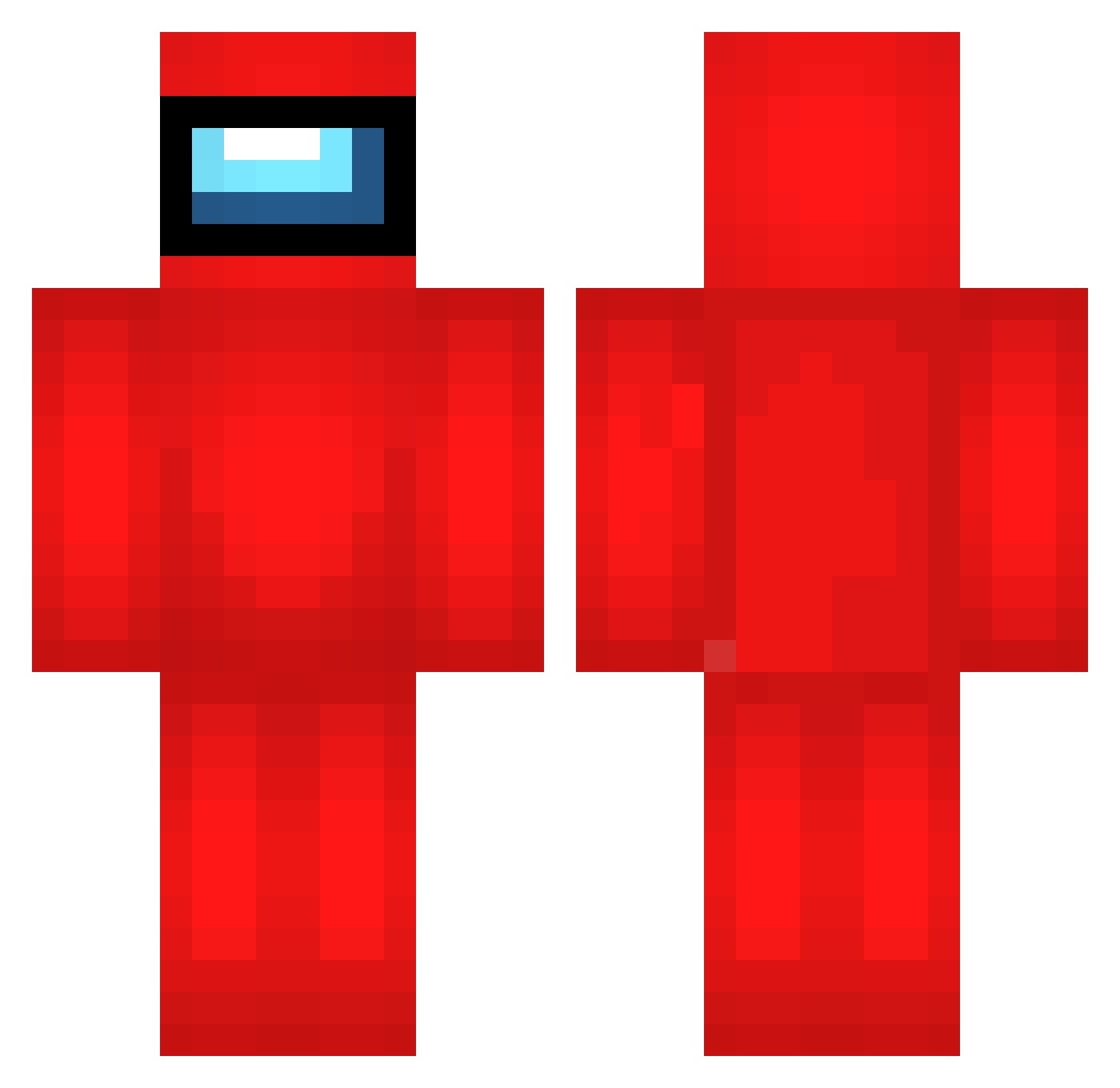
Current Minecraft skin of the player Francis_Ponge, loaded from the official Mojang API. Rotate the 3D model with your mouse or finger, then download the skin as a PNG file and use it in Minecraft: Bedrock Edition or Java Edition for free. When Francis_Ponge changes their skin, this page updates automatically and the old skin stays in the history below.
Other players with this skin (692)
Francis_Ponge was the 681st player we have seen with this skin, first spotted on 03.11.2026. The same skin was seen on these players. Open a nickname to see their current skin and skin history.
 wEm799 VbL26 PDl966 FloAzul pKD387 kBi14 opM405 WunderNugget2 LG100 ORe322 bNz240 Bjv443 handygrain ovN101 ulanygrubas XNG604 ixg228 MatheusAlgumaCoi NaM759 bSh820 vBk410 wLX295 tsV391 EFj609 pelipoika1 Excited_Squab gdE55 claudio_gamer Evy961 CMl984 NNo496 hBr247 Braxen1535 VvL130 Weenormike nyv947 RYO938 qJT571 uGb211 Slnuta DOD202 OKa919 Riceboi316 sussy_waltuh cQN14 tQR419 kfi686 QQX87 OHQ431 zvxxvvxvmx LpT866 CooJayKills iZw913 Kxe200 dPX593 QhY116 HKS418 AHe321 EmCoR15 KxE620
More Crewmate Minecraft skins
How to install the Francis_Ponge skin
- Press the Download button above to save the skin as a PNG file.
- Minecraft: Bedrock Edition (PE): open the Dressing Room from the main menu (or tap your character → Edit Character), go to Classic Skins → Owned, press the + (new skin) button, choose the downloaded PNG and pick the Classic (Steve) model. Works on PC and mobile; consoles cannot import custom skins.
- Minecraft: Java Edition: open the Minecraft Launcher, go to the Skins tab, click New Skin, load the PNG, pick the Classic (Steve) model and press Save & Use. You can also upload it at minecraft.net → Profile → Change Skin.
The skin does not show up after import - what should I do?
Restart Minecraft and open the Dressing Room again - imported skins sometimes appear only after a restart. Also make sure you selected the imported skin and picked the Classic (Steve) model.
Which model should I choose, Classic or Slim?
This skin is designed for the Classic (Steve) model. If you pick the wrong model, the arms of the skin will look stretched or squeezed.
Is the skin of Francis_Ponge free to download?
Yes. Press Download, save the PNG file and use it in Minecraft: Bedrock Edition or Java Edition - no payment or registration needed. The skin also works on multiplayer servers and Realms.
More skins
Looking for more? Go back to all Minecraft skins and check the top skins of the week, month and all time, or find any player's skin by nickname.