
FourZ_E - Minecraft Skins & Skin History
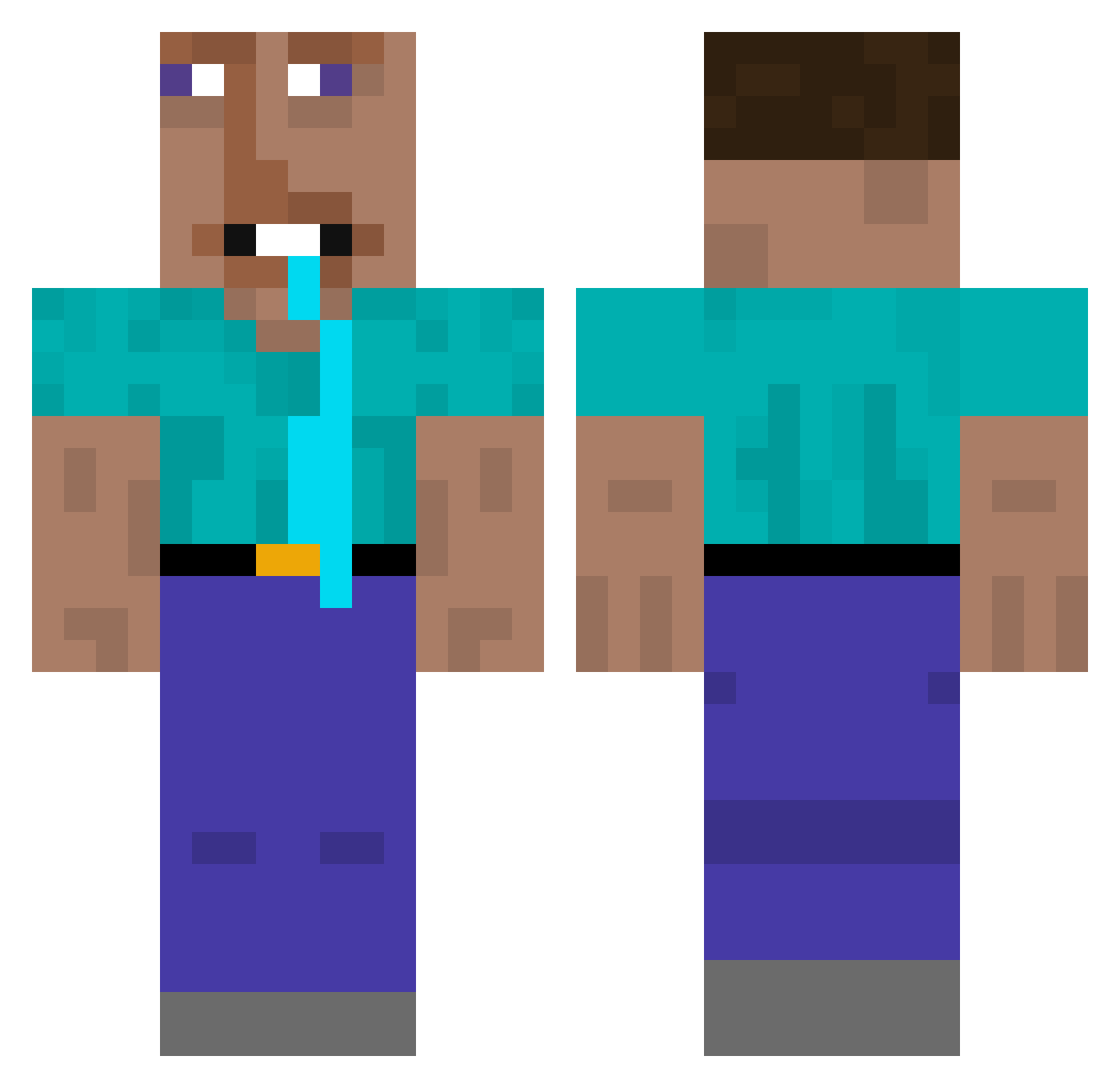
Current Minecraft skin of the player FourZ_E, loaded from the official Mojang API. Rotate the 3D model with your mouse or finger, then download the skin as a PNG file and use it in Minecraft: Bedrock Edition or Java Edition for free. When FourZ_E changes their skin, this page updates automatically and the old skin stays in the history below.
Other players with this skin (348)
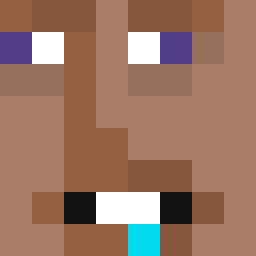
FourZ_E was the 58th player we have seen with this skin, first spotted on 11.08.2026. The same skin was seen on these players. Open a nickname to see their current skin and skin history.
 Fstle feffogohard veshca Killaas
 FrKeksik zhuibaiA Alpha_Legion1 LikeHow niconike9 Espade Tmackobedrose aaatm Faded272 LorysLaPisse Jpballard1 EthenGamer2011 Faderson Pi1o ESL_Death MalleBalleManden William13087 PeterWill14 zhyz333
 ReaperJump MichaelLeahcimm Kaptain310 LactoseEnjoyer23 Camfora
 Dryniu20 F3N4ik
 AlexPogo185 IloveMathieu AKACHANxRYE ItsWapz _Floo__ ClassicRobert
 zioscarafaggio30 Pasteldiflango eltegalaxy SUNEKIT_ EssigSalat69 Gary836 fada4955 zeeeerrrr iBonked Obitoo15 mold141 ZnielK Birddddddddd
 HugeBanana21 _gaowan csimpi1 goofyahhballs nibiz69 Yeeterson27 Vq0vq CottonFarmer6969 tianqiyee Squirtzyy FrouzDee
More Drooling Minecraft skins
How to install the FourZ_E skin
- Press the Download button above to save the skin as a PNG file.
- Minecraft: Bedrock Edition (PE): open the Dressing Room from the main menu (or tap your character → Edit Character), go to Classic Skins → Owned, press the + (new skin) button, choose the downloaded PNG and pick the Classic (Steve) model. Works on PC and mobile; consoles cannot import custom skins.
- Minecraft: Java Edition: open the Minecraft Launcher, go to the Skins tab, click New Skin, load the PNG, pick the Classic (Steve) model and press Save & Use. You can also upload it at minecraft.net → Profile → Change Skin.
The skin does not show up after import - what should I do?
Restart Minecraft and open the Dressing Room again - imported skins sometimes appear only after a restart. Also make sure you selected the imported skin and picked the Classic (Steve) model.
Which model should I choose, Classic or Slim?
This skin is designed for the Classic (Steve) model. If you pick the wrong model, the arms of the skin will look stretched or squeezed.
Is the skin of FourZ_E free to download?
Yes. Press Download, save the PNG file and use it in Minecraft: Bedrock Edition or Java Edition - no payment or registration needed. The skin also works on multiplayer servers and Realms.
More skins
Looking for more? Go back to all Minecraft skins and check the top skins of the week, month and all time, or find any player's skin by nickname.